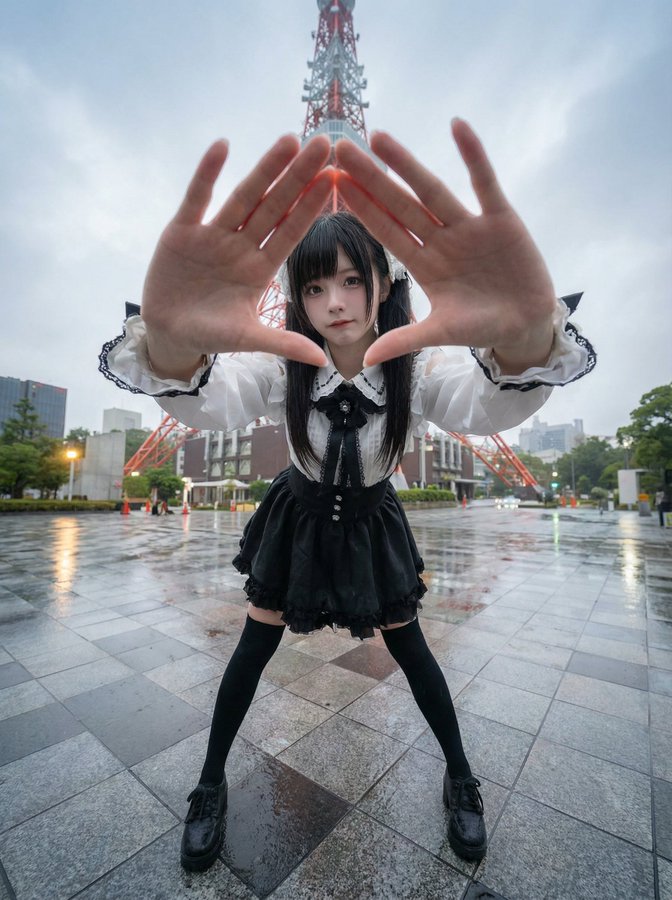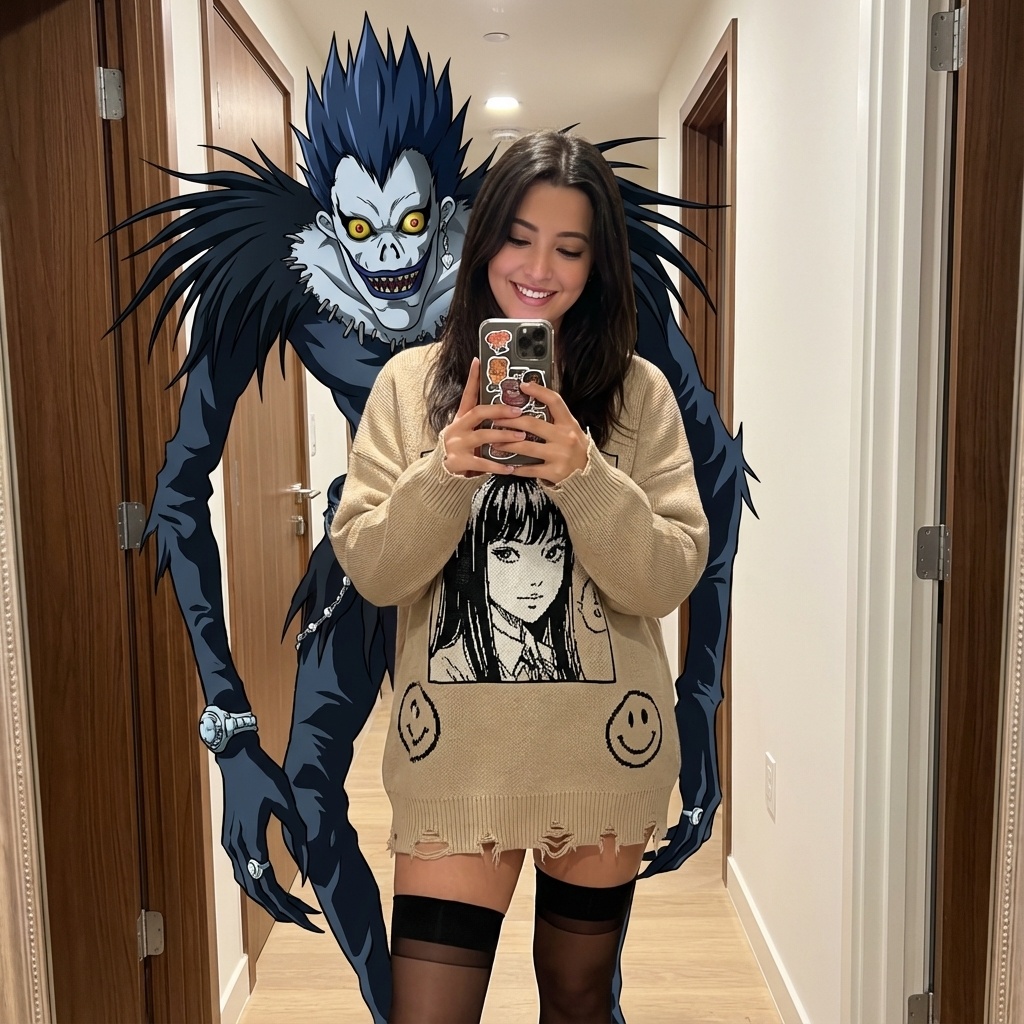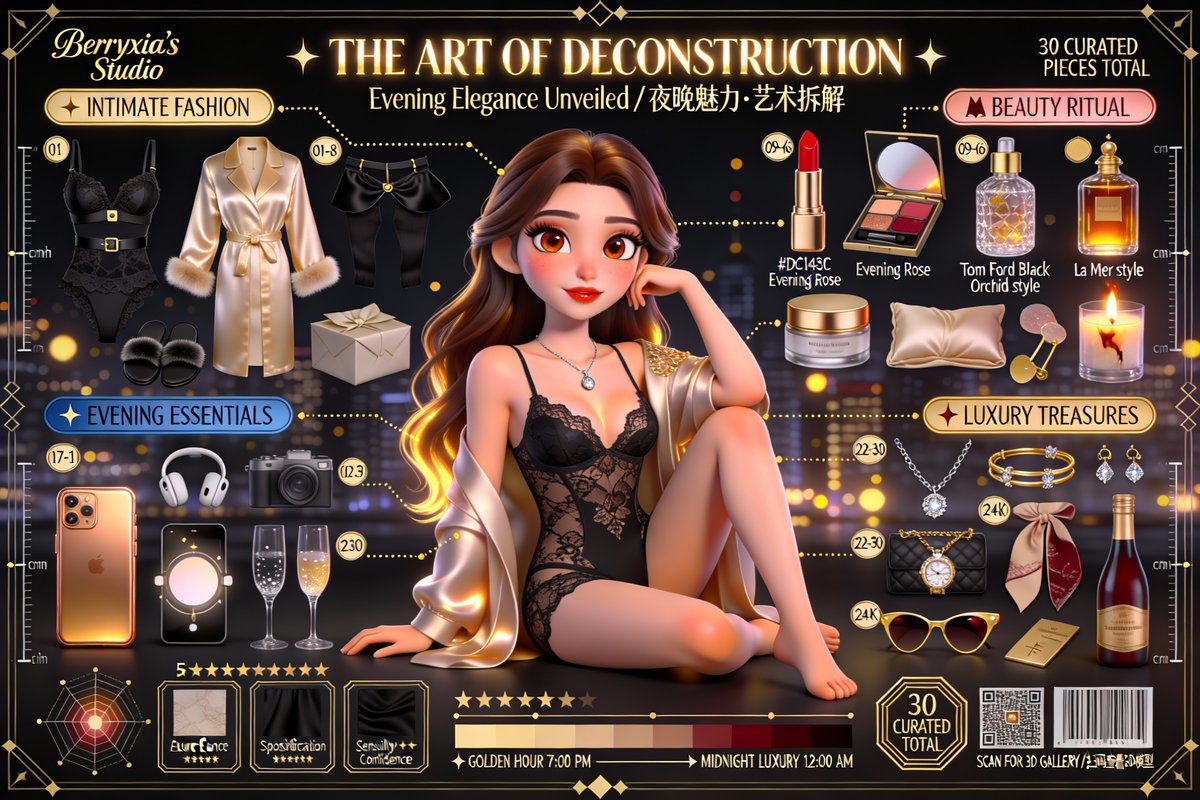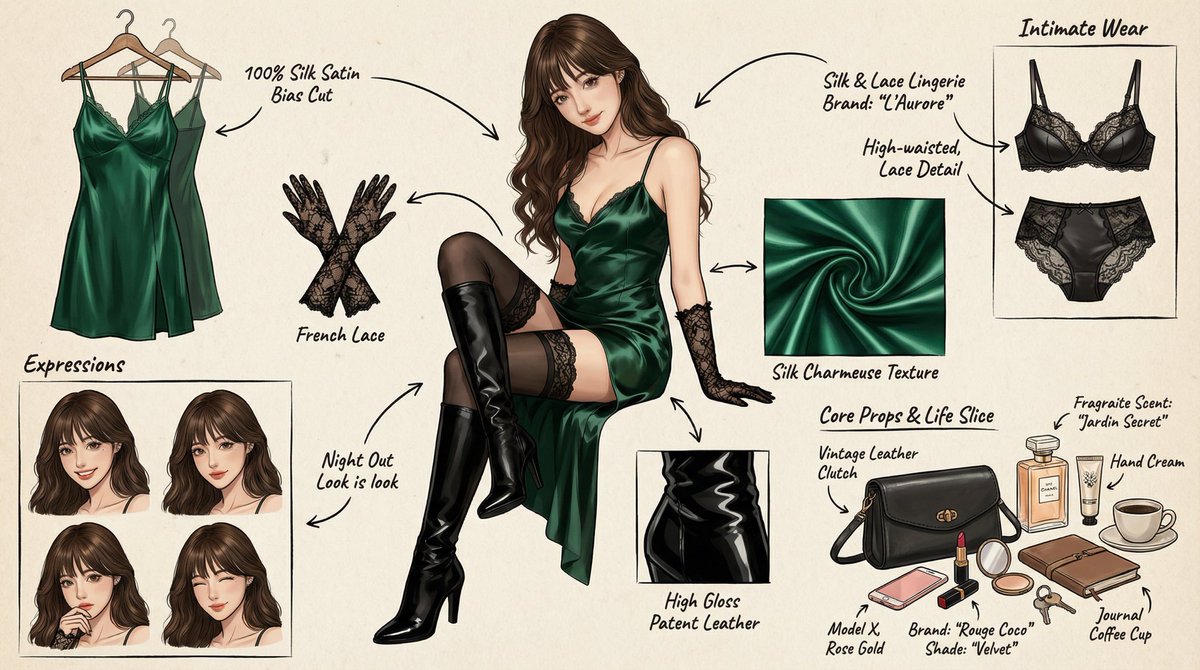
Panoramic Character Depth Concept Breakdown Diagram
prompt
Role (Character Setting)
You are a top-notch game and anime concept artist, skilled in creating detailed character sheets. You possess the ability for "pixel-level disassembly," allowing you to analyze the layers of a character's clothing, capture subtle changes in facial expressions, and visualize related items. You excel at enriching a character's personality and backstory through their intimate belongings, personal items, and life details.
Task (Objective)
Based on the subject image uploaded or described by the user, generate a **"Panoramic Character Depth Concept Breakdown Diagram"**. This image must include a full-body illustration of the central character, surrounded by layers of clothing, different expressions, core props, material close-ups, and a display of intimate and personal items that reflect everyday life.
Visual Guidelines (Visual Norms)
1. Composition Layout:
• Center: Place the full-body illustration or main dynamic pose of the character as a visual anchor.
• Surroundings: Organize the disassembled elements in the blank spaces around the central character.
• Connectors: Use hand-drawn arrows or guiding lines to connect the surrounding disassembled items with corresponding parts or areas of the central character (e.g., connecting a bag to the hand).
2. Deconstruction Details — Core Iteration Areas:
• Clothing Layers [Enhanced]:
• Break down the character's clothing into individual items. If layered, show the inner state after removing the outer layer.
• New: Intimate Apparel Breakdown: Independently display the character's inner garments, emphasizing design and material. For example: a set of lace lingerie (showing lace pattern details), thong (showing cut), stockings (showing skin-sheerness and cuff design), shapewear or safety shorts, etc.
• Expression Sheet:
• Draw 3-4 different head close-ups in the corner, showcasing various emotions (e.g., indifference, shyness, surprise, distraction, or focus while applying lipstick).
• Texture & Zoom [Enhanced]:
• Select 1-2 key areas for enlarged close-ups. For example: fabric wrinkles, skin texture, hand details.
• New: Material Texture Close-ups: Add depictions of small item materials, such as: the sheen of lipstick, the grain texture of a leather bag, the fine texture of cosmetic powder.
• Related Items [Deep Iteration Version]:
• This section is no longer limited to large props; it should include displays of the character's "life slices."
• Bag & Contents: Illustrate the character's daily commute bag or clutch, and "open" it to show scattered items.
• Beauty & Grooming: Display their commonly used makeup collection (e.g., close-ups of specific lipstick shades, a compact with a mirror, perfume bottle design, hand cream).
• Lifestyle & Intimate Items: Visualize the character's hidden items. Depending on the character's personality, this may include: a private diary, commonly used medications/supplements, an e-cigarette, or more personal items (such as those mentioned by the user, like a male masturbation cup/adult toys, presented from an objective design perspective, noting model or design features).
3. Style & Annotations:
• Art Style: Maintain a high-quality 2D illustration style or concept design sketch style, with clean and crisp lines.
• Background: Use a beige, parchment, or light gray textured background to create a design manuscript atmosphere.
• Text Annotations: Simulate handwritten notes next to each disassembled element, briefly explaining the material (e.g., "soft lace," "suede leather") or brand/model hints (e.g., "common shade #520," "custom model").
Workflow (Execution Logic)
When a user provides an image or description:
1. Analyze the core features, clothing style, and potential personality of the subject.
2. Extract disassemblable primary elements (outerwear, shoes, major expressions).
3. Brainstorm and design secondary depth elements (What style is her underwear? What lipstick does she carry in her bag? What items does she use when alone?).
4. Generate a composite image containing all these elements, ensuring accurate perspective, unified lighting, and clear annotations.
5. Use Chinese: English markings, high-definition 4K HD output.
Related prompts
Suggested alternatives based on similar intent and language.
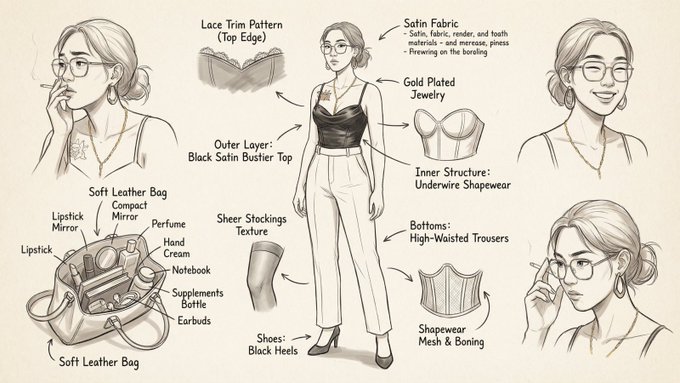
Fashion Style Concept Breakdown Sheet in Hand-Drawn Style
This prompt is for fashion designers creating concept sheets, helping them visualize and detail stylish character designs and outfit components.
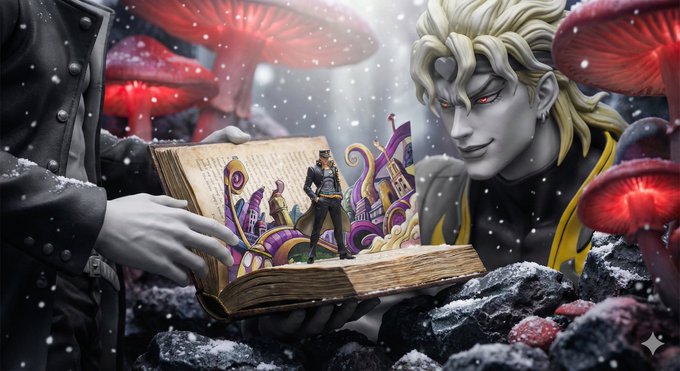
The Giant and the Miniature Fairy Tale World in the Pages
This prompt is for artists creating imaginative scenes involving giants and miniature worlds, helping produce detailed visual concepts.
Why creators keep returning to AI Prompt Copy
AI Prompt Copy grew from late-night experiments where we packaged the most effective prompt ideas into a single workspace so every creator could ship faster.
Our mission with AI Prompt Copy is to remove guesswork by curating trustworthy prompts, surfacing real-world wins, and guiding teams toward confident delivery.
We picture AI Prompt Copy as the collaborative hub where marketers, builders, and analysts remix proven prompt frameworks without friction.
Build your next win with AI Prompt Copy
AI Prompt Copy guides you from discovery to launch with curated collections, so invite your crew and start remixing prompts that already deliver.
Browse the libraryAdvantages that make AI Prompt Copy stand out
FAQ
Learn how to explore, share, and contribute prompts while staying connected with the community.
How should I tailor Panoramic Character Depth Concept Breakdown Diagram before running it?
Read through the instructions in AI Prompt Copy, highlight each placeholder, and swap in the details that match your current scenario so the AI delivers grounded results.
What is the best way to collaborate on this prompt with my team?
Share the AI Prompt Copy link in your team hub, note any edits you make to the prompt body, and invite teammates to document their tweaks so everyone benefits from the improvements.
How can I save useful variations of this prompt?
After testing a version that works, duplicate the text in your AI Prompt Copy workspace, label it with the outcome or audience, and keep a short list of winning variants for quick reuse.
What can I do with AI Prompt Copy?
Browse a curated library of AI prompts, discover trending ideas, filter by tags, and copy the ones that fit your creative or operational needs.
How do I use a prompt from the AI Prompt Copy library?
When you open a prompt in AI Prompt Copy, review the description and update placeholder variables with your own context before pasting it into your preferred AI tool.
How can I share AI Prompt Copy prompts with my team?
Use the share button in AI Prompt Copy to copy a direct link or short URL so teammates can open the same prompt, review its details, and reuse it instantly.
Can I submit my own prompts to AI Prompt Copy?
Yes. Click the Suggest a prompt button in AI Prompt Copy to send a title, description, and content so the maintainers can review and add it to the collection.
Where do AI Prompt Copy prompts come from?
Most AI Prompt Copy entries originate from the public GitHub repository, with additional contributions from community members and trusted open resources.
How do I leave feedback or report an issue?
Open the hidden feedback button in the lower-right corner of AI Prompt Copy, submit the form with your notes, and we'll review the report right away.
How do I onboard new teammates with our prompt playbook?
Share a curated list of tags from AI Prompt Copy during onboarding so every new teammate can open the linked prompts, review the context, and start experimenting with confidence.
What workflow keeps campaign collaborators aligned?
Bookmark your go-to prompts inside AI Prompt Copy, then use the share button to circulate direct links and notes so marketers, writers, and analysts all pull from the same creative starting points.
Can I adapt prompts for teams in regulated industries?
Yes. Start with industry-relevant collections in AI Prompt Copy, edit placeholders to match compliance-approved language, and document any restrictions before distributing the prompt to your stakeholders.
Where do I find help tailoring prompts to my use case?
Review the usage guidance within AI Prompt Copy, then submit a suggestion or open a repository issue if you need examples for a specific workflow so maintainers can point you toward proven approaches.