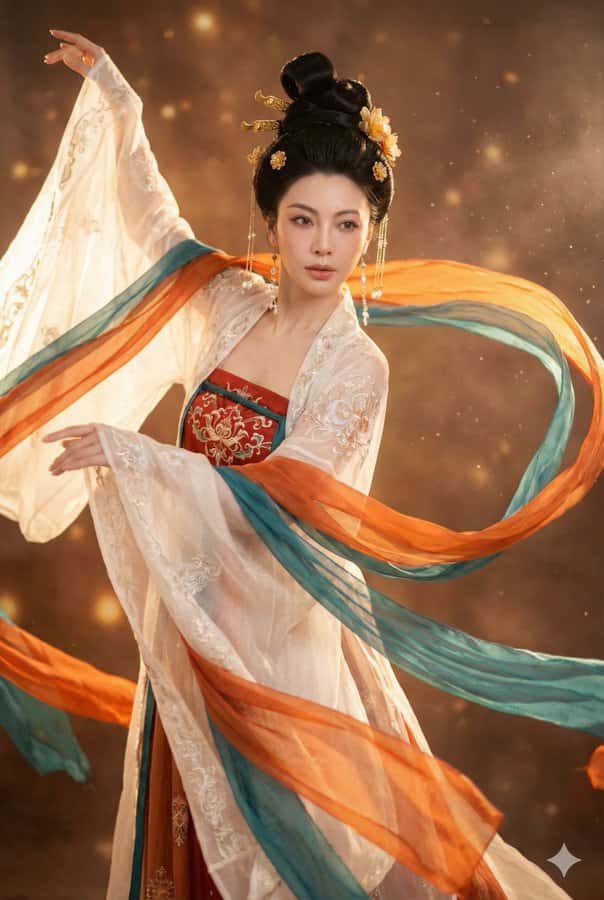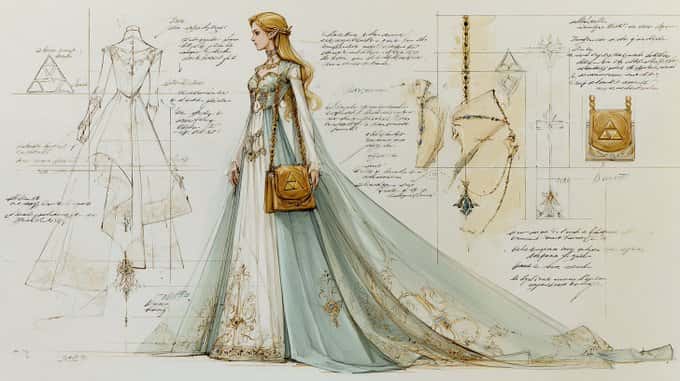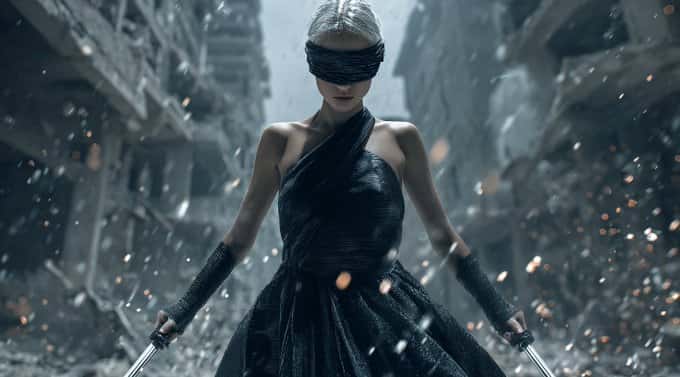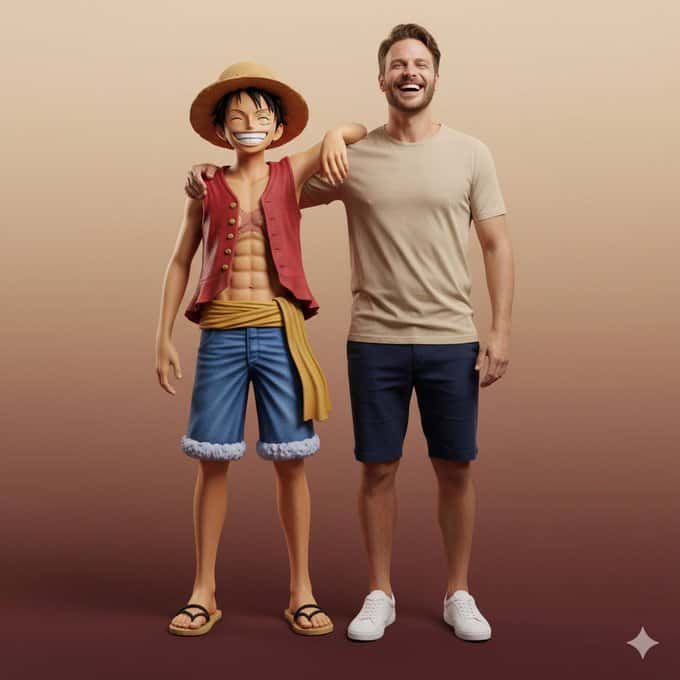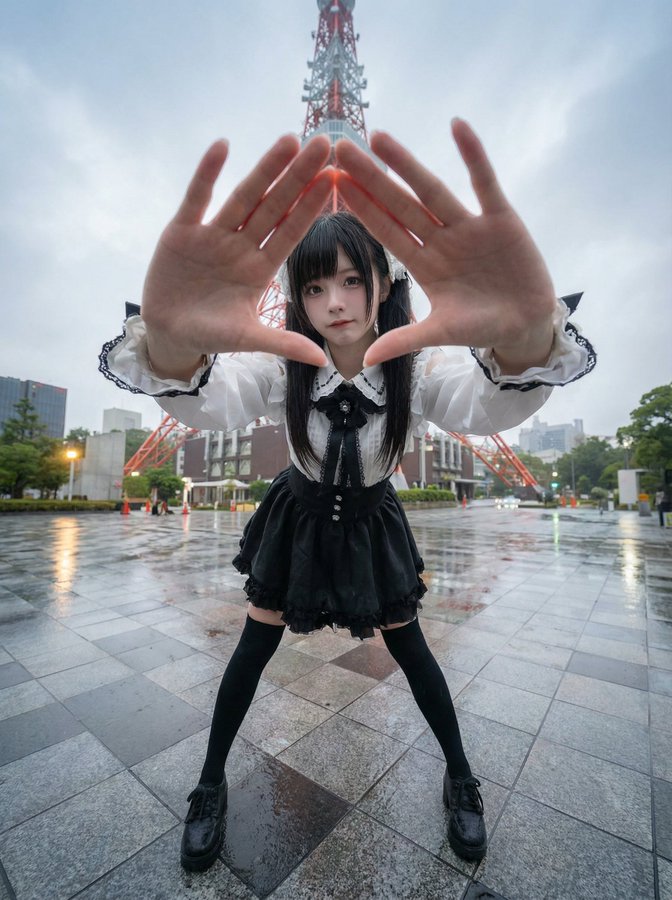
Generate Character Poses in a 9-Panel Grid
prompt
At the location of the 'Tokyo Tower', create images based on the current local time atmosphere and real-time weather. Please have the specified character explore the location, blending into the scene.

Generate Image:
Create a portrait-oriented image with a 3:4 aspect ratio, fixed 9-panel layout, three rows and three columns, with each panel as an independent shot.

Camera and Perspective:
– Use an ultra-wide-angle or fisheye lens (approximately equivalent to a full-frame 12–18mm perspective)
– The camera angle must have a significant change from the original image; exaggerated positions include:
• A low-angle view from directly below
• A high-angle view from directly above
• An ultra-low angle close to the ground
• A high angle looking down
• A tilted 'Dutch angle' composition
– Always create a strong perspective shortening effect: body parts closest to the lens appear huge, while the rest of the body extends into the distance
– The final effect must resemble a bold fashion or street photography image, completely realistic, not illustrated or in an anime style.

Body Parts Close to the Lens (1–2, sometimes 3):
– In each edited image, select one or two main body parts extremely close to the lens (in more complex poses, sometimes three)
– Vary these parts between different images; do not always have the same area close to the lens
– Body parts that can be close to the lens include:
• One or two hands / fingers reaching towards the lens
• One or two feet / shoes / boots close to the lens
• Knees or thighs
• Face very close to the lens
• Shoulders or chest leaning towards the lens in a forward-leaning pose
– Selected body parts should be extremely close to the lens, almost touching it, with clear visibility of skin texture, fabric texture, and real wide-angle distortion.

Poses and Overall Body (Complex and Varied):
– Create strong, cool, dynamic poses that match the extreme angles
– Randomly use different types of poses, including:
• In a standing pose, one leg or one hand reaching towards the lens
• Squatting or half-sitting close to the ground
• Sitting on the ground or on an object
• Lying flat on the ground, legs or feet towards the lens
• Body leaning significantly forward towards the lens
• Twisting the torso, crossing legs, or arching the back to create more dynamic body lines
– Allow for complex poses, such as:
• Both hands close to the lens, making gestures (peace sign, triangle, framing with fingers, pointing at the viewer, etc.)
• Both feet facing the lens
• One hand and one foot simultaneously as large foreground elements
• Face close to the lens, while hands or feet also appear in perspective
– Even with extreme perspective shortening, maintain a reasonable and believable human structure.

Camera Position and Attitude (Randomization):
– Randomly change the camera angle and direction (upward, downward, sideways, tilted composition), while keeping the visual balance and impact of the composition
– Maintain a cool, composed, confident demeanor, leaning towards a fashion shoot or street style, depending on the original outfit's vibe
– Facial expressions can vary (serious, playful, confident, mysterious, etc.), but must always appear to be the same person.

Lighting and Image Rendering:
– Maintain realistic shadows and contact relationships with the ground/floor
– High resolution and clear details, allowing visibility of skin texture, fabric texture, and material highlights.

Variations and Randomness:
– Each small image should have noticeable differences from the others, maintaining diversity in:
• Camera angles
• Types of poses
• Which body parts are closest to the lens
• Composition direction (frontal, tilted, overhead, low-angle, etc.)
– Avoid repeatedly using the exact same 'one foot close to the lens' composition; present a rich variety of dynamic poses and position changes.

Strict Rules:
– Do not change the character to someone else
– Do not change the type of clothing; only change the expression through poses, angles, and natural movement of the clothing
– Do not move the scene outside the specified latitude and longitude; always remain within a reasonable extension range of the specified latitude and longitude
– Do not add text, logos, watermarks, or graphic design elements
– Do not change to oil painting, illustration, or anime style; must maintain a photo-realistic effect.
Related prompts
Suggested alternatives based on similar intent and language.
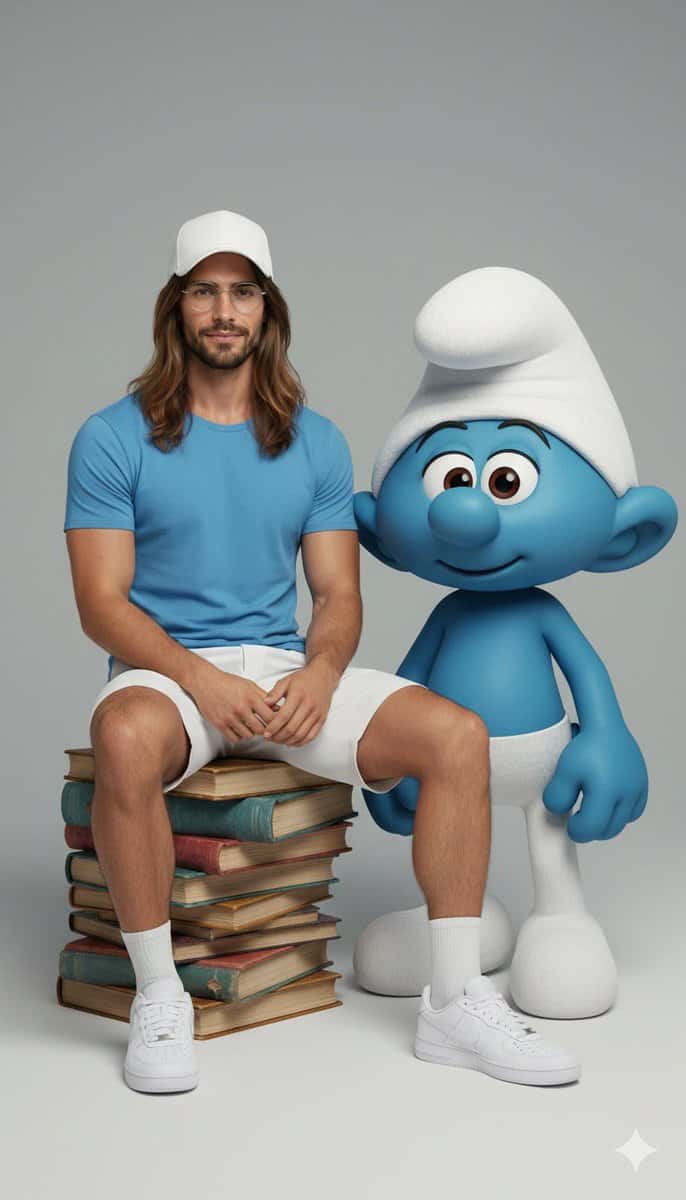
Ultra-realistic Full-body Portrait and Character Interaction
This prompt is for artists creating ultra-realistic portraits, helping them depict a person interacting with a fictional character in a detailed and cinematic style.
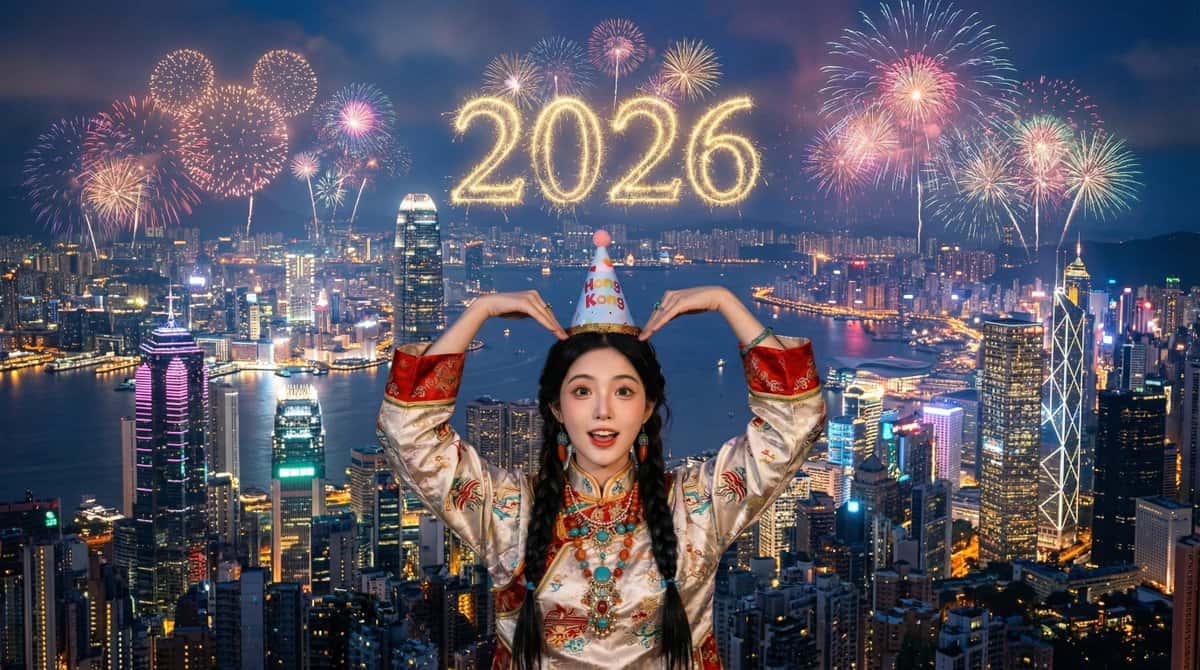
Hong Kong Victoria Harbour Fireworks Show
This prompt is for creating a cinematic fireworks scene featuring a child, ideal for celebrations, producing a stunning visual representation.
Why creators keep returning to AI Prompt Copy
AI Prompt Copy grew from late-night experiments where we packaged the most effective prompt ideas into a single workspace so every creator could ship faster.
Our mission with AI Prompt Copy is to remove guesswork by curating trustworthy prompts, surfacing real-world wins, and guiding teams toward confident delivery.
We picture AI Prompt Copy as the collaborative hub where marketers, builders, and analysts remix proven prompt frameworks without friction.
Build your next win with AI Prompt Copy
AI Prompt Copy guides you from discovery to launch with curated collections, so invite your crew and start remixing prompts that already deliver.
Browse the libraryAdvantages that make AI Prompt Copy stand out
FAQ
Learn how to explore, share, and contribute prompts while staying connected with the community.
How should I tailor Generate Character Poses in a 9-Panel Grid before running it?
Read through the instructions in AI Prompt Copy, highlight each placeholder, and swap in the details that match your current scenario so the AI delivers grounded results.
What is the best way to collaborate on this prompt with my team?
Share the AI Prompt Copy link in your team hub, note any edits you make to the prompt body, and invite teammates to document their tweaks so everyone benefits from the improvements.
How can I save useful variations of this prompt?
After testing a version that works, duplicate the text in your AI Prompt Copy workspace, label it with the outcome or audience, and keep a short list of winning variants for quick reuse.
What can I do with AI Prompt Copy?
Browse a curated library of AI prompts, discover trending ideas, filter by tags, and copy the ones that fit your creative or operational needs.
How do I use a prompt from the AI Prompt Copy library?
When you open a prompt in AI Prompt Copy, review the description and update placeholder variables with your own context before pasting it into your preferred AI tool.
How can I share AI Prompt Copy prompts with my team?
Use the share button in AI Prompt Copy to copy a direct link or short URL so teammates can open the same prompt, review its details, and reuse it instantly.
Can I submit my own prompts to AI Prompt Copy?
Yes. Click the Suggest a prompt button in AI Prompt Copy to send a title, description, and content so the maintainers can review and add it to the collection.
Where do AI Prompt Copy prompts come from?
Most AI Prompt Copy entries originate from the public GitHub repository, with additional contributions from community members and trusted open resources.
How do I leave feedback or report an issue?
Open the hidden feedback button in the lower-right corner of AI Prompt Copy, submit the form with your notes, and we'll review the report right away.
How do I onboard new teammates with our prompt playbook?
Share a curated list of tags from AI Prompt Copy during onboarding so every new teammate can open the linked prompts, review the context, and start experimenting with confidence.
What workflow keeps campaign collaborators aligned?
Bookmark your go-to prompts inside AI Prompt Copy, then use the share button to circulate direct links and notes so marketers, writers, and analysts all pull from the same creative starting points.
Can I adapt prompts for teams in regulated industries?
Yes. Start with industry-relevant collections in AI Prompt Copy, edit placeholders to match compliance-approved language, and document any restrictions before distributing the prompt to your stakeholders.
Where do I find help tailoring prompts to my use case?
Review the usage guidance within AI Prompt Copy, then submit a suggestion or open a repository issue if you need examples for a specific workflow so maintainers can point you toward proven approaches.