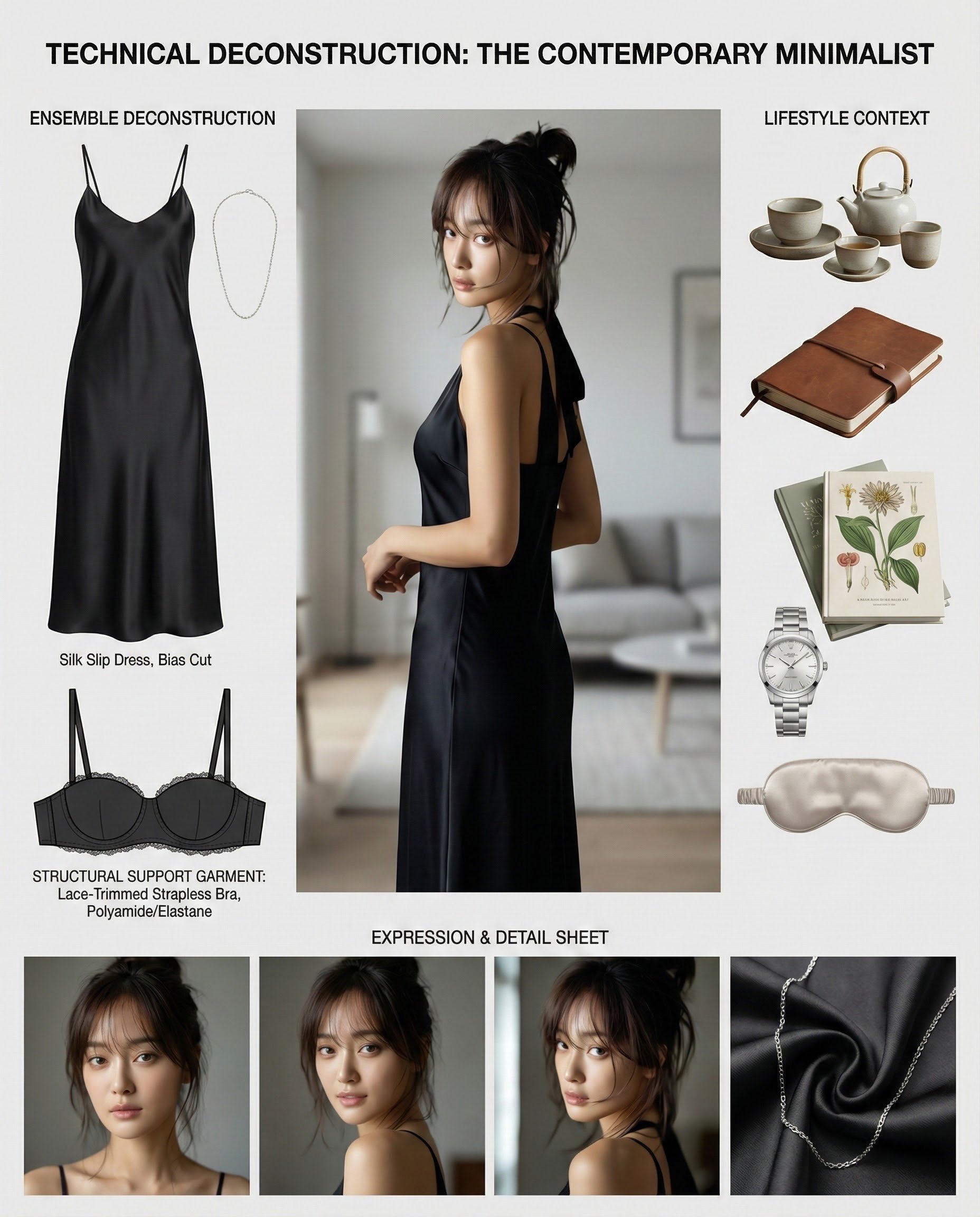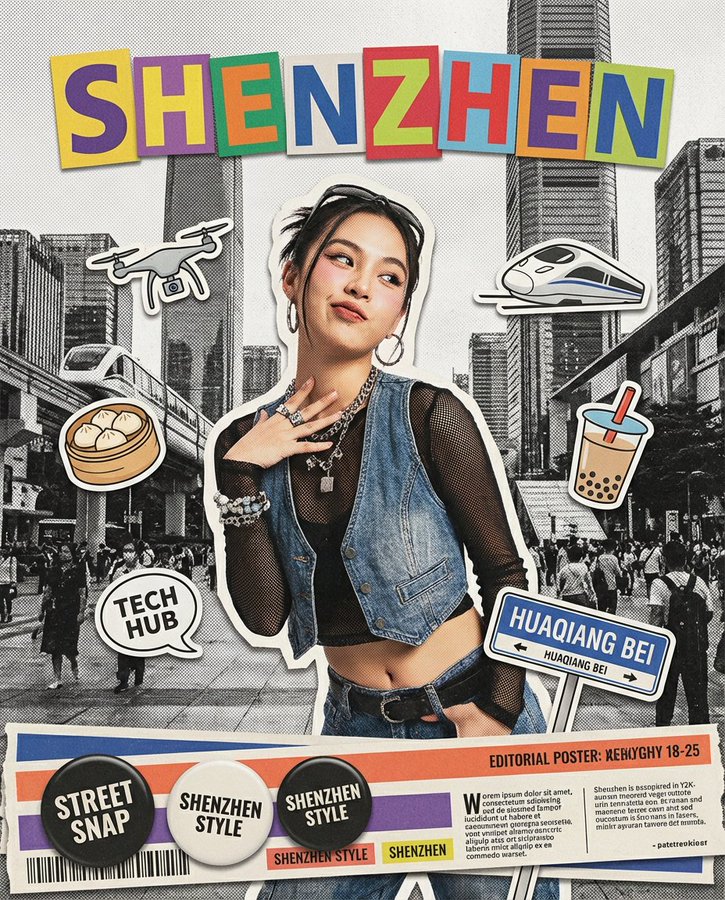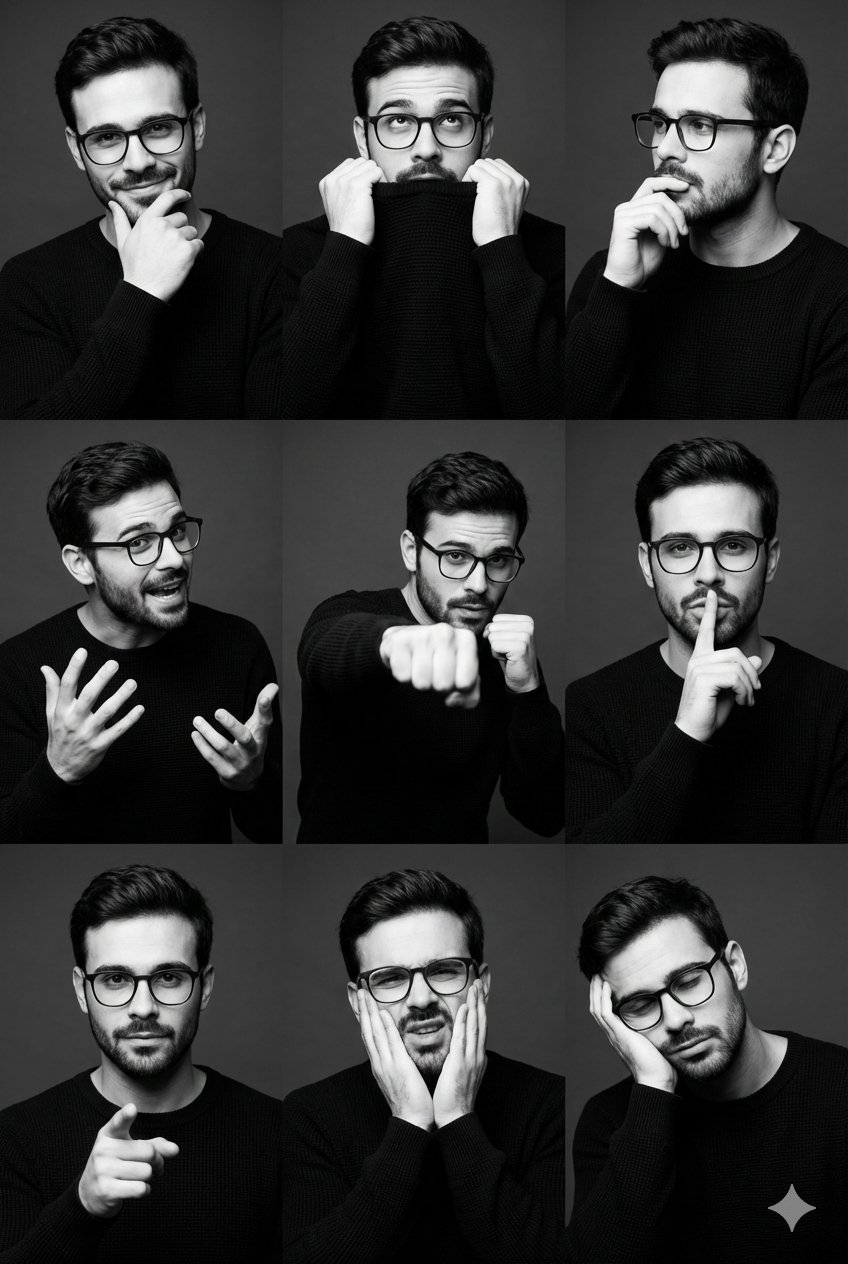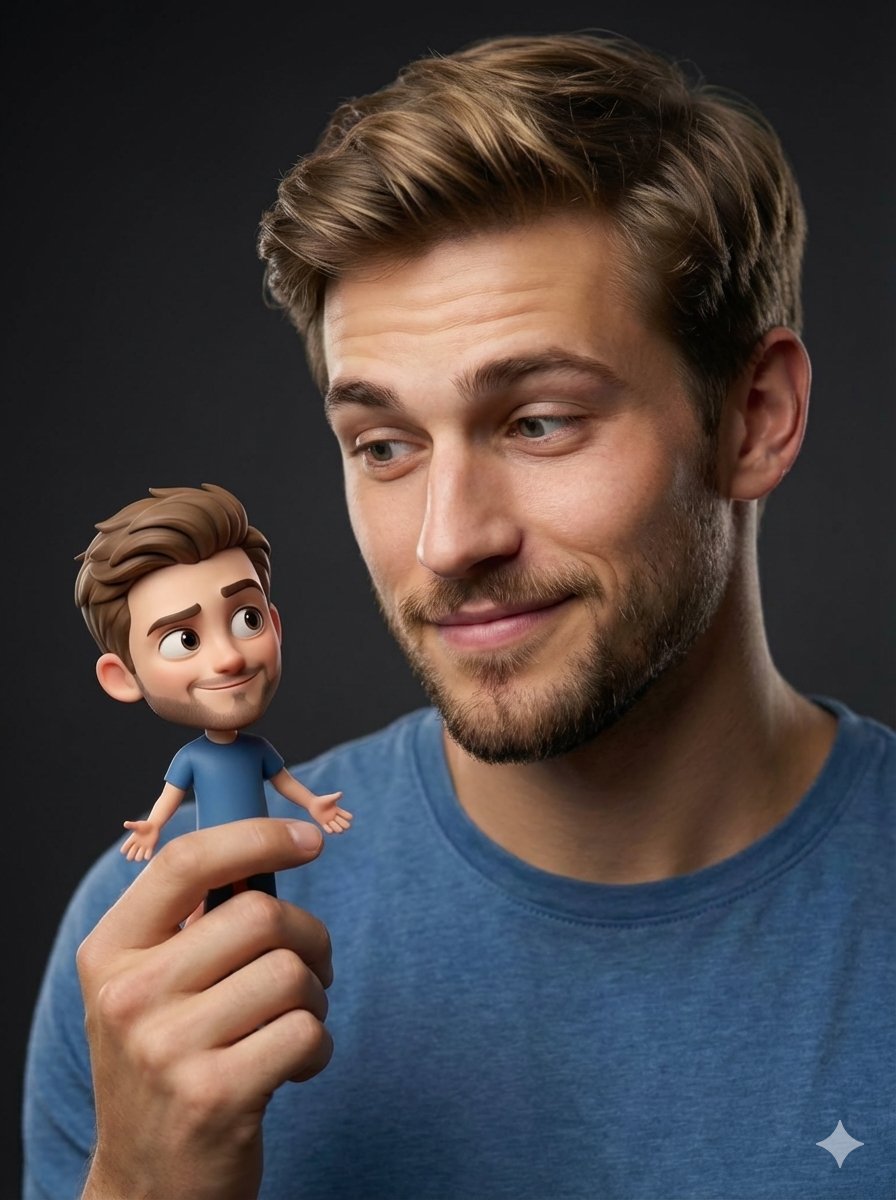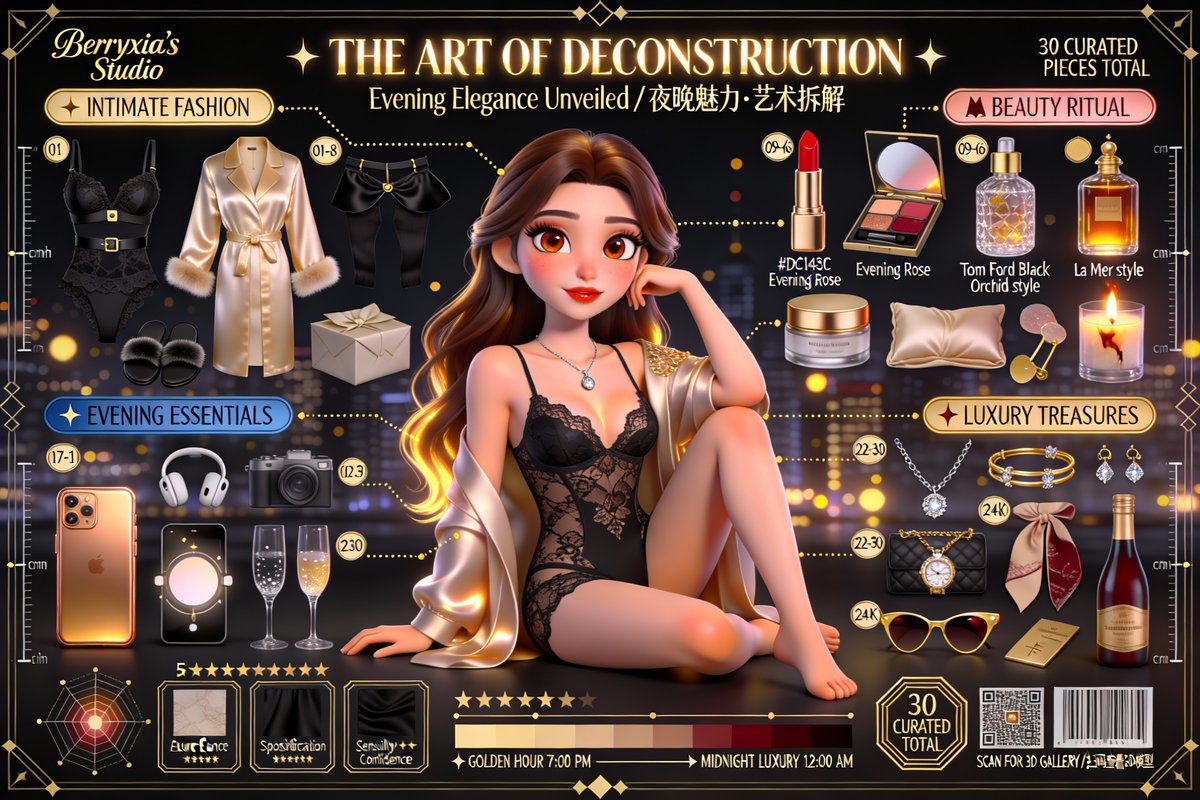
Character Deconstruction Art Poster
prompt
Core Instruction Task: Create a high-quality, cinematic 3D Pixar/Disney style character deconstruction art poster based on user-provided reference images. Transform the characters in the photos into stylized realistic 3D animated characters, and arrange their personal items in a meticulous "Knolling" art style. Aspect Ratio: 16:9 landscape (can be adjusted to 3:2, 4:5, 1:1 as needed) Core Art Style: Pixar "Stylized Realism" — a blend of exaggerated cartoon proportions and photo-realistic material lighting. Quality Benchmark: Comparable to official character promotional posters of "Coco", "Turning Red", and "Luca". 📷 Item Layout - Knolling Radial Composition Total Number of Items: 30-36, arranged in an orderly manner around the character at 90-degree angles or radially. Category 1: Fashion Atelier - Champagne Gold Label - Main Clothing Deconstruction: Sleeves, collars, fabric pieces, linings, etc., all separated and floating. - Footwear Deconstruction: Soles, uppers, laces, heels, etc., separated. - Accessories: Belts, bags, hats, scarves, etc. *Example: A trench coat can be deconstructed into a collar, epaulets, belt, cuff ties, and the main body.* Category 2: Beauty Collection - Rose Gold Label - Makeup: Lipstick (with cut surface and color label), eyeshadow palette (each color clearly visible), powder, perfume bottle (liquid refraction clearly visible). - Skincare: Serum bottles, cream jars, beauty devices. *Example: A perfume bottle should showcase the transparency of the glass body, the light refraction inside the liquid, and the metallic texture of the cap.* Category 3: Modern Essentials - Steel Blue Label - Electronic Devices: Smartphone with case (screen must have content), wireless earbuds, smartwatches, notebooks/tablets, cameras. - Material Requirements: Metals, glass (with refraction), plastics must have correct roughness and reflection effects. *Example: A camera can be deconstructed into lens, body, flash, memory card, strap, etc.* Category 4: Luxury & Hobbies - 24K Gold Label - Luxury Accessories: Jewelry (necklaces, earrings, rings, etc., gemstones must have dispersion effects), branded bags (showing internal compartments and hardware). - Hobbies: Paintbrushes, palettes, books, musical instruments, sports equipment, coffee tools, etc. *Example: A figurine can be deconstructed into head, body, limbs, weapon, base, etc.* Requirements for Each Item: - Rendering Quality: 3D rendering precision matching that of the character. - Number Tags: Circular number badges labeled 01-36. - Material and Shadows: Apply PBR materials, casting realistic soft shadows. 📷 Exploded View Technique - Connection Lines: Use elegant dashed/solid lines to connect floating clothing parts to the character. - Guiding Arrows: Use decorative arrows to point items to their text labels. - Technical Annotations: - Material Samples: Showcase close-up squares of fabrics, leathers, etc. - Material Labels: Such as "100% Silk", "Italian Calfskin". - Measurement Ruler: A ruler marked with centimeters (cm)/inches (in). 📷 Character Deconstruction Art · THE ART OF DECONSTRUCTION 📷" Fonts: Elegant serif for Chinese (e.g., Fangzheng Song Ke Ben Xiu Kai), Playfair Display for English, with a gold foil effect. - Subtitle: (Below the main title, in a flowing handwritten style) "Character Essence Unveiled / 角色本质·艺术拆解" Mixed Chinese and English, with elegant fonts. - Category Headers: (Rounded rectangle labels with icons) "📷 Beauty Collection"** (Rose Gold) "📷 Modern Essentials"** (Steel Blue) "📷 Design Elements - Geometric Framework: Use Art Deco style hexagonal/circular thin line frames (0.5-1pt thickness) to organize item groups. - Measurement Ruler: Placed along the left and right edges of the image to create a technical aesthetic. - Crosshairs: Added at the corners and key focal points of the image. - Material Samples: A row of close-up squares of fabrics/leathers/metals displayed at the bottom. - Information Cards: Cards with elegant borders to showcase detailed information about items. - Radar Chart: Character attribute radar chart wrapped in a decorative frame, such as: Elegance★★★★★, Style★★★★★, Intelligence★★★★★. - Connection Lines: Use elegant dashed lines and decorative arrows in gold/silver. 📷 Background & Atmosphere - Background Gradient: A warm gradient from white to cream/champagne, or a cool gradient from light gray to white. - Pattern Overlay: Overlay a layer of low-opacity (5-10%) decorative geometric grids or blueprint lines. - Vignette Effect: A soft darkening effect at the edges to draw focus to the center. - Atmospheric Particles: Soft golden bokeh light spots and subtle film grain to create a cinematic feel. 📷 Morning 6:00 → 📷 Creation in Progress → 📷 Color Palette - Female/Fashion Theme: Champagne Gold (#D4AF37), Rose Gold(), Cream(), Cherry Blossom Pink(). - Male/Tech Theme**: Steel Blue (#4A90E2#4A4A4A#C0C0C0), Electric Blue (#00D9FF). - Formal/Luxury Theme: Pure Black (#000000), 24K Gold (#FFD700), Deep Red (#8B0000), Ivory White (#FFFFF0). - Couple Theme: Cool tones on the male side, warm tones on the female side for contrast. 📷 Technical Specifications Rendering Parameters - Engine: Path Tracing, equivalent to Cycles/Arnold/RenderMan level. - Sample Count: Minimum 4096 SPP (Samples Per Pixel) to ensure a clean, noise-free image. - Light Bounces: 12 times for accurate global illumination. - Caustics: Enabled for realistic light refraction effects for diamonds and glass. - Model Polygon Count: Character polygon count over 2 million to ensure smooth surfaces. - Hair: Over 100,000 strands of hair per character, physically simulated. PBR Material Workflow - Skin: Three-layer SSS, dual-layer highlights. - Hair: Anisotropic shader, dual highlights. - Fabric: Micro-woven normal maps, accurate roughness variations. - Metal*: Metalness 1.0, Roughness 0.1-0.4. - Glass: Index of Refraction (IOR) 1.5, diamond IOR 2.42 with dispersion. - Leather: Roughness 0.6-0.7, with a textured bump map. Resolution & Output - Resolution: 4K (3840×2160) landscape. - Aspect Ratio: 16:9. - Color Depth: 32-bit float for maximum space in post-processing. - Anti-aliasing: 16x MSAA, sharp and clear edges. 📷 Post-Processing - Color Grading: - Use cinematic LUT to enhance shadows, avoiding pure black (minimum RGB 15,15,15). - Gentle S-curve to enhance contrast. - Adjust color temperature based on theme (warm +200K, cool -200K). - Overall saturation -5%, with key colors (like gold) saturation +10%. - **Effects**: - **Bloom**: Add a soft halo to highlight areas. - **Film Grain**: Simulate the organic texture of Kodak Portra 400 film. - **Chromatic Aberration**: Add subtle dispersion at the edges. - **Vignette**: Medium strength vignette. - **Sharpening**: Moderate sharpening during output. 📷 Special Instructions - **Single Character**: A total of about 30 items, focusing on personal lifestyle. - **Couple Characters**: A total of about 36 items (18 items each), connected with heart symbols and using gender-distinct tones. - **Pregnant Character**: Includes pregnancy items (such as belly oil, vitamins, ultrasound photos), with a baby icon added near the belly. - **Core Points**: The character's age, profession, and style must match the reference photo. 📷 Quality Benchmark The final product must visually be indistinguishable from Pixar/Disney official character marketing posters, achieving museum-level photo-realistic 3D rendering quality, suitable for: - Luxury product catalogs - High-end fashion magazine spreads - Professional art prints - Personal photography portfolios - Brand marketing campaigns
Related prompts
Suggested alternatives based on similar intent and language.
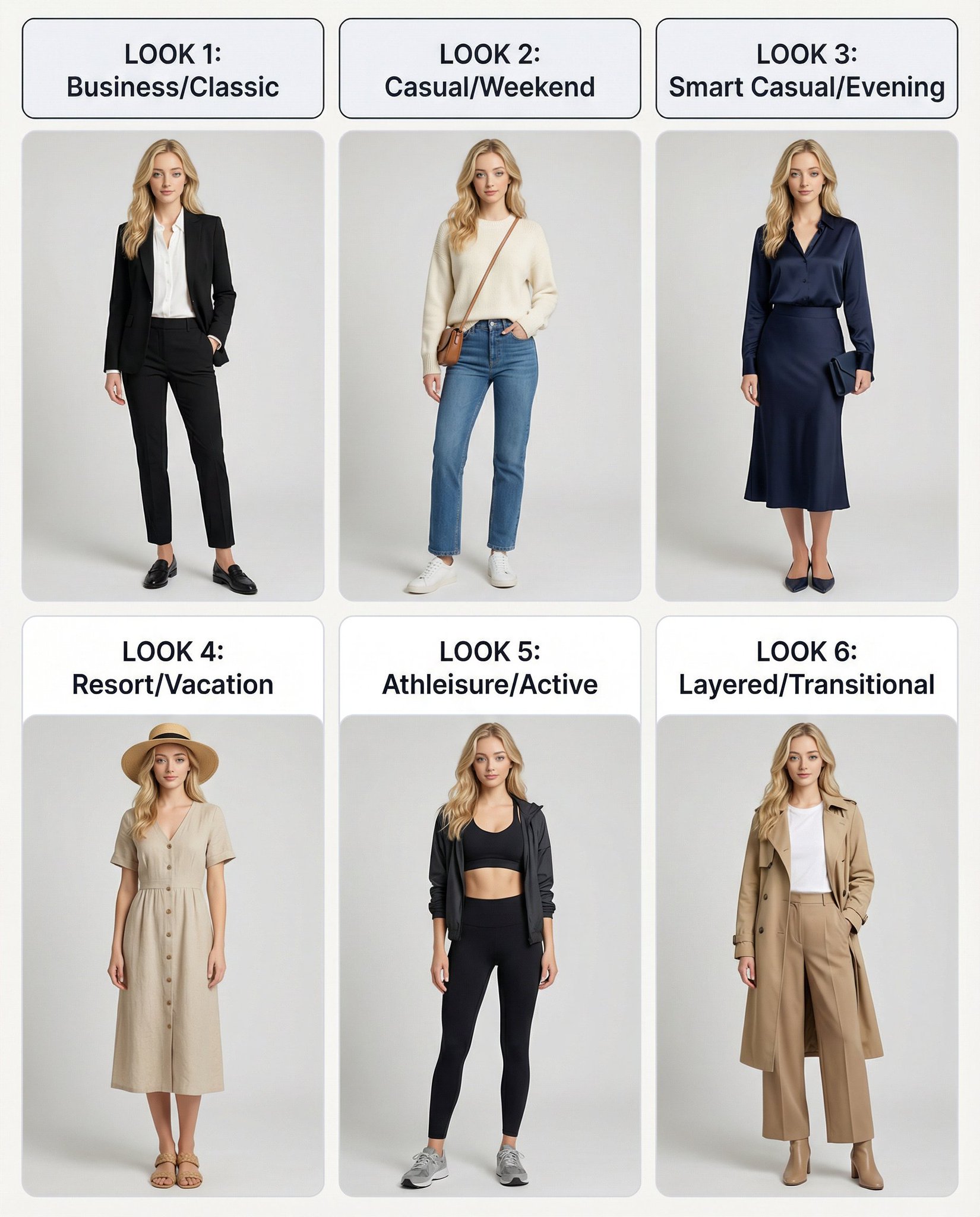
A Vertical Outfit Poster
This prompt is for designers creating a vertical outfit poster using a single character reference, ensuring consistency and quality in presentation.
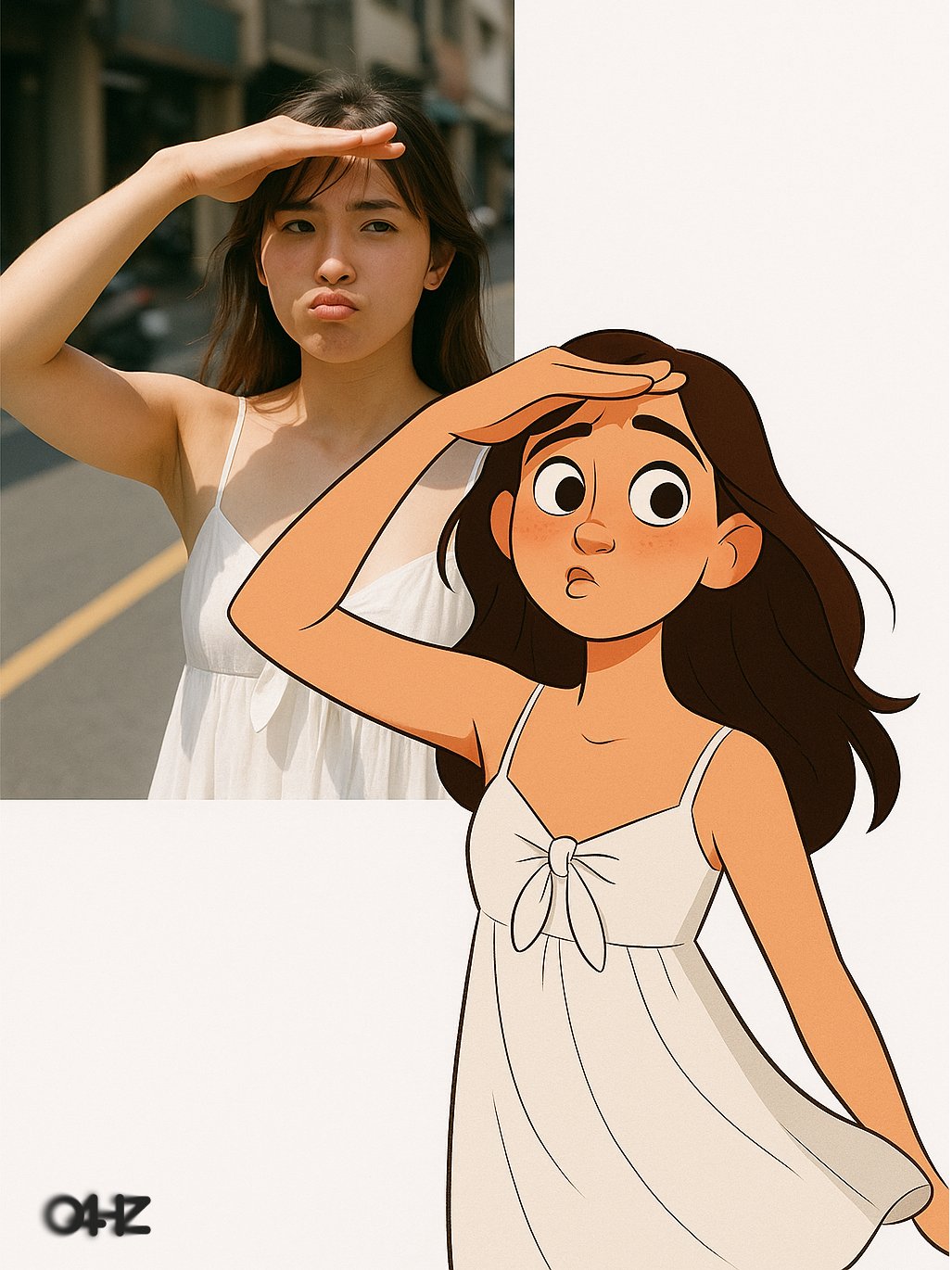
Real Person and Style Contrast Direct Output
This prompt is for artists creating visual contrasts between real and animated styles, helping produce engaging character designs for branding or social media.
Why creators keep returning to AI Prompt Copy
AI Prompt Copy grew from late-night experiments where we packaged the most effective prompt ideas into a single workspace so every creator could ship faster.
Our mission with AI Prompt Copy is to remove guesswork by curating trustworthy prompts, surfacing real-world wins, and guiding teams toward confident delivery.
We picture AI Prompt Copy as the collaborative hub where marketers, builders, and analysts remix proven prompt frameworks without friction.
Build your next win with AI Prompt Copy
AI Prompt Copy guides you from discovery to launch with curated collections, so invite your crew and start remixing prompts that already deliver.
Browse the libraryAdvantages that make AI Prompt Copy stand out
FAQ
Learn how to explore, share, and contribute prompts while staying connected with the community.
How should I tailor Character Deconstruction Art Poster before running it?
Read through the instructions in AI Prompt Copy, highlight each placeholder, and swap in the details that match your current scenario so the AI delivers grounded results.
What is the best way to collaborate on this prompt with my team?
Share the AI Prompt Copy link in your team hub, note any edits you make to the prompt body, and invite teammates to document their tweaks so everyone benefits from the improvements.
How can I save useful variations of this prompt?
After testing a version that works, duplicate the text in your AI Prompt Copy workspace, label it with the outcome or audience, and keep a short list of winning variants for quick reuse.
What can I do with AI Prompt Copy?
Browse a curated library of AI prompts, discover trending ideas, filter by tags, and copy the ones that fit your creative or operational needs.
How do I use a prompt from the AI Prompt Copy library?
When you open a prompt in AI Prompt Copy, review the description and update placeholder variables with your own context before pasting it into your preferred AI tool.
How can I share AI Prompt Copy prompts with my team?
Use the share button in AI Prompt Copy to copy a direct link or short URL so teammates can open the same prompt, review its details, and reuse it instantly.
Can I submit my own prompts to AI Prompt Copy?
Yes. Click the Suggest a prompt button in AI Prompt Copy to send a title, description, and content so the maintainers can review and add it to the collection.
Where do AI Prompt Copy prompts come from?
Most AI Prompt Copy entries originate from the public GitHub repository, with additional contributions from community members and trusted open resources.
How do I leave feedback or report an issue?
Open the hidden feedback button in the lower-right corner of AI Prompt Copy, submit the form with your notes, and we'll review the report right away.
How do I onboard new teammates with our prompt playbook?
Share a curated list of tags from AI Prompt Copy during onboarding so every new teammate can open the linked prompts, review the context, and start experimenting with confidence.
What workflow keeps campaign collaborators aligned?
Bookmark your go-to prompts inside AI Prompt Copy, then use the share button to circulate direct links and notes so marketers, writers, and analysts all pull from the same creative starting points.
Can I adapt prompts for teams in regulated industries?
Yes. Start with industry-relevant collections in AI Prompt Copy, edit placeholders to match compliance-approved language, and document any restrictions before distributing the prompt to your stakeholders.
Where do I find help tailoring prompts to my use case?
Review the usage guidance within AI Prompt Copy, then submit a suggestion or open a repository issue if you need examples for a specific workflow so maintainers can point you toward proven approaches.