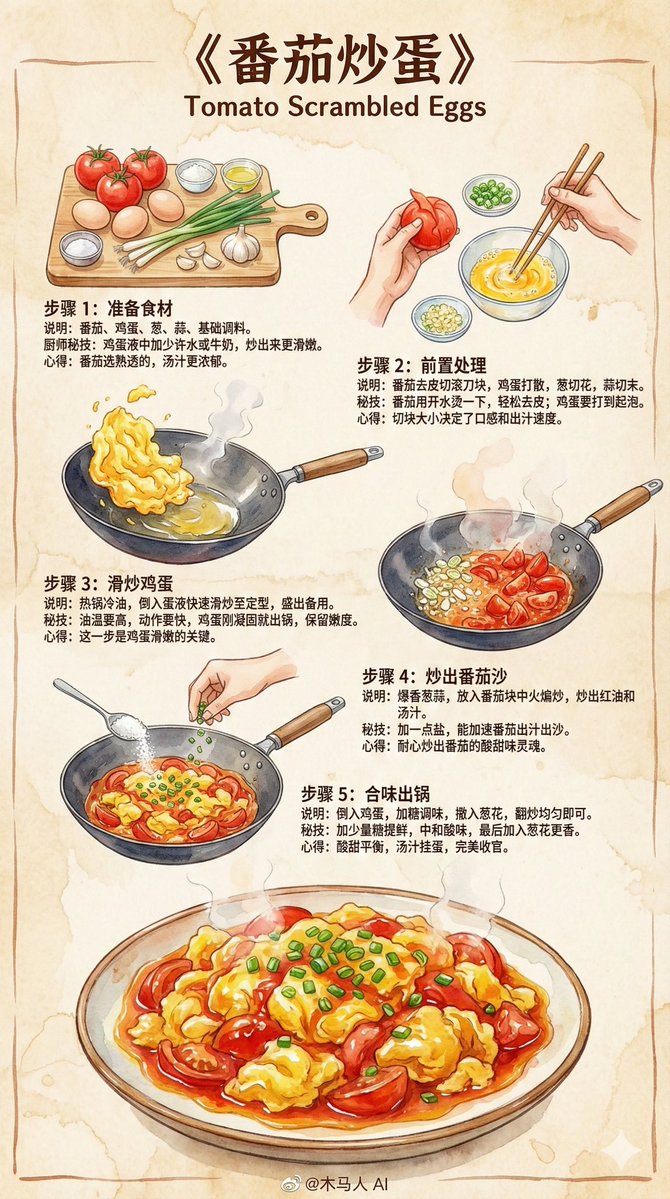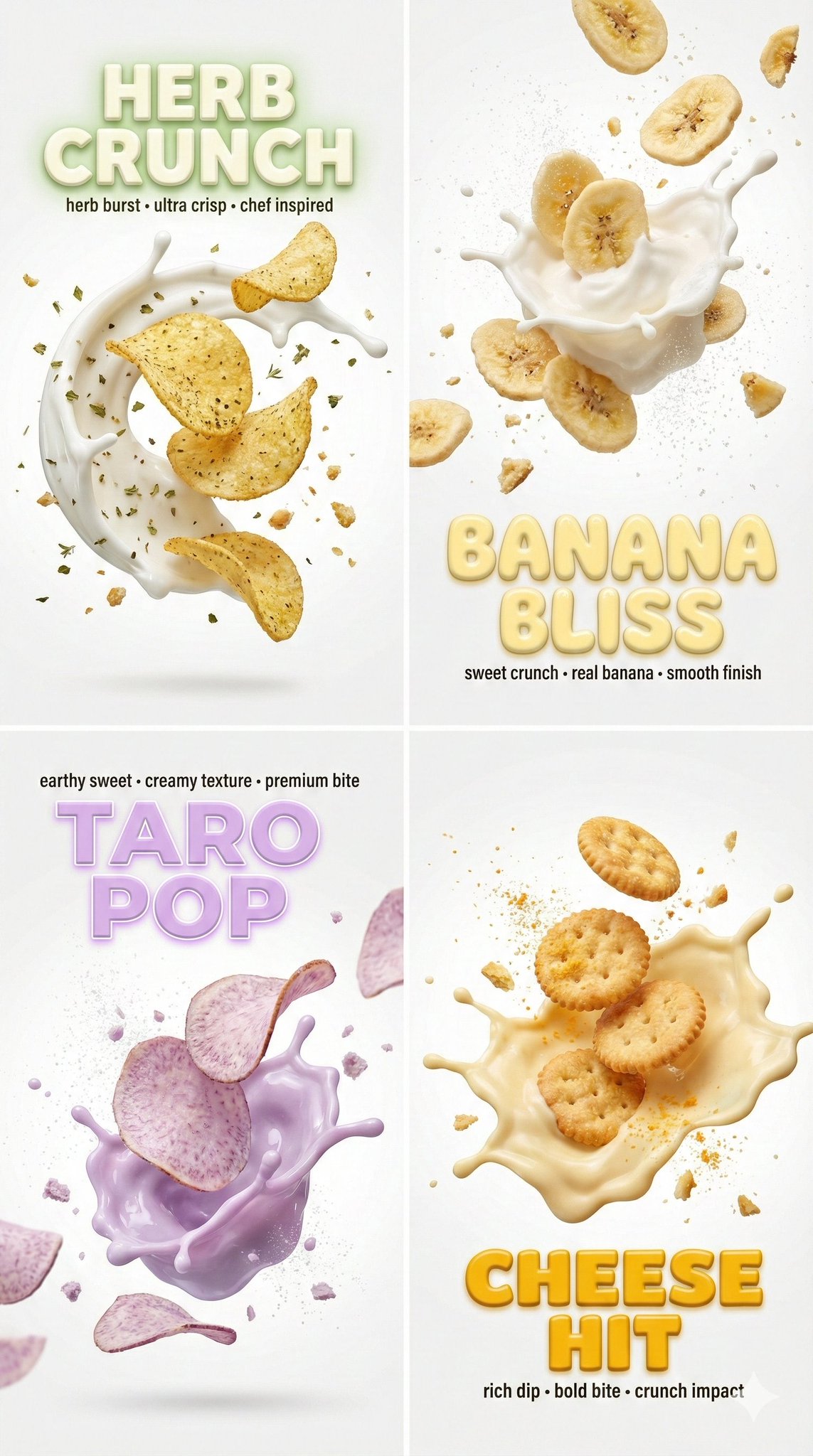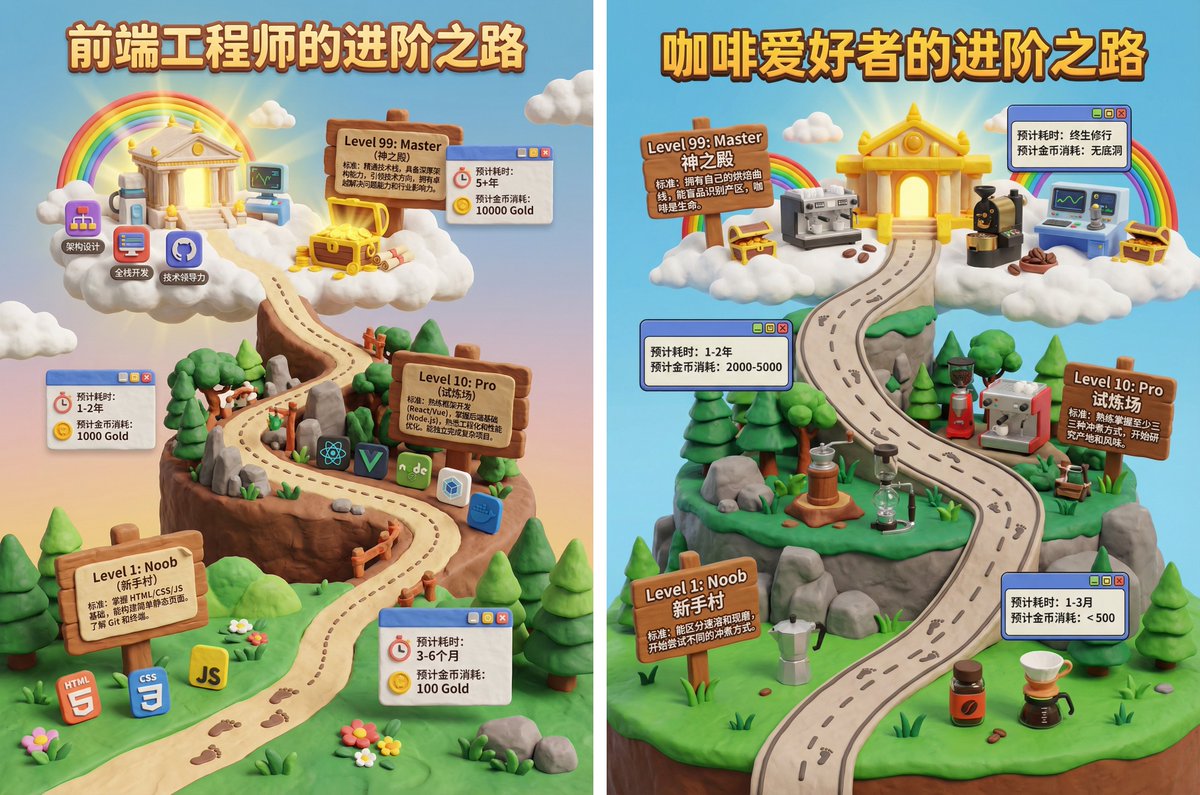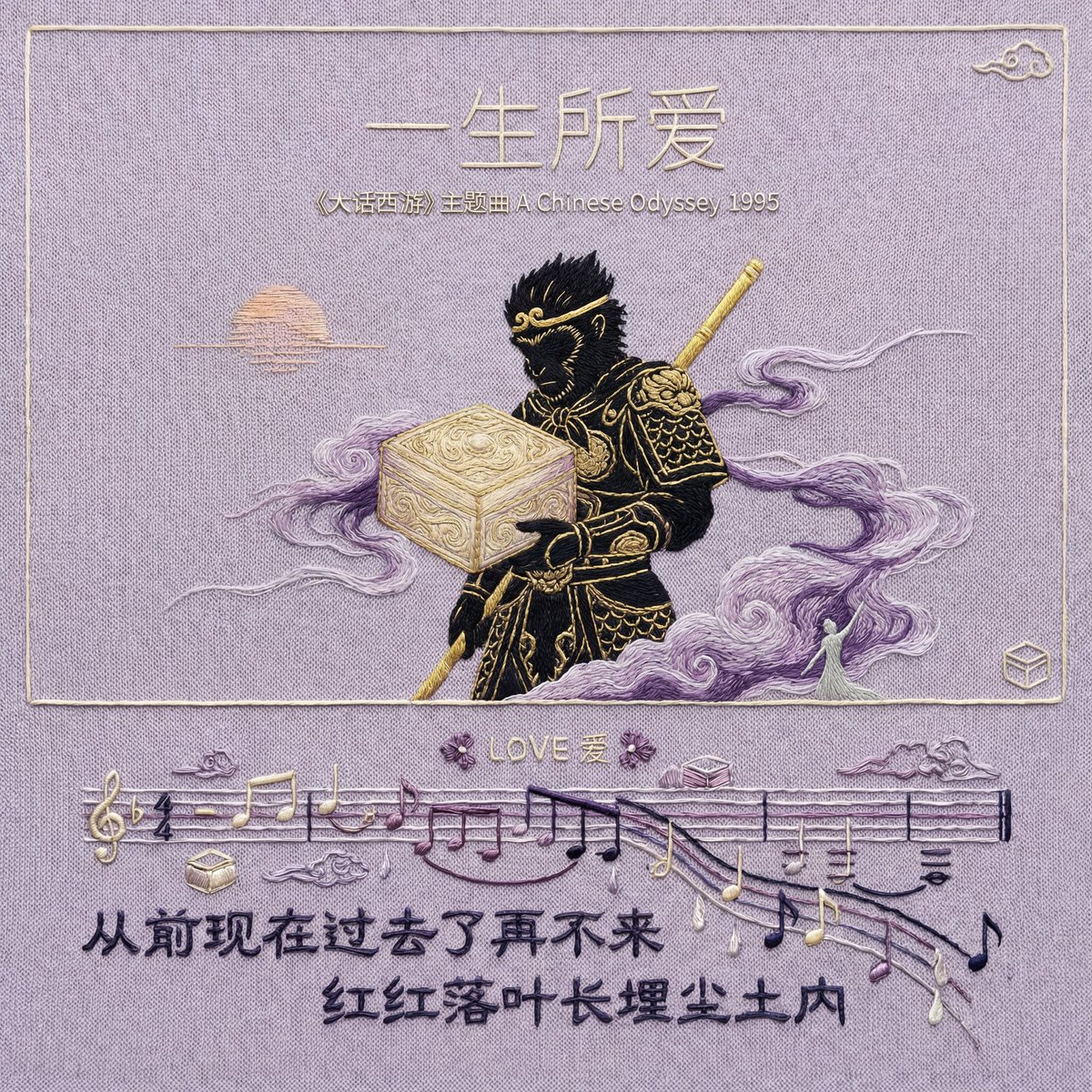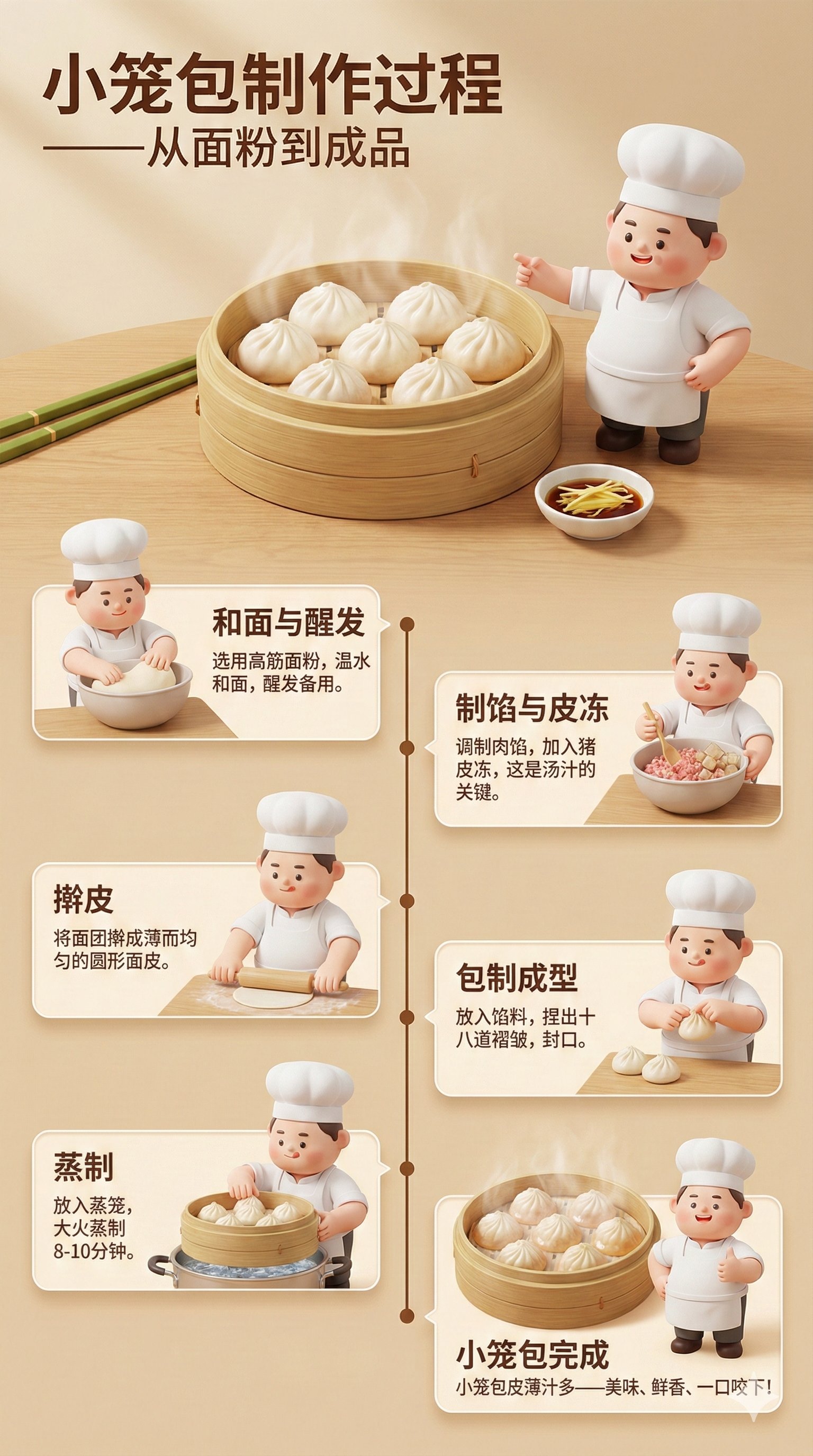
High-Detail 3D Infographic Poster
prompt
Please create a high-detail 3D infographic poster in Chinese, introducing the production process of traditional Indonesian tempeh. The poster must include a cute 3D chef character, Koki Cubby (chubby, adorable, wearing a white chef hat and apron, with expressive features and vibrant colors).
Each step of the production process should have Koki Cubby's assistance or explanation.
Poster colors: white, leaf green, soybean yellow, tempeh brown.
Visual style: 3D semi-realistic food illustration + cute character, soft lighting, high detail.
Main title:
"Tempeh Production Process - From Soybeans to Finished Product"
Main image:
A realistic 3D tempeh box, wrapped in banana leaves or semi-transparent plastic, containing clearly textured tempeh slices and white yeast (Rhizopus) strands. Koki Cubby stands beside it, pointing at the finished tempeh.
Soybean selection and sorting (3D scene)
• A 3D illustration of dry soybeans on a wooden table.
• Chef Cubby is checking the quality of the soybeans with a small spatula.
• Text: "Choose high-quality, clean, undamaged soybeans."
Soybean soaking (3D bowl)
• Soybeans soaking in a large bowl of water, visibly expanding.
• 3D water bubbles.
• Chef Cubby is stirring the water with a spatula.
• Text: "Soak for 6-12 hours to allow the soybeans to expand."
• Boiling (3D pot steaming)
• A large pot of soybeans is boiling.
• 3D steam details.
• Chef Cubby is holding a kitchen timer.
• Text: "Boil until soft to kill harmful bacteria."
• Soybean peeling and de-shrinking
• Pressing and kneading the soybeans to remove the skin.
• Using a small 3D filter or manual operation.
• Chef Cubby is helping to remove the soybean skins.
• Text: "Removing the soybean skins helps with yeast fermentation."
Soybean screening and drying
• Placing wet soybeans in a large sieve to drain water.
• Chef Cubby is drying them with a small fan or towel.
• Text: "Ensure the soybeans are dry - excess moisture will inhibit fermentation."
• Adding tempeh yeast (Rhizopus)
• A bowl of 3D yeast in white powder form.
• Chef Cubby is evenly sprinkling the yeast over the soybeans.
• Text: "Mix the tempeh yeast evenly."
• Wrapping (leaves/plastic bag)
• Placing the soybeans in banana leaves or perforated plastic bags.
• Little chef Cubby is pressing down with his small hands to fold them neatly.
• Text: "Wrap tightly for perfect fermentation."
Tempeh fermentation (24-48 hours)
• Placing the tempeh on a ventilated wooden rack.
• The texture of the tempeh begins to turn white due to the action of the Rhizopus.
• Little chef Cubby is sitting nearby, watching the thermometer.
• Text: "Ferment at 30-32°C."
Tempeh fermentation completed
• The tempeh has a firm texture, is white, and has robust, neat yeast fibers.
• Realistic 3D tempeh slices showcase their internal texture.
• Little chef Cubby gives a thumbs up.
• Text: "Tempeh is ready to cook - delicious, healthy, and high in protein!"
Poster style
• 3D infographic with clean panels, small icons, and connecting timelines.
• Soft white-green gradient background.
• Soybeans and fermented soybeans have subtle halos.
• Modern sans-serif font.
• 4K high resolution.
• Clean, professional, and educational, suitable for both children and adults.
Related prompts
Suggested alternatives based on similar intent and language.
Why creators keep returning to AI Prompt Copy
AI Prompt Copy grew from late-night experiments where we packaged the most effective prompt ideas into a single workspace so every creator could ship faster.
Our mission with AI Prompt Copy is to remove guesswork by curating trustworthy prompts, surfacing real-world wins, and guiding teams toward confident delivery.
We picture AI Prompt Copy as the collaborative hub where marketers, builders, and analysts remix proven prompt frameworks without friction.
Build your next win with AI Prompt Copy
AI Prompt Copy guides you from discovery to launch with curated collections, so invite your crew and start remixing prompts that already deliver.
Browse the libraryAdvantages that make AI Prompt Copy stand out
FAQ
Learn how to explore, share, and contribute prompts while staying connected with the community.
How should I tailor High-Detail 3D Infographic Poster before running it?
Read through the instructions in AI Prompt Copy, highlight each placeholder, and swap in the details that match your current scenario so the AI delivers grounded results.
What is the best way to collaborate on this prompt with my team?
Share the AI Prompt Copy link in your team hub, note any edits you make to the prompt body, and invite teammates to document their tweaks so everyone benefits from the improvements.
How can I save useful variations of this prompt?
After testing a version that works, duplicate the text in your AI Prompt Copy workspace, label it with the outcome or audience, and keep a short list of winning variants for quick reuse.
What can I do with AI Prompt Copy?
Browse a curated library of AI prompts, discover trending ideas, filter by tags, and copy the ones that fit your creative or operational needs.
How do I use a prompt from the AI Prompt Copy library?
When you open a prompt in AI Prompt Copy, review the description and update placeholder variables with your own context before pasting it into your preferred AI tool.
How can I share AI Prompt Copy prompts with my team?
Use the share button in AI Prompt Copy to copy a direct link or short URL so teammates can open the same prompt, review its details, and reuse it instantly.
Can I submit my own prompts to AI Prompt Copy?
Yes. Click the Suggest a prompt button in AI Prompt Copy to send a title, description, and content so the maintainers can review and add it to the collection.
Where do AI Prompt Copy prompts come from?
Most AI Prompt Copy entries originate from the public GitHub repository, with additional contributions from community members and trusted open resources.
How do I leave feedback or report an issue?
Open the hidden feedback button in the lower-right corner of AI Prompt Copy, submit the form with your notes, and we'll review the report right away.
How do I onboard new teammates with our prompt playbook?
Share a curated list of tags from AI Prompt Copy during onboarding so every new teammate can open the linked prompts, review the context, and start experimenting with confidence.
What workflow keeps campaign collaborators aligned?
Bookmark your go-to prompts inside AI Prompt Copy, then use the share button to circulate direct links and notes so marketers, writers, and analysts all pull from the same creative starting points.
Can I adapt prompts for teams in regulated industries?
Yes. Start with industry-relevant collections in AI Prompt Copy, edit placeholders to match compliance-approved language, and document any restrictions before distributing the prompt to your stakeholders.
Where do I find help tailoring prompts to my use case?
Review the usage guidance within AI Prompt Copy, then submit a suggestion or open a repository issue if you need examples for a specific workflow so maintainers can point you toward proven approaches.