prompt
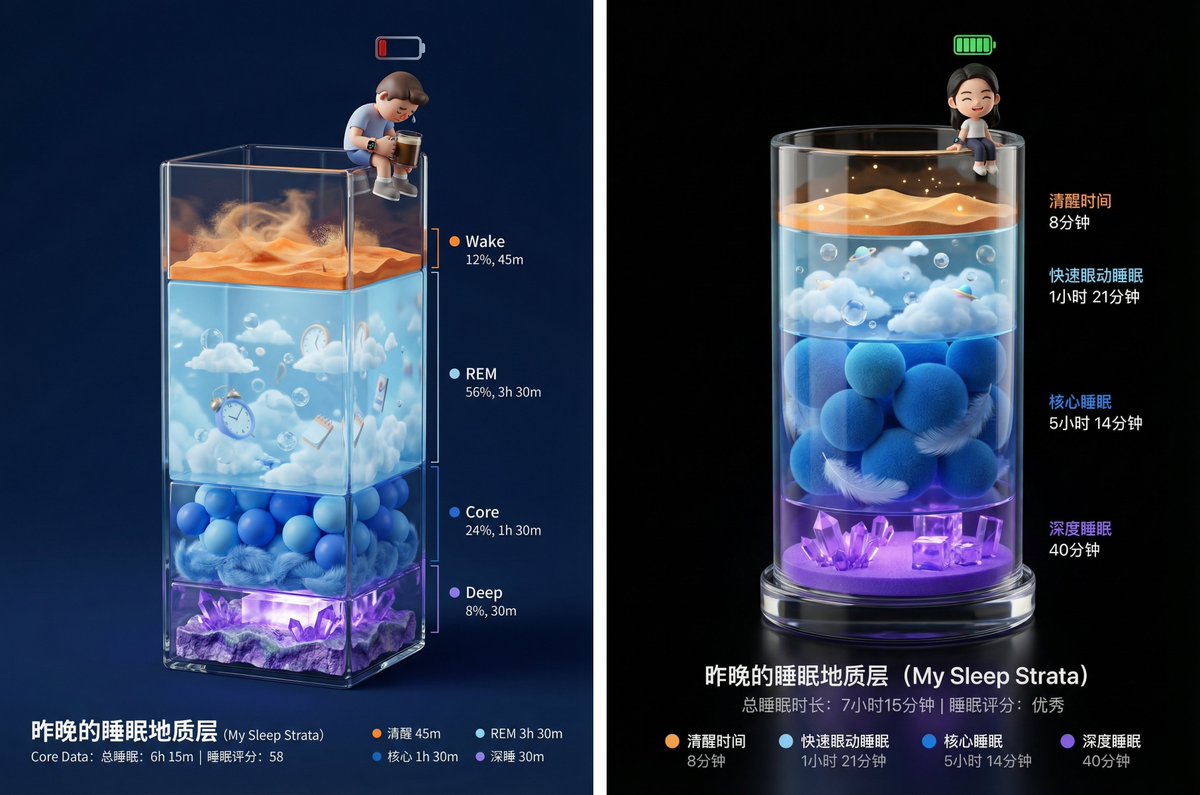
Task: Poster design, sleep data visualization art. Step 1: Analyze [uploaded Apple Watch sleep data screenshot] to extract the duration ratios of the four stages: awake, REM, core, and deep sleep.

Visual Description: The main visual is a three-dimensional, vertically elongated transparent glass container (similar to an exquisite trophy base or geological sampling tube), placed against a deep, solid color background. Inside the container, four different colored miniature landscapes are stacked layer by layer, with each layer's vertical thickness generated according to the duration ratios from [uploaded data] (for example: if core sleep time is the longest, then the blue layer should be the thickest).

Landscape Layer Details (from top to bottom):
Top Layer (very thin or based on awake duration): Awake Layer (Wake - Orange)
Represented as a dry desert surface or noise texture, symbolizing active and chaotic consciousness.
Second Layer: REM Layer (REM - Light Blue)
Represented as a dreamy sky layer with floating clouds, bubbles, or surreal objects. The material is transparent and light.
Third Layer: Core Sleep Layer (Core - Dark Blue)
Represented as a soft and comfortable layer of ocean balls or stacked down material, giving a sense of stability and calm.
Bottom Layer: Deep Sleep Layer (Deep - Violet)
Represented as a hard, heavy crystal cave or stacked glowing energy blocks. This is the foundation, with greater thickness indicating better sleep quality.

Main Character (User Image): At the very top edge of the glass container (at the opening), sits a chibi 3D figure.
Action: The figure's legs hang down naturally, sitting leisurely on top.
State: If the sleep score is high, a fully charged green battery icon can appear above the figure's head, with a content expression; if the score is low, the figure may look dejected or be holding a cup of coffee.
Equipment: The figure must wear a miniature smartwatch on its wrist.

Lighting and Rendering: Use C4D or Blender style 3D rendering. Emphasize the refractive index of the glass container and the physical texture of each layer's material (sand, clouds, ocean balls, crystals). The background should be high-end black or deep night blue, with lighting focusing on highlighting the transparency of the container's interior and the subtle glow of the bottom layer.

Bottom Typography: Simple data display.

Main Title: Last Night's Sleep Geological Layers (My Sleep Strata)

Core Data: Total Sleep Duration | Sleep Score

Legend: Use four corresponding colored small dots to label each layer's name and specific duration.
Related prompts
Suggested alternatives based on similar intent and language.
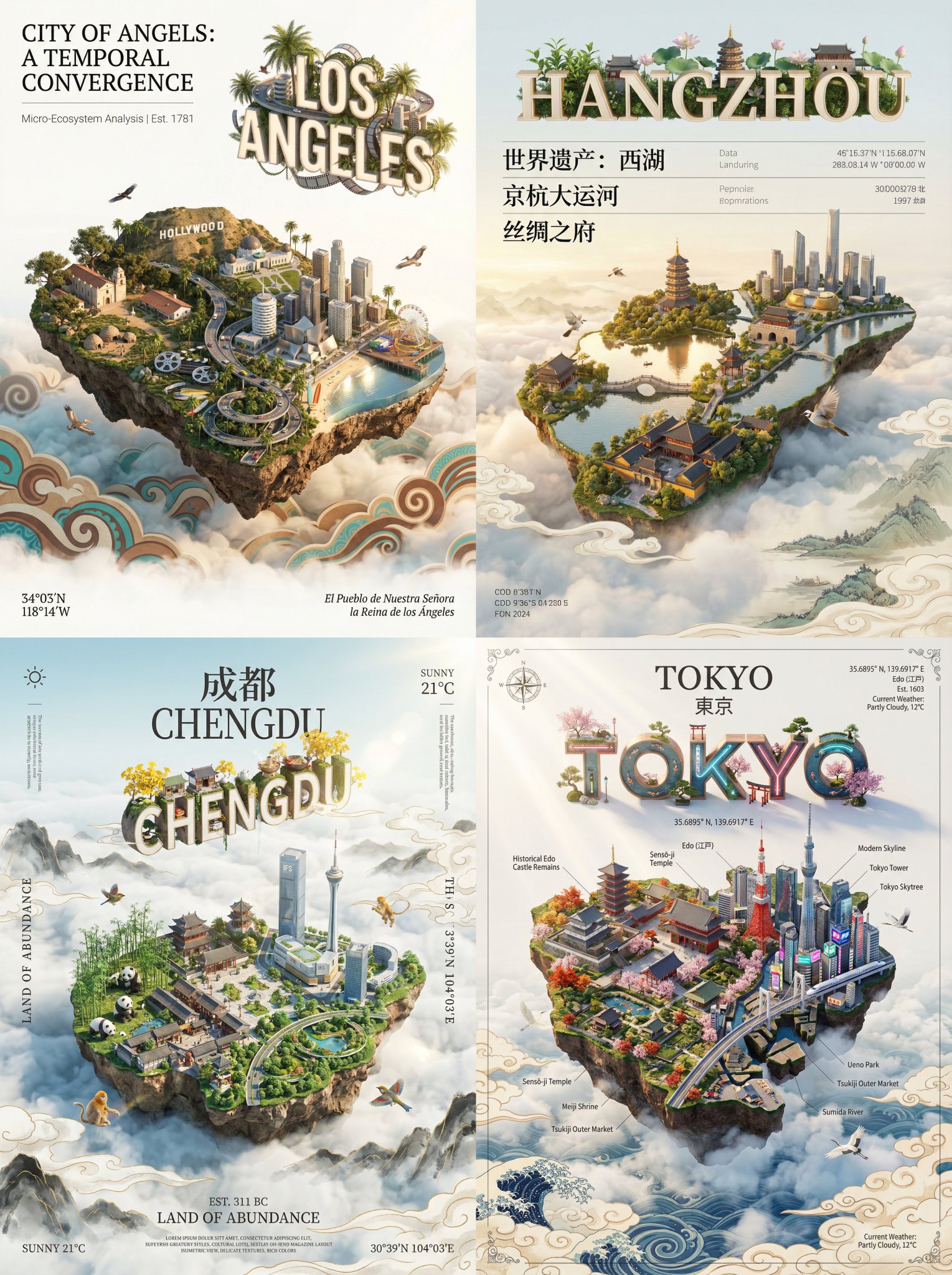
City Render Digital Art Poster
This prompt is for artists creating city-themed digital posters, helping produce visually stunning and culturally rich artwork.
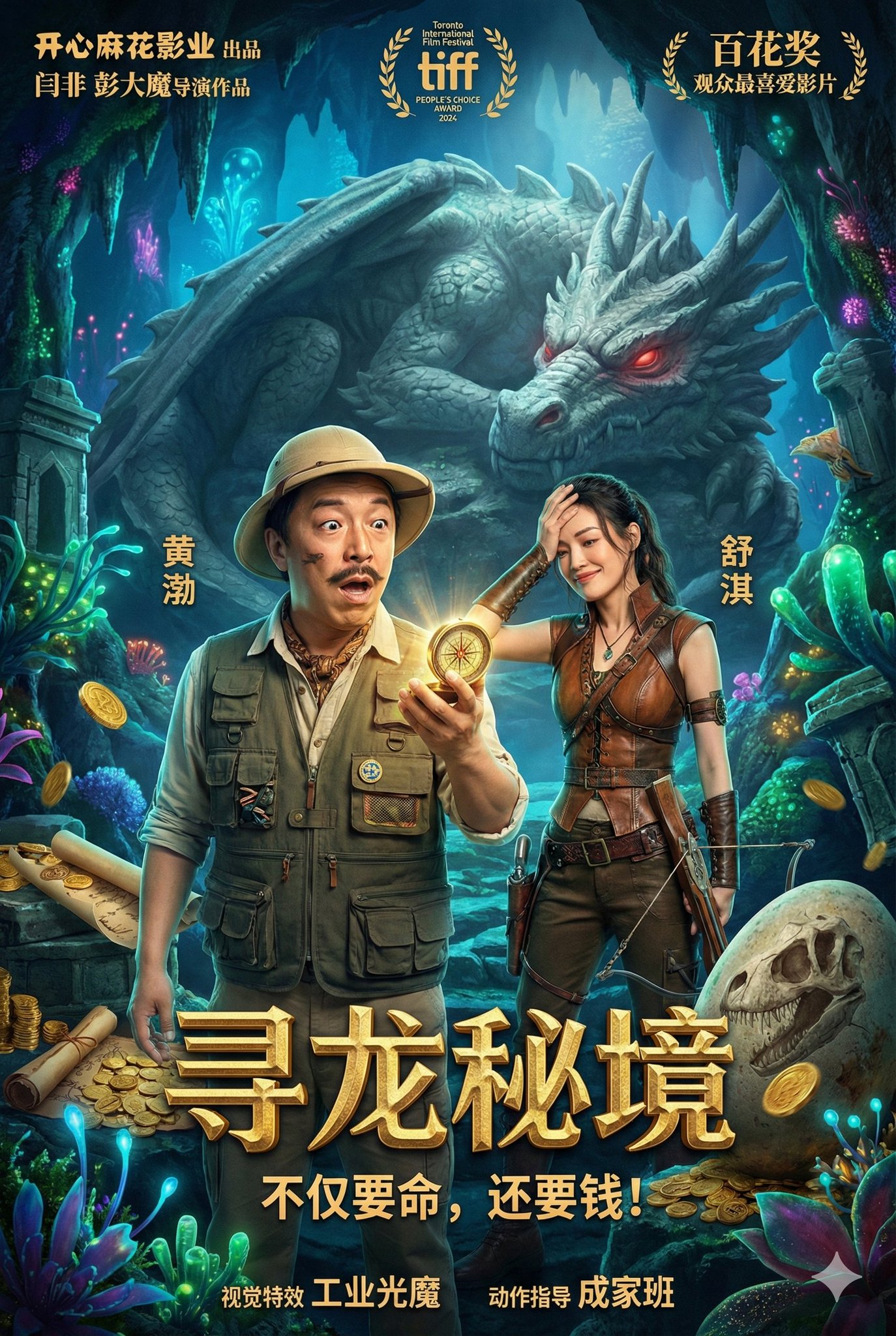
Fantasy Adventure Comedy Poster - The Dragon Realm Quest
This prompt is for filmmakers or designers creating a comedic fantasy movie poster, helping them visualize a vibrant and engaging promotional image.
Why creators keep returning to AI Prompt Copy
AI Prompt Copy grew from late-night experiments where we packaged the most effective prompt ideas into a single workspace so every creator could ship faster.
Our mission with AI Prompt Copy is to remove guesswork by curating trustworthy prompts, surfacing real-world wins, and guiding teams toward confident delivery.
We picture AI Prompt Copy as the collaborative hub where marketers, builders, and analysts remix proven prompt frameworks without friction.
Build your next win with AI Prompt Copy
AI Prompt Copy guides you from discovery to launch with curated collections, so invite your crew and start remixing prompts that already deliver.
Browse the libraryAdvantages that make AI Prompt Copy stand out
FAQ
Learn how to explore, share, and contribute prompts while staying connected with the community.
How should I tailor Lovely Sleep Report Poster before running it?
Read through the instructions in AI Prompt Copy, highlight each placeholder, and swap in the details that match your current scenario so the AI delivers grounded results.
What is the best way to collaborate on this prompt with my team?
Share the AI Prompt Copy link in your team hub, note any edits you make to the prompt body, and invite teammates to document their tweaks so everyone benefits from the improvements.
How can I save useful variations of this prompt?
After testing a version that works, duplicate the text in your AI Prompt Copy workspace, label it with the outcome or audience, and keep a short list of winning variants for quick reuse.
What can I do with AI Prompt Copy?
Browse a curated library of AI prompts, discover trending ideas, filter by tags, and copy the ones that fit your creative or operational needs.
How do I use a prompt from the AI Prompt Copy library?
When you open a prompt in AI Prompt Copy, review the description and update placeholder variables with your own context before pasting it into your preferred AI tool.
How can I share AI Prompt Copy prompts with my team?
Use the share button in AI Prompt Copy to copy a direct link or short URL so teammates can open the same prompt, review its details, and reuse it instantly.
Can I submit my own prompts to AI Prompt Copy?
Yes. Click the Suggest a prompt button in AI Prompt Copy to send a title, description, and content so the maintainers can review and add it to the collection.
Where do AI Prompt Copy prompts come from?
Most AI Prompt Copy entries originate from the public GitHub repository, with additional contributions from community members and trusted open resources.
How do I leave feedback or report an issue?
Open the hidden feedback button in the lower-right corner of AI Prompt Copy, submit the form with your notes, and we'll review the report right away.
How do I onboard new teammates with our prompt playbook?
Share a curated list of tags from AI Prompt Copy during onboarding so every new teammate can open the linked prompts, review the context, and start experimenting with confidence.
What workflow keeps campaign collaborators aligned?
Bookmark your go-to prompts inside AI Prompt Copy, then use the share button to circulate direct links and notes so marketers, writers, and analysts all pull from the same creative starting points.
Can I adapt prompts for teams in regulated industries?
Yes. Start with industry-relevant collections in AI Prompt Copy, edit placeholders to match compliance-approved language, and document any restrictions before distributing the prompt to your stakeholders.
Where do I find help tailoring prompts to my use case?
Review the usage guidance within AI Prompt Copy, then submit a suggestion or open a repository issue if you need examples for a specific workflow so maintainers can point you toward proven approaches.