prompt
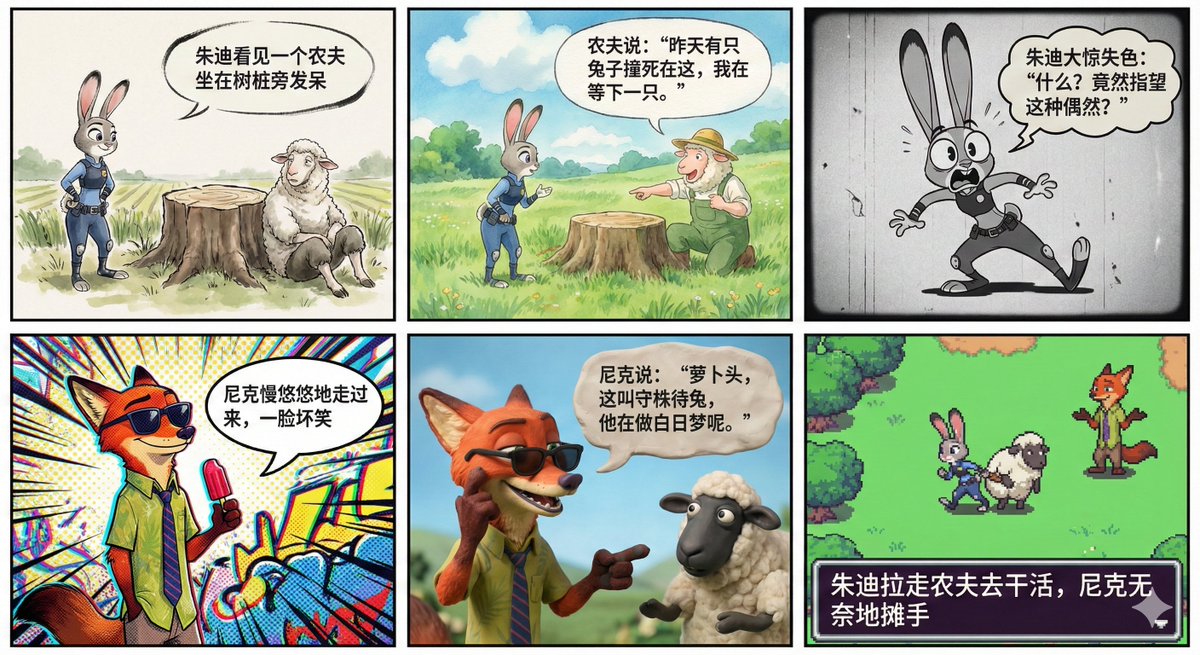
Panel 1: Chinese Ink Animation Style

In the Chinese ink animation style, Officer Judy is wearing a police uniform, looking at a sheep farmer sitting by a tree stump in a daze. The lighting is bright, and the texture of the wool is realistic. There is a speech bubble in the scene that precisely states in Chinese: "Judy sees a farmer sitting by the stump in a daze."

Panel 2: Ghibli Hand-Drawn Style

In the hand-drawn animation style of Studio Ghibli by Hayao Miyazaki, with a fresh watercolor texture, green grass, and blue sky, Judy is asking a question while the sheep farmer excitedly points at the stump explaining. The scene is healing, and there is a speech bubble that precisely states in Chinese: "The farmer says: 'A rabbit was hit here yesterday, and I'm waiting for the next one.'"

Panel 3: 1930s Retro Rubber Hose Style

In the 1930s retro rubber hose animation style, with a black-and-white film texture similar to 'Cuphead', Judy is shocked, leaning back exaggeratedly, her ears standing straight and elongated, her eyes wide open in disbelief. In a jagged-edged retro speech bubble, it precisely states in Chinese: "Judy is shocked: 'What? Expecting this kind of coincidence?'

Panel 4: Spider-Man: Into the Spider-Verse Comic Style

In the pop art style of 'Spider-Man: Into the Spider-Verse', with halftone dot effects and color distortion art, Nick is leisurely walking over, wearing sunglasses and holding a popsicle, with a mischievous smile. The background has dynamic graffiti lines, and in a comic-style speech bubble, it precisely states in Chinese: "Nick leisurely walks over with a mischievous smile."

Panel 5: Aardman Clay Animation Style

In the Aardman clay animation style, with stop-motion animation similar to 'Chicken Run', you can see the fingerprint details on the clay. Nick takes off his sunglasses, pointing at the sheep farmer while explaining to Judy. Nick has his signature wide mouth and big teeth, with a comical expression. In a clay-textured speech bubble, it precisely states in Chinese: "Nick says: 'Carrot head, this is called waiting for a rabbit by the stump; he is daydreaming.'"

Panel 6: 16-Bit Pixel Game Style

In the 16-bit retro pixel art style, reminiscent of Super Nintendo game graphics, with bright pixel color blocks, Judy helplessly pulls the sheep farmer to work, while Nick shrugs his shoulders behind her, like a level completion screen in an RPG game. In the game dialogue box, it precisely states in Chinese: "Judy drags the farmer to work, and Nick helplessly shrugs his shoulders."
Related prompts
Suggested alternatives based on similar intent and language.
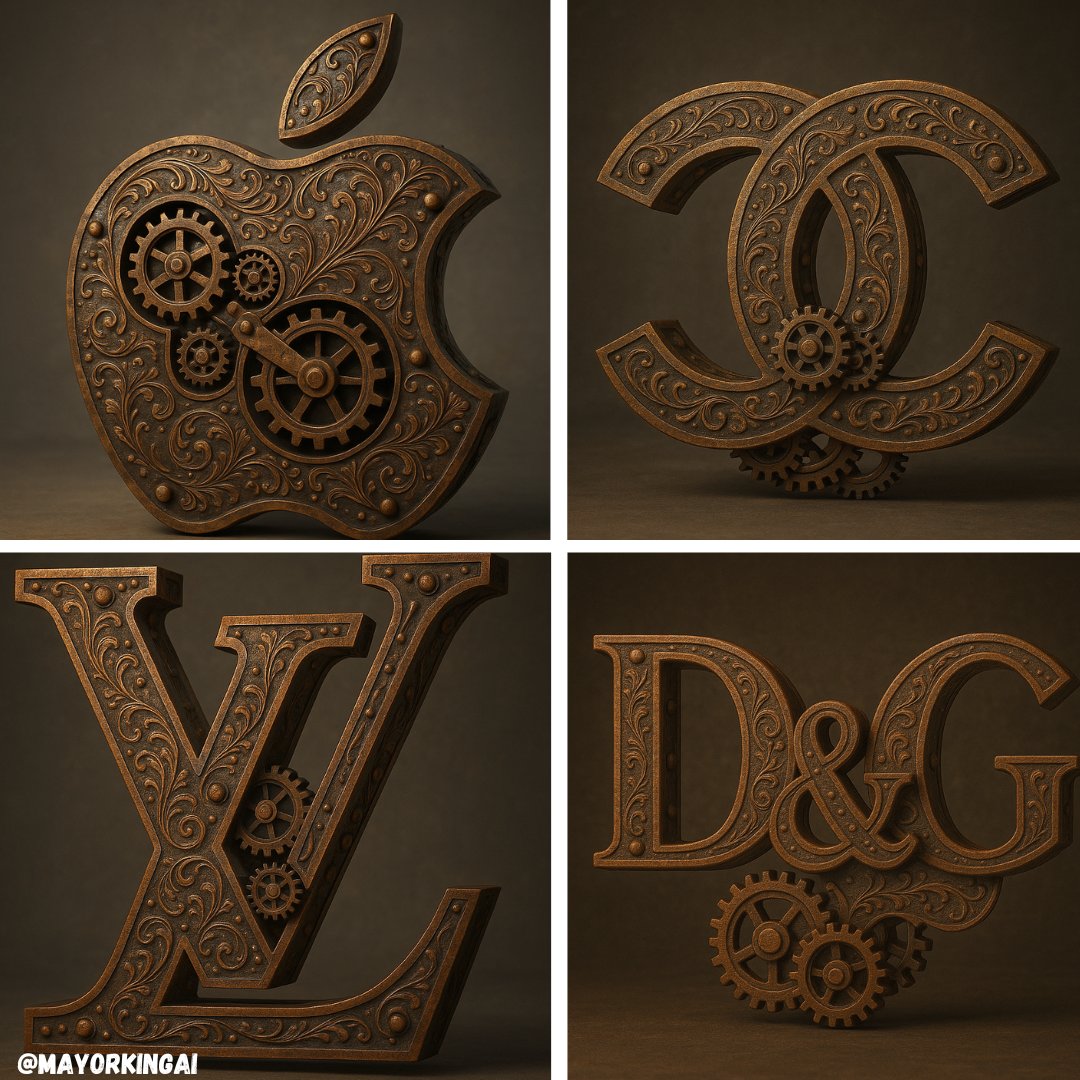
3D Steampunk Logo
This prompt is for graphic designers creating a unique 3D steampunk logo, helping them visualize a detailed and realistic design for branding.
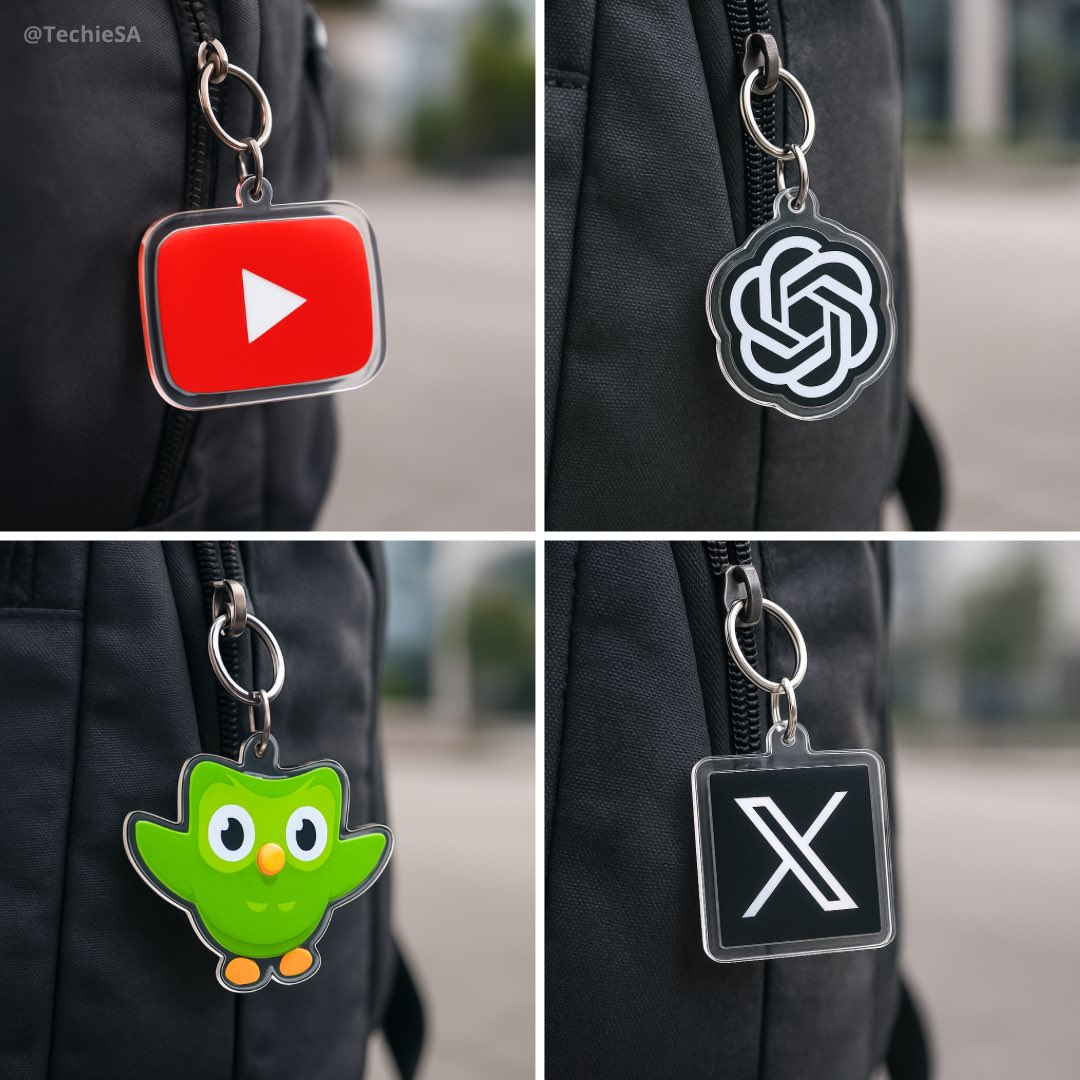
Acrylic Keychain
This prompt is for designers creating product visuals, helping them generate a realistic image of a custom acrylic keychain for marketing purposes.
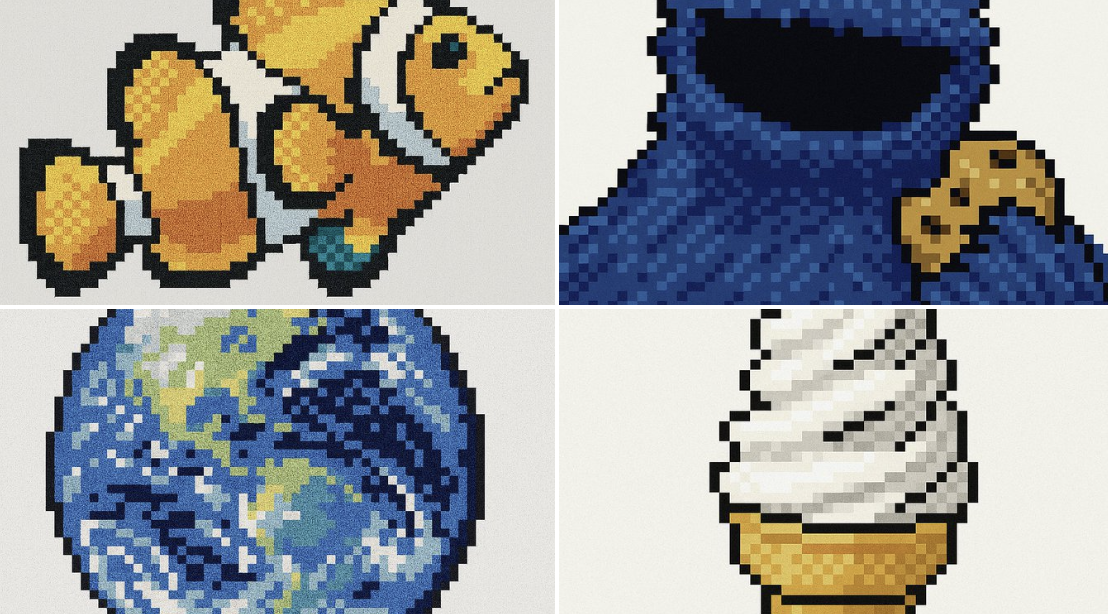
Retro Pixel UI Icons
This prompt is for game developers needing retro pixel art icons, helping them create low-resolution graphics with a specific aesthetic.
Why creators keep returning to AI Prompt Copy
AI Prompt Copy grew from late-night experiments where we packaged the most effective prompt ideas into a single workspace so every creator could ship faster.
Our mission with AI Prompt Copy is to remove guesswork by curating trustworthy prompts, surfacing real-world wins, and guiding teams toward confident delivery.
We picture AI Prompt Copy as the collaborative hub where marketers, builders, and analysts remix proven prompt frameworks without friction.
Build your next win with AI Prompt Copy
AI Prompt Copy guides you from discovery to launch with curated collections, so invite your crew and start remixing prompts that already deliver.
Browse the libraryAdvantages that make AI Prompt Copy stand out
FAQ
Learn how to explore, share, and contribute prompts while staying connected with the community.
How should I tailor 6-Panel Comic with Different Styles before running it?
Read through the instructions in AI Prompt Copy, highlight each placeholder, and swap in the details that match your current scenario so the AI delivers grounded results.
What is the best way to collaborate on this prompt with my team?
Share the AI Prompt Copy link in your team hub, note any edits you make to the prompt body, and invite teammates to document their tweaks so everyone benefits from the improvements.
How can I save useful variations of this prompt?
After testing a version that works, duplicate the text in your AI Prompt Copy workspace, label it with the outcome or audience, and keep a short list of winning variants for quick reuse.
What can I do with AI Prompt Copy?
Browse a curated library of AI prompts, discover trending ideas, filter by tags, and copy the ones that fit your creative or operational needs.
How do I use a prompt from the AI Prompt Copy library?
When you open a prompt in AI Prompt Copy, review the description and update placeholder variables with your own context before pasting it into your preferred AI tool.
How can I share AI Prompt Copy prompts with my team?
Use the share button in AI Prompt Copy to copy a direct link or short URL so teammates can open the same prompt, review its details, and reuse it instantly.
Can I submit my own prompts to AI Prompt Copy?
Yes. Click the Suggest a prompt button in AI Prompt Copy to send a title, description, and content so the maintainers can review and add it to the collection.
Where do AI Prompt Copy prompts come from?
Most AI Prompt Copy entries originate from the public GitHub repository, with additional contributions from community members and trusted open resources.
How do I leave feedback or report an issue?
Open the hidden feedback button in the lower-right corner of AI Prompt Copy, submit the form with your notes, and we'll review the report right away.
How do I onboard new teammates with our prompt playbook?
Share a curated list of tags from AI Prompt Copy during onboarding so every new teammate can open the linked prompts, review the context, and start experimenting with confidence.
What workflow keeps campaign collaborators aligned?
Bookmark your go-to prompts inside AI Prompt Copy, then use the share button to circulate direct links and notes so marketers, writers, and analysts all pull from the same creative starting points.
Can I adapt prompts for teams in regulated industries?
Yes. Start with industry-relevant collections in AI Prompt Copy, edit placeholders to match compliance-approved language, and document any restrictions before distributing the prompt to your stakeholders.
Where do I find help tailoring prompts to my use case?
Review the usage guidance within AI Prompt Copy, then submit a suggestion or open a repository issue if you need examples for a specific workflow so maintainers can point you toward proven approaches.