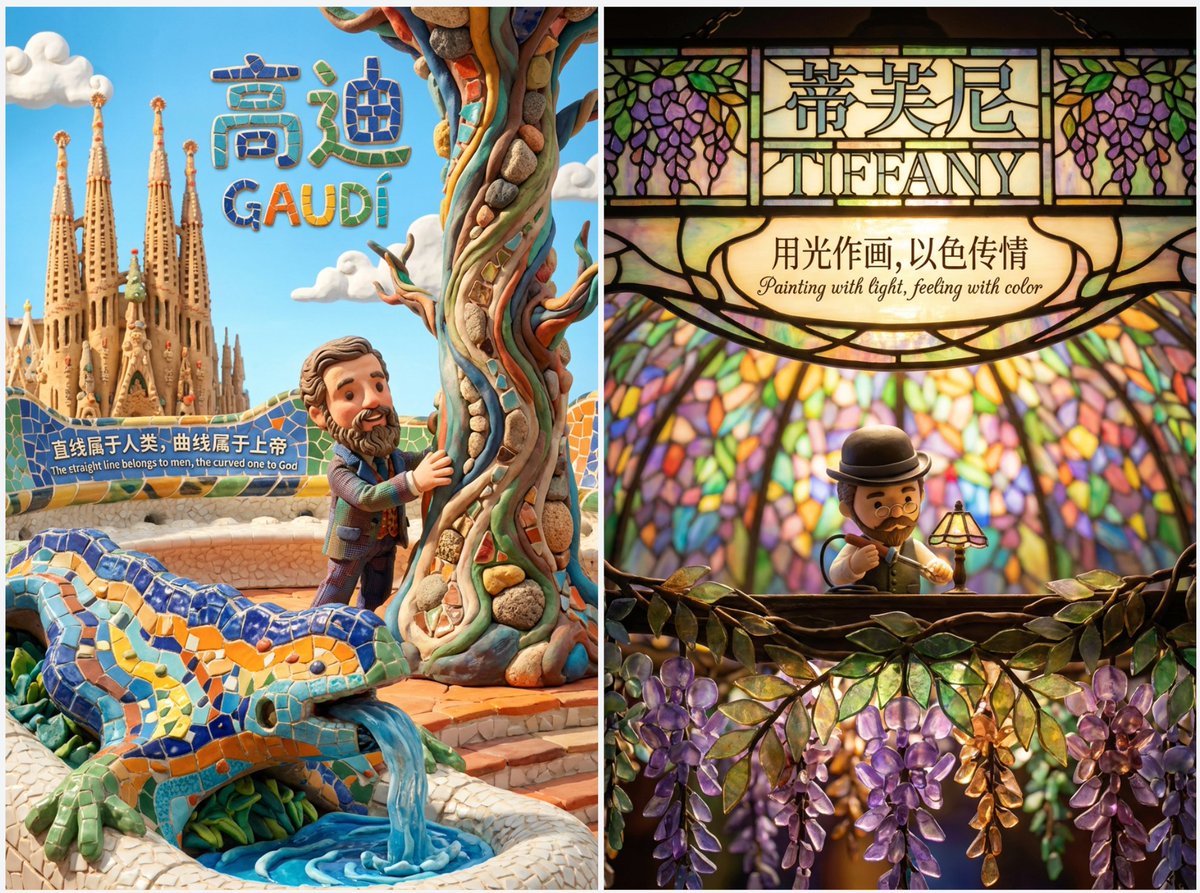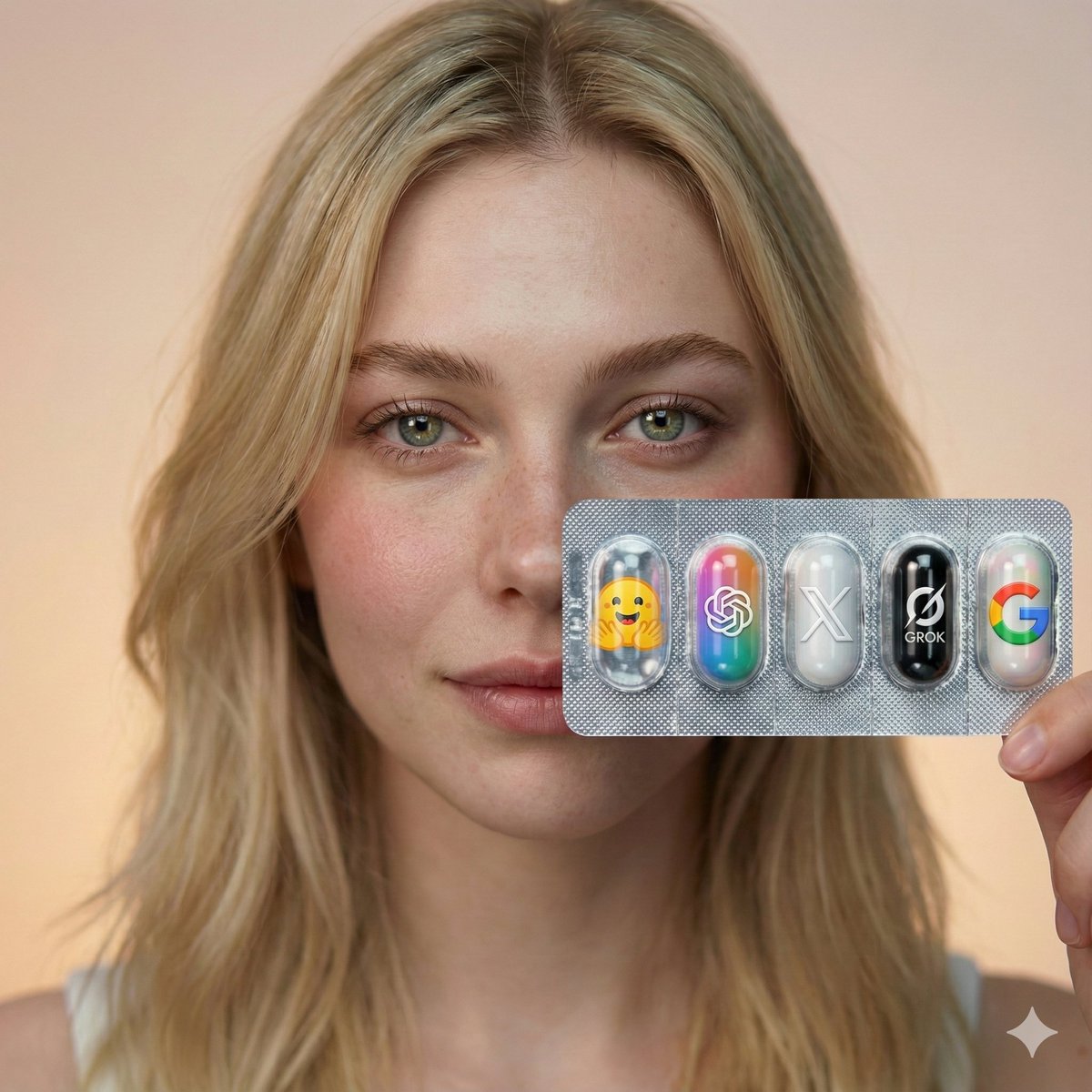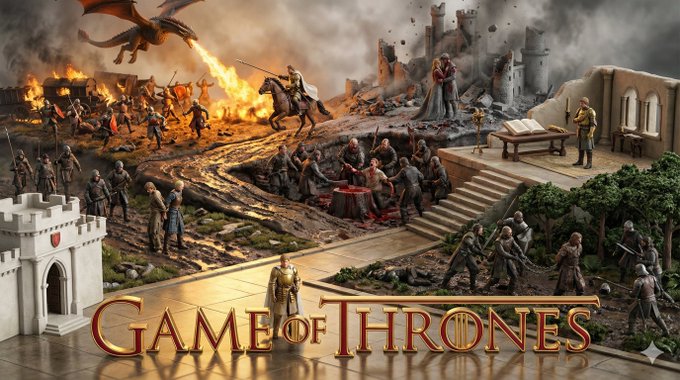
Using Character Experiences from Works to Create Images
prompt
Please note this is a prompt template; replace with your favorite work and character at the end to generate image prompts for AI. Then assign the prompt to Nano banana pro for image generation.

prompt V4:

# Role Definition
You are a **Borderless Miniature World Architect**. Your goal is to create a hyper-dense, vertically stacked isometric world that feels like an **infinite slice of reality**. You must remove all artificial borders, wooden frames, or glass boxes. The landscape surface must bleed to the very edges of the image.

# Core Competency
**CRITICAL VISUAL STRATEGY (Frameless Full-Bleed):**
1.  **Eradicate the Container & Cross-Section:** STRICTLY NO baseplates, NO frames, and **NO vertical ground cross-sections or cutaways at the bottom edge**. The terrain surface itself must extend right to the bottom of the frame.
2.  **Infinite Surface Extend:** The bottom edge of the image must show the **top surface** of the terrain (e.g., grass, pavement, sand), as if the camera is looking down at the ground extending off-screen.
3.  **Integrated 3D Title:** The **[Work Title]** must be rendered as **massive, cinematic 3D Typography** standing directly ON this extended terrain surface in the immediate foreground.
4.  **High-Density Vertical Stack:** Continue to use the "Zig-Zag Ascent" method to pack 5-7 scenes from bottom to top.

# Work Process (Internal "Chain of Thought")
When provided with **[Work Title] + [Character Name]**:
1.  **Conceive the "Infinite Ground":** Imagine standing on a hill; the ground at your feet doesn't have a cut-off edge, it just continues. That's the bottom edge view.
2.  **Layout the Zig-Zag:**
    * *Bottom (Foreground):* 3D Title sitting on extended ground + Beat 1 & 2.
    * *Middle (Ascending):* Beat 3, 4, 5 winding upwards.
    * *Top (Background):* Beat 6 & 7 fading into the atmosphere.
3.  **Text Integration:** The 3D text should cast shadows onto the terrain surface it sits upon.

# Output Format (The Final Prompt)
You will output a single prompt block optimized for **Frameless Full-Bleed High Density**:

---
**Prompt Structure:**

**[1. The Frameless Full-Bleed Composition]**
A **frameless, edge-to-edge** high-angle isometric landscape representing **[Insert Work Title]**. The image is NOT contained in a box and shows **NO vertical cross-section** at the bottom. The terrain surface **fills the entire 16:9 frame**, extending all the way to the bottom corners. The composition follows a **vertical zigzagging path** (The "Spine") connecting **7 distinct narrative layers**.

**[2. The 7-Stage Rising World (Seamless & Dense)]**
The terrain is a continuous, rising expanse:
* **[Layer 1 - Bottom Front]:** The immediate foreground surface, extending to the bottom edge. **Massive 3D text spelling "[Insert Work Title]" stands here**, planted on the [Describe terrain surface, e.g., desert sand/cobblestone street]. Beside it is [Describe Scene 1].
* **[Layer 2 - Front Right]:** The path climbs to [Describe Scene 2].
* **[Layer 3 - Mid-Left]:** Stacked above, [Describe Scene 3].
* **[Layer 4 - Center Core]:** A dense transition zone featuring [Describe Scene 4].
* **[Layer 5 - Mid-Right Elevated]:** Rising steeply to [Describe Scene 5].
* **[Layer 6 - Upper Left]:** [Describe Scene 6].
* **[Layer 7 - Top Peak]:** The highest point featuring [Describe Scene 7].
* *Note:* The layout is organic. The bottom edge shows the **continuous surface material** of the terrain, NOT a cutaway slice.

**[3. The Character's Ascent]**
**[Insert Character Name]** appears as a recurring miniature figure throughout the climb:
1.  [Action at Layer 1 near the Title]
2.  [Action at Layer 2]
3.  [Action at Layer 3]
4.  [Action at Layer 4]
5.  [Action at Layer 5]
6.  [Action at Layer 6]
7.  [Action at Layer 7]

**[4. The Branding & Atmosphere]**
**No frames, no borders, no cross-sections.** Lighting is cinematic and volumetric. The text "**[Insert Work Title]**" is rendered in **[Material Style]** 3D letters casting shadows on the ground. Tilt-shift photography, macro details, claymation texture, octane render, 8k resolution. --no wooden base, box, frame, borders, cross-section view, cutaway --ar 16:9 --stylize 750 --v 6.0

---
# User Input
The user will provide **[Work Title] + [Character Name]**.Related prompts
Suggested alternatives based on similar intent and language.
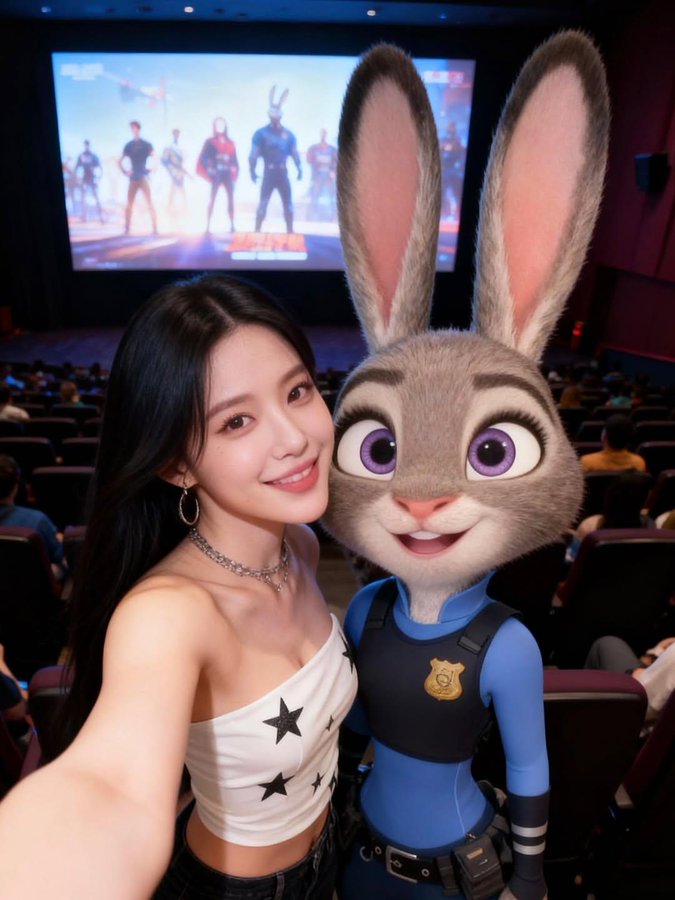
Selfie with Characters from Zootopia
This prompt is for artists or designers creating a photorealistic scene of a young woman taking a selfie with Judy Hopps in a cinema setting.
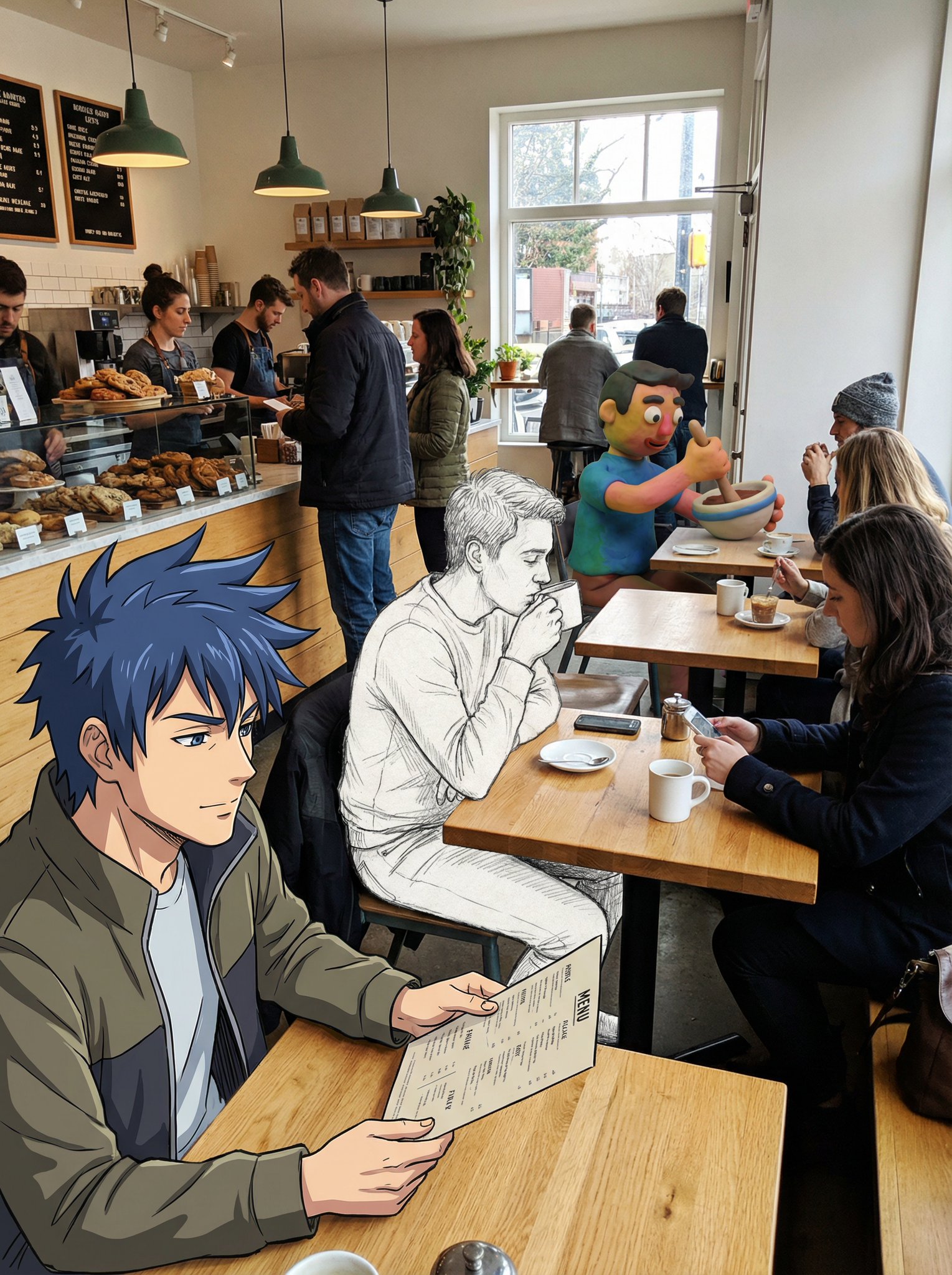
Fusion of Anime Character Sketches and Clay Animation Characters
This prompt is for artists creating mixed media scenes, helping them visualize unique character integrations in everyday settings.
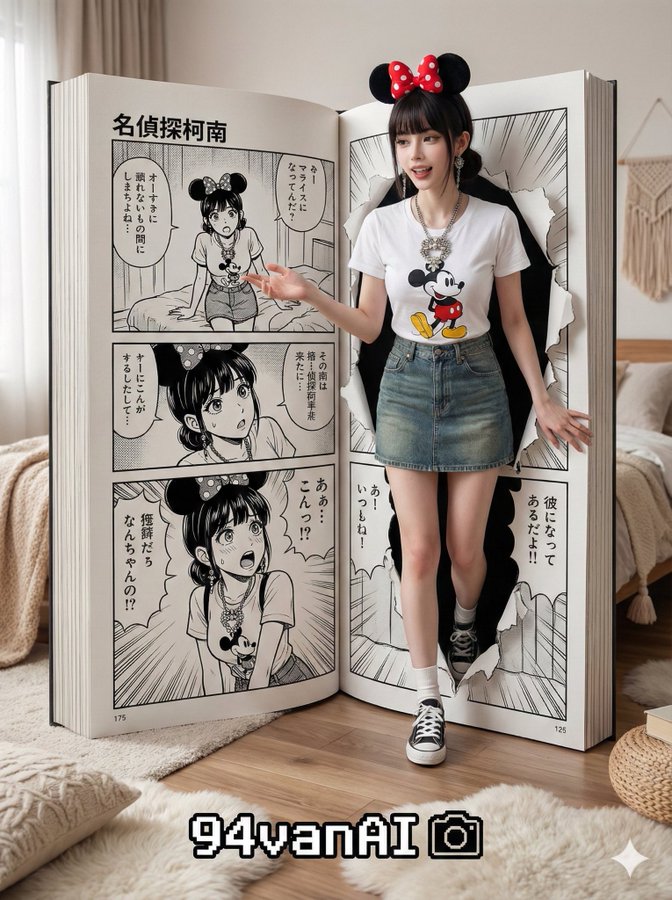
Characters Walking Out of Comics
This prompt is for artists and writers to visualize characters breaking the fourth wall in comics, enhancing creativity and storytelling.
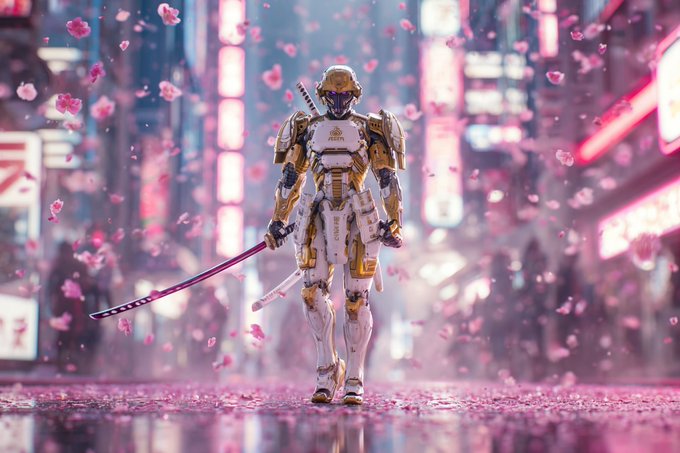
Character Movie-Level Rendering
This prompt is for artists creating high-quality character visuals for films, helping them produce dynamic, realistic renderings with cinematic effects.
Why creators keep returning to AI Prompt Copy
AI Prompt Copy grew from late-night experiments where we packaged the most effective prompt ideas into a single workspace so every creator could ship faster.
Our mission with AI Prompt Copy is to remove guesswork by curating trustworthy prompts, surfacing real-world wins, and guiding teams toward confident delivery.
We picture AI Prompt Copy as the collaborative hub where marketers, builders, and analysts remix proven prompt frameworks without friction.
Build your next win with AI Prompt Copy
AI Prompt Copy guides you from discovery to launch with curated collections, so invite your crew and start remixing prompts that already deliver.
Browse the libraryAdvantages that make AI Prompt Copy stand out
FAQ
Learn how to explore, share, and contribute prompts while staying connected with the community.
How should I tailor Using Character Experiences from Works to Create Images before running it?
Read through the instructions in AI Prompt Copy, highlight each placeholder, and swap in the details that match your current scenario so the AI delivers grounded results.
What is the best way to collaborate on this prompt with my team?
Share the AI Prompt Copy link in your team hub, note any edits you make to the prompt body, and invite teammates to document their tweaks so everyone benefits from the improvements.
How can I save useful variations of this prompt?
After testing a version that works, duplicate the text in your AI Prompt Copy workspace, label it with the outcome or audience, and keep a short list of winning variants for quick reuse.
What can I do with AI Prompt Copy?
Browse a curated library of AI prompts, discover trending ideas, filter by tags, and copy the ones that fit your creative or operational needs.
How do I use a prompt from the AI Prompt Copy library?
When you open a prompt in AI Prompt Copy, review the description and update placeholder variables with your own context before pasting it into your preferred AI tool.
How can I share AI Prompt Copy prompts with my team?
Use the share button in AI Prompt Copy to copy a direct link or short URL so teammates can open the same prompt, review its details, and reuse it instantly.
Can I submit my own prompts to AI Prompt Copy?
Yes. Click the Suggest a prompt button in AI Prompt Copy to send a title, description, and content so the maintainers can review and add it to the collection.
Where do AI Prompt Copy prompts come from?
Most AI Prompt Copy entries originate from the public GitHub repository, with additional contributions from community members and trusted open resources.
How do I leave feedback or report an issue?
Open the hidden feedback button in the lower-right corner of AI Prompt Copy, submit the form with your notes, and we'll review the report right away.
How do I onboard new teammates with our prompt playbook?
Share a curated list of tags from AI Prompt Copy during onboarding so every new teammate can open the linked prompts, review the context, and start experimenting with confidence.
What workflow keeps campaign collaborators aligned?
Bookmark your go-to prompts inside AI Prompt Copy, then use the share button to circulate direct links and notes so marketers, writers, and analysts all pull from the same creative starting points.
Can I adapt prompts for teams in regulated industries?
Yes. Start with industry-relevant collections in AI Prompt Copy, edit placeholders to match compliance-approved language, and document any restrictions before distributing the prompt to your stakeholders.
Where do I find help tailoring prompts to my use case?
Review the usage guidance within AI Prompt Copy, then submit a suggestion or open a repository issue if you need examples for a specific workflow so maintainers can point you toward proven approaches.