prompt
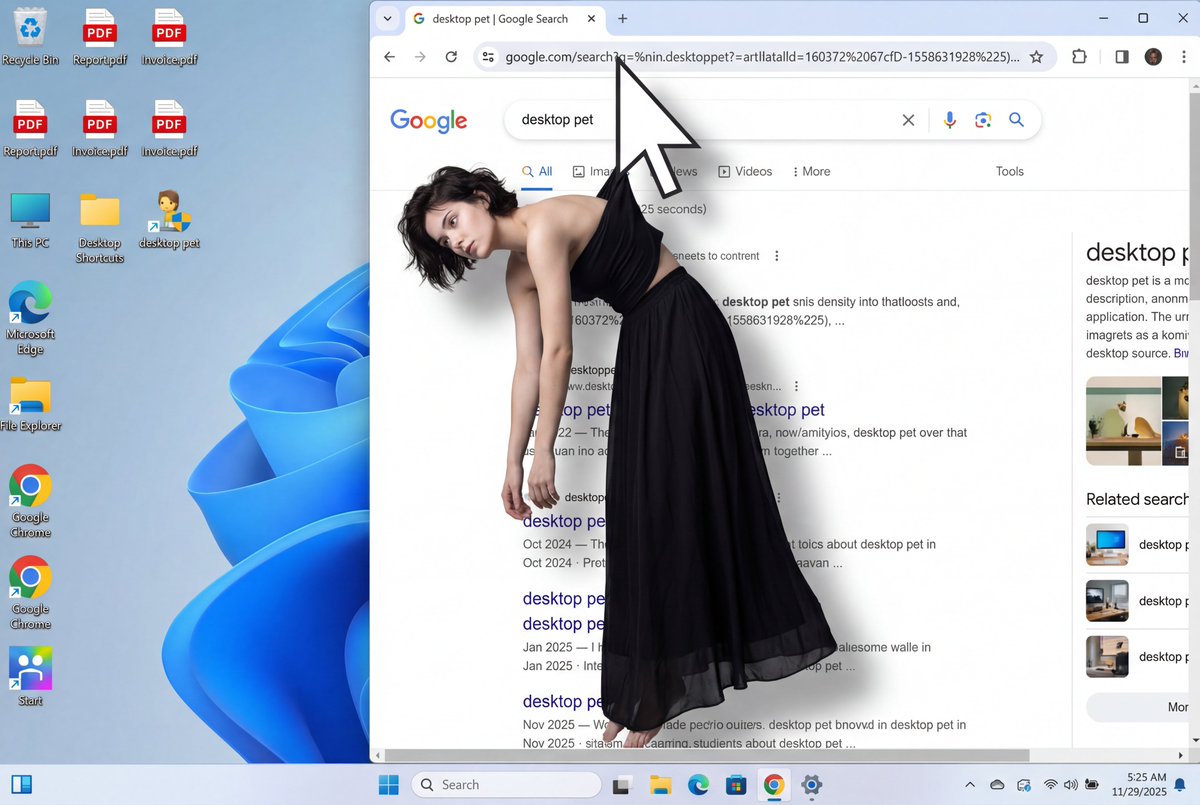
A surreal digital art composition showing a young woman with dark short hair wearing a black strapless top and long flowing black skirt, viewed from a front-facing angle. The white arrow-shaped computer mouse cursor grips a small portion of fabric at the back of her strapless top, between her shoulder blades, suspending her from behind. Her body displays clear physics of being hung from the back: her torso leans slightly forward, shoulders pulled back and upward from the suspension point behind her, creating visible tension in her posture. Her chest and upper body are pushed forward slightly due to the back suspension. Her bare arms hang completely limp and loose at her sides, dangling naturally downward. Her head tilts to her left shoulder with a contemplative, resigned expression. The black skirt flows down naturally. The overall posture clearly shows she is being lifted and suspended by a grip point on her back, with her body weight pulling downward while being held from behind.

She is seamlessly integrated into a photorealistic Windows 11 desktop screenshot. The scene shows a Google Chrome browser window occupying the right two-thirds of the screen, partially overlapping desktop icons on the left. The mouse cursor is positioned in the Chrome address bar, with the woman's suspended body hanging downward into the Google search results area below.

Desktop left side shows multiple icons including: Recycle Bin, PDF files, This PC, Desktop Shortcuts, desktop pet, Microsoft Edge, File Explorer, Google Chrome shortcuts, and various other application icons against a vibrant blue and purple flowing abstract background.

Chrome browser displays: tab labeled "desktop pet | Google Search", address bar with "http://google.com/search?q=%in.desktoppet?=artlatalld=160372%2067cfD-1558631928%225)...", search bar with "desktop pet" text, navigation options (All, Image, News, Videos, More, Tools). Search results show fragmented text about desktop pets with URLs and dates. Right sidebar shows "desktop pet" heading with descriptive text and related information.

Windows 11 taskbar at bottom features: Search, Task View, File Explorer, Microsoft Edge, Store, Photos, Google Chrome, Calendar icons, plus Wi-Fi, Speaker, Battery system tray icons, and time showing "5:25 AM 11/29/2025".

Flat perspective as if viewing screen directly, even diffused lighting from screen casting subtle shadow of woman and cursor onto search results. Emphasis on the hanging, suspended posture from back grip point. Clean, bright, neutral color grading with modern OS aesthetic. Photorealistic digital elements with surreal human integration.
Related prompts
Suggested alternatives based on similar intent and language.
Behind the Scenes of Photo Creation
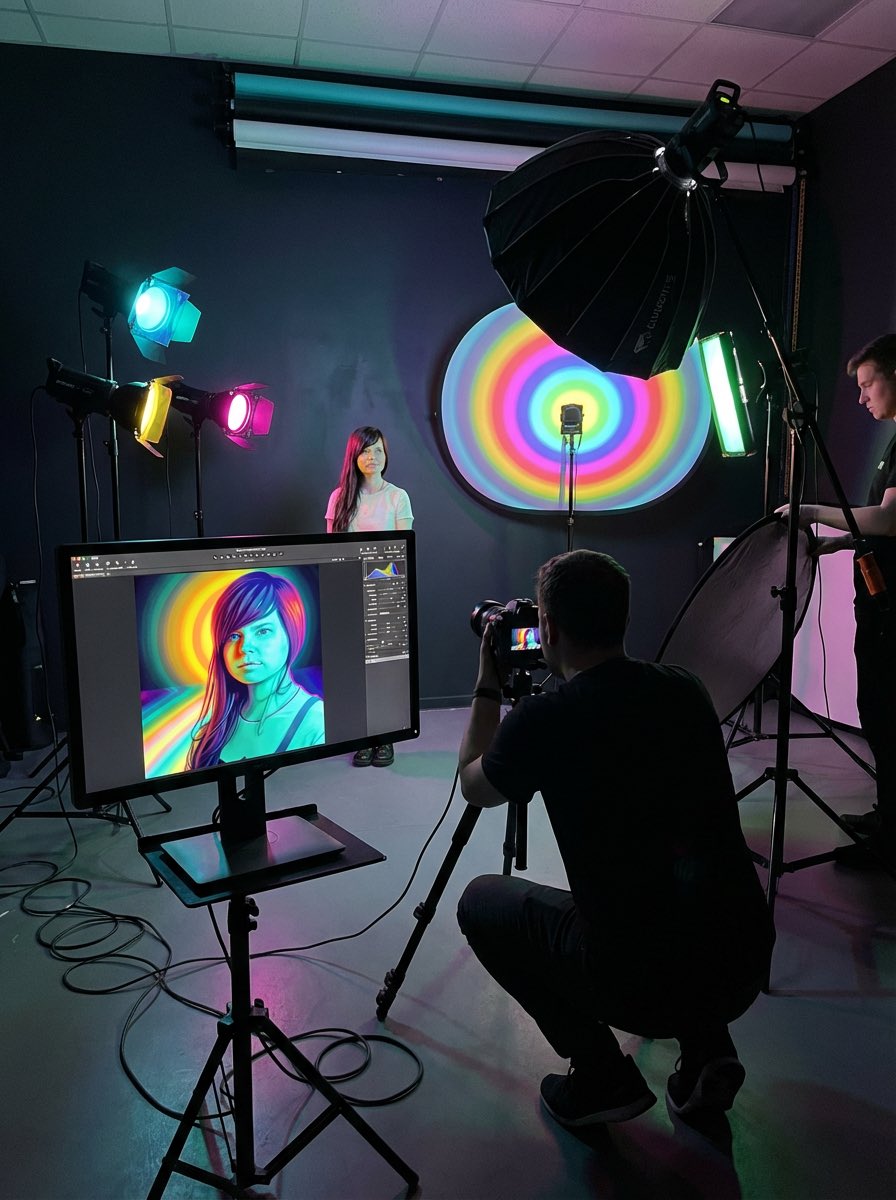
This prompt is for photographers wanting to understand the process behind a specific photo, helping them learn techniques and improve their own shoots.

A Beautiful Woman with Fair Skin Bathed in Morning Light
This prompt is for photographers or editors looking to enhance a portrait of a woman in morning light while preserving her facial features.
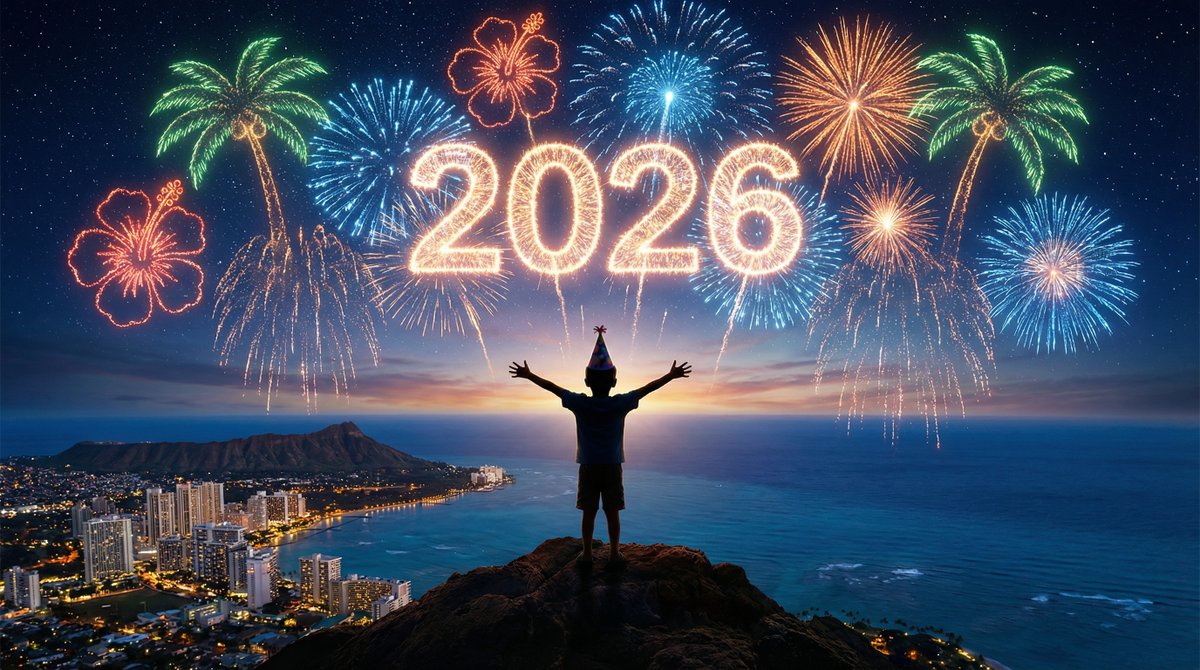
Watching Fireworks from the Mountain Top
This prompt is for creators designing a cinematic fireworks scene, helping produce a vivid visual description for a New Year celebration.
Why creators keep returning to AI Prompt Copy
AI Prompt Copy grew from late-night experiments where we packaged the most effective prompt ideas into a single workspace so every creator could ship faster.
Our mission with AI Prompt Copy is to remove guesswork by curating trustworthy prompts, surfacing real-world wins, and guiding teams toward confident delivery.
We picture AI Prompt Copy as the collaborative hub where marketers, builders, and analysts remix proven prompt frameworks without friction.
Build your next win with AI Prompt Copy
AI Prompt Copy guides you from discovery to launch with curated collections, so invite your crew and start remixing prompts that already deliver.
Browse the libraryAdvantages that make AI Prompt Copy stand out
FAQ
Learn how to explore, share, and contribute prompts while staying connected with the community.
How should I tailor Surreal Digital Art of a Hanged Woman before running it?
Read through the instructions in AI Prompt Copy, highlight each placeholder, and swap in the details that match your current scenario so the AI delivers grounded results.
What is the best way to collaborate on this prompt with my team?
Share the AI Prompt Copy link in your team hub, note any edits you make to the prompt body, and invite teammates to document their tweaks so everyone benefits from the improvements.
How can I save useful variations of this prompt?
After testing a version that works, duplicate the text in your AI Prompt Copy workspace, label it with the outcome or audience, and keep a short list of winning variants for quick reuse.
What can I do with AI Prompt Copy?
Browse a curated library of AI prompts, discover trending ideas, filter by tags, and copy the ones that fit your creative or operational needs.
How do I use a prompt from the AI Prompt Copy library?
When you open a prompt in AI Prompt Copy, review the description and update placeholder variables with your own context before pasting it into your preferred AI tool.
How can I share AI Prompt Copy prompts with my team?
Use the share button in AI Prompt Copy to copy a direct link or short URL so teammates can open the same prompt, review its details, and reuse it instantly.
Can I submit my own prompts to AI Prompt Copy?
Yes. Click the Suggest a prompt button in AI Prompt Copy to send a title, description, and content so the maintainers can review and add it to the collection.
Where do AI Prompt Copy prompts come from?
Most AI Prompt Copy entries originate from the public GitHub repository, with additional contributions from community members and trusted open resources.
How do I leave feedback or report an issue?
Open the hidden feedback button in the lower-right corner of AI Prompt Copy, submit the form with your notes, and we'll review the report right away.
How do I onboard new teammates with our prompt playbook?
Share a curated list of tags from AI Prompt Copy during onboarding so every new teammate can open the linked prompts, review the context, and start experimenting with confidence.
What workflow keeps campaign collaborators aligned?
Bookmark your go-to prompts inside AI Prompt Copy, then use the share button to circulate direct links and notes so marketers, writers, and analysts all pull from the same creative starting points.
Can I adapt prompts for teams in regulated industries?
Yes. Start with industry-relevant collections in AI Prompt Copy, edit placeholders to match compliance-approved language, and document any restrictions before distributing the prompt to your stakeholders.
Where do I find help tailoring prompts to my use case?
Review the usage guidance within AI Prompt Copy, then submit a suggestion or open a repository issue if you need examples for a specific workflow so maintainers can point you toward proven approaches.