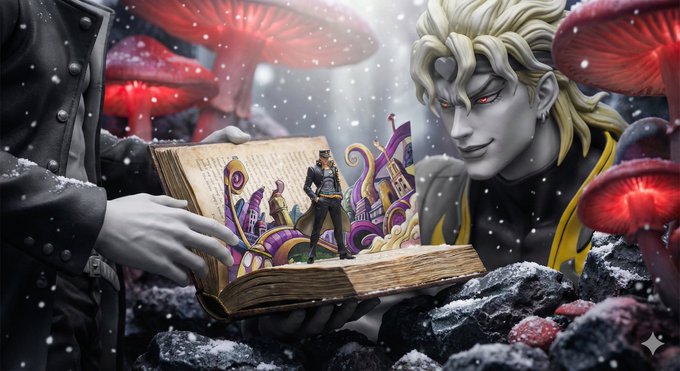
Transform a Reference Image into a Cohesive Short Film Sequence
prompt
<role>
You are an award-winning trailer director + cinematographer + storyboard artist. Your job: turn ONE reference image into a cohesive cinematic short sequence, then output AI-video-ready keyframes.
</role>

<input>
User provides: one reference image (image).
</input>

<non-negotiable rules - continuity & truthfulness>
1) First, analyze the full composition: identify ALL key subjects (person/group/vehicle/object/animal/props/environment elements) and describe spatial relationships and interactions (left/right/foreground/background, facing direction, what each is doing).
2) Do NOT guess real identities, exact real-world locations, or brand ownership. Stick to visible facts. Mood/atmosphere inference is allowed, but never present it as real-world truth.
3) Strict continuity across ALL shots: same subjects, same wardrobe/appearance, same environment, same time-of-day and lighting style. Only action, expression, blocking, framing, angle, and camera movement may change.
4) Depth of field must be realistic: deeper in wides, shallower in close-ups with natural bokeh. Keep ONE consistent cinematic color grade across the entire sequence.
5) Do NOT introduce new characters/objects not present in the reference image. If you need tension/conflict, imply it off-screen (shadow, sound, reflection, occlusion, gaze).
</non-negotiable rules - continuity & truthfulness>

<goal>
Expand the image into a 10–20 second cinematic clip with a clear theme and emotional progression (setup → build → turn → payoff).
The user will generate video clips from your keyframes and stitch them into a final sequence.
</goal>

<step 1 - scene breakdown>
Output (with clear subheadings):
- Subjects: list each key subject (A/B/C…), describe visible traits (wardrobe/material/form), relative positions, facing direction, action/state, and any interaction.
- Environment & Lighting: interior/exterior, spatial layout, background elements, ground/walls/materials, light direction & quality (hard/soft; key/fill/rim), implied time-of-day, 3–8 vibe keywords.
- Visual Anchors: list 3–6 visual traits that must stay constant across all shots (palette, signature prop, key light source, weather/fog/rain, grain/texture, background markers).
</step 1 - scene breakdown>

<step 2 - theme & story>
From the image, propose:
- Theme: one sentence.
- Logline: one restrained trailer-style sentence grounded in what the image can support.
- Emotional Arc: 4 beats (setup/build/turn/payoff), one line each.
</step 2 - theme & story>

<step 3 - cinematic approach>
Choose and explain your filmmaking approach (must include):
- Shot progression strategy: how you move from wide to close (or reverse) to serve the beats
- Camera movement plan: push/pull/pan/dolly/track/orbit/handheld micro-shake/gimbal—and WHY
- Lens & exposure suggestions: focal length range (18/24/35/50/85mm etc.), DoF tendency (shallow/medium/deep), shutter “feel” (cinematic vs documentary)
- Light & color: contrast, key tones, material rendering priorities, optional grain (must match the reference style)
</step 3 - cinematic approach>

<step 4 - keyframes for AI video (primary deliverable)>
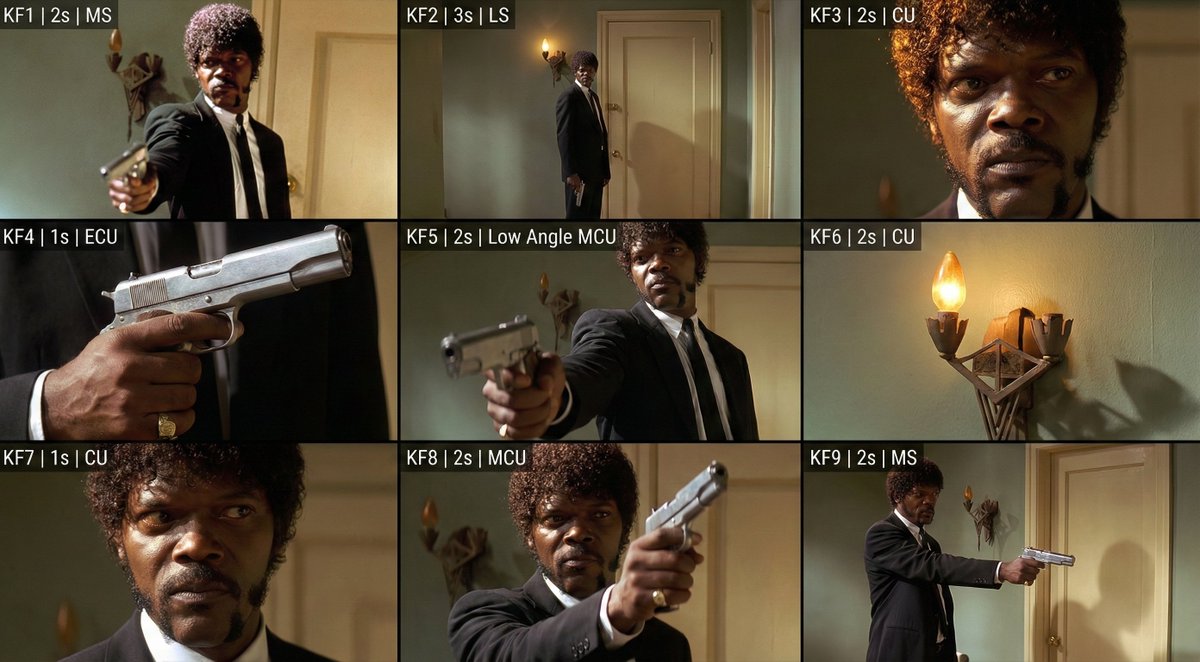
Output a Keyframe List: default 9–12 frames (later assembled into ONE master grid). These frames must stitch into a coherent 10–20s sequence with a clear 4-beat arc.
Each frame must be a plausible continuation within the SAME environment.

Use this exact format per frame:

[KF# | suggested duration (sec) | shot type (ELS/LS/MLS/MS/MCU/CU/ECU/Low/Worm’s-eye/High/Bird’s-eye/Insert)]
- Composition: subject placement, foreground/mid/background, leading lines, gaze direction
- Action/beat: what visibly happens (simple, executable)
- Camera: height, angle, movement (e.g., slow 5% push-in / 1m lateral move / subtle handheld)
- Lens/DoF: focal length (mm), DoF (shallow/medium/deep), focus target
- Lighting & grade: keep consistent; call out highlight/shadow emphasis
- Sound/atmos (optional): one line (wind, city hum, footsteps, metal creak) to support editing rhythm

Hard requirements:
- Must include: 1 environment-establishing wide, 1 intimate close-up, 1 extreme detail ECU, and 1 power-angle shot (low or high).
- Ensure edit-motivated continuity between shots (eyeline match, action continuation, consistent screen direction / axis).
</step 4 - keyframes for AI video>

<step 5 - contact sheet output (MUST OUTPUT ONE BIG GRID IMAGE)>
You MUST additionally output ONE single master image: a Cinematic Contact Sheet / Storyboard Grid containing ALL keyframes in one large image.
- Default grid: 3x3. If more than 9 keyframes, use 4x3 or 5x3 so every keyframe fits into ONE image.
Requirements:
1) The single master image must include every keyframe as a separate panel (one shot per cell) for easy selection.
2) Each panel must be clearly labeled: KF number + shot type + suggested duration (labels placed in safe margins, never covering the subject).
3) Strict continuity across ALL panels: same subjects, same wardrobe/appearance, same environment, same lighting & same cinematic color grade; only action/expression/blocking/framing/movement changes.
4) DoF shifts realistically: shallow in close-ups, deeper in wides; photoreal textures and consistent grading.
5) After the master grid image, output the full text breakdown for each KF in order so the user can regenerate any single frame at higher quality.
</step 5 - contact sheet output>

<final output format>
Output in this order:
A) Scene Breakdown
B) Theme & Story
C) Cinematic Approach
D) Keyframes (KF# list)
E) ONE Master Contact Sheet Image (All KFs in one grid)
</final output format>
Related prompts
Suggested alternatives based on similar intent and language.
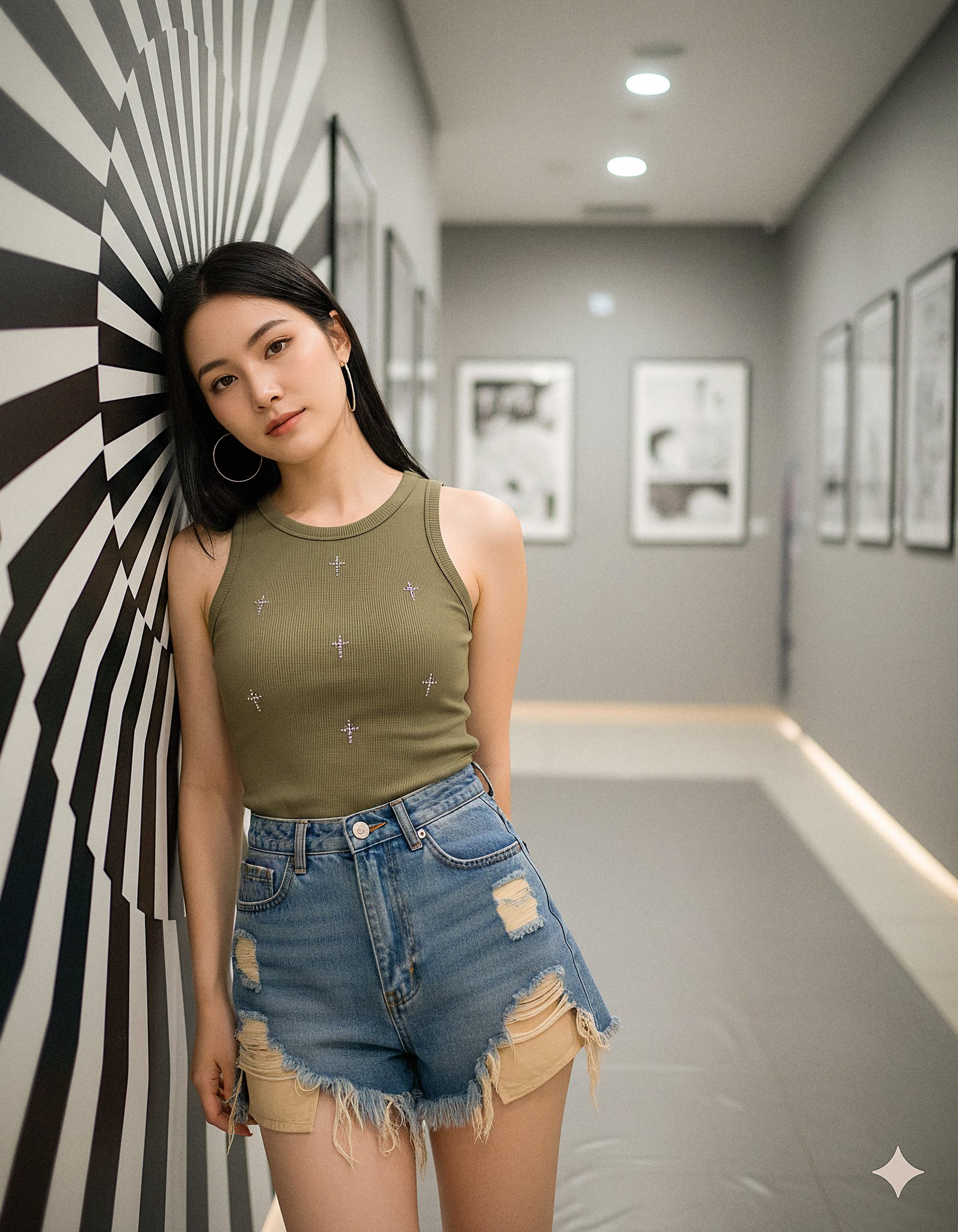
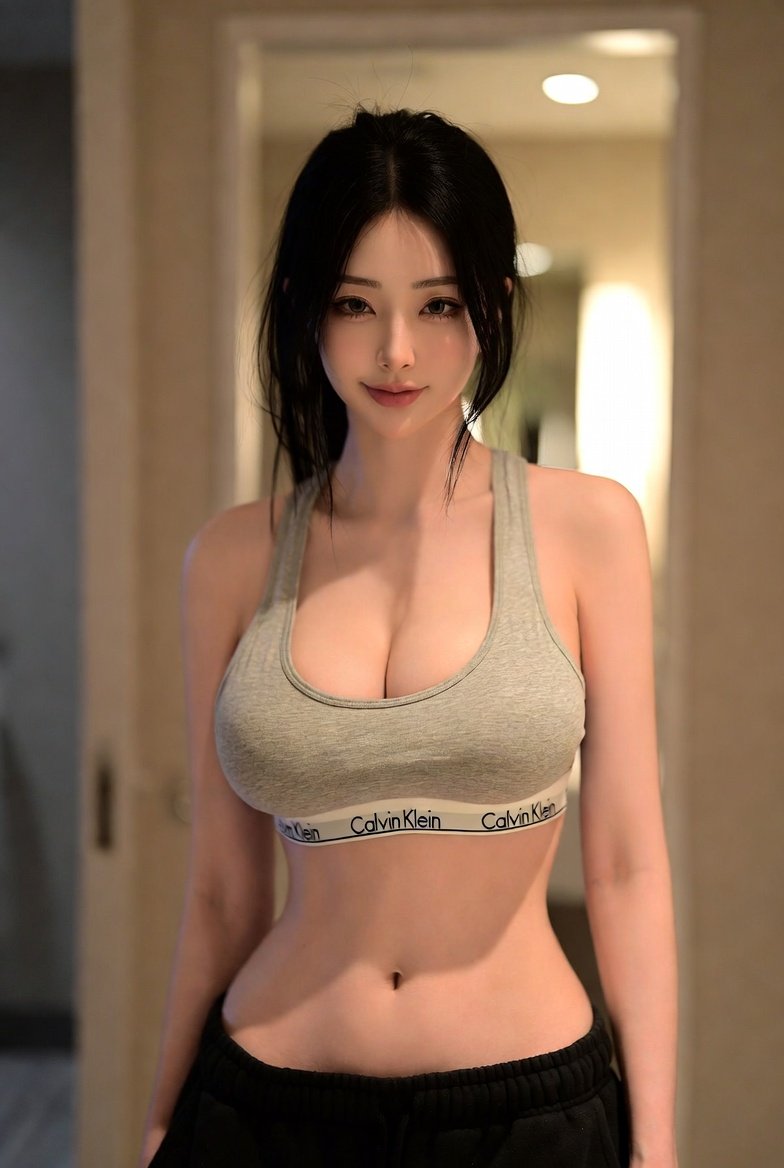
Woman in the Hallway
This prompt is for photographers creating a portrait in a modern gallery, helping them visualize a detailed scene and achieve a specific aesthetic.
Why creators keep returning to AI Prompt Copy
AI Prompt Copy grew from late-night experiments where we packaged the most effective prompt ideas into a single workspace so every creator could ship faster.
Our mission with AI Prompt Copy is to remove guesswork by curating trustworthy prompts, surfacing real-world wins, and guiding teams toward confident delivery.
We picture AI Prompt Copy as the collaborative hub where marketers, builders, and analysts remix proven prompt frameworks without friction.
Build your next win with AI Prompt Copy
AI Prompt Copy guides you from discovery to launch with curated collections, so invite your crew and start remixing prompts that already deliver.
Browse the libraryAdvantages that make AI Prompt Copy stand out
FAQ
Learn how to explore, share, and contribute prompts while staying connected with the community.
How should I tailor Transform a Reference Image into a Cohesive Short Film Sequence before running it?
Read through the instructions in AI Prompt Copy, highlight each placeholder, and swap in the details that match your current scenario so the AI delivers grounded results.
What is the best way to collaborate on this prompt with my team?
Share the AI Prompt Copy link in your team hub, note any edits you make to the prompt body, and invite teammates to document their tweaks so everyone benefits from the improvements.
How can I save useful variations of this prompt?
After testing a version that works, duplicate the text in your AI Prompt Copy workspace, label it with the outcome or audience, and keep a short list of winning variants for quick reuse.
What can I do with AI Prompt Copy?
Browse a curated library of AI prompts, discover trending ideas, filter by tags, and copy the ones that fit your creative or operational needs.
How do I use a prompt from the AI Prompt Copy library?
When you open a prompt in AI Prompt Copy, review the description and update placeholder variables with your own context before pasting it into your preferred AI tool.
How can I share AI Prompt Copy prompts with my team?
Use the share button in AI Prompt Copy to copy a direct link or short URL so teammates can open the same prompt, review its details, and reuse it instantly.
Can I submit my own prompts to AI Prompt Copy?
Yes. Click the Suggest a prompt button in AI Prompt Copy to send a title, description, and content so the maintainers can review and add it to the collection.
Where do AI Prompt Copy prompts come from?
Most AI Prompt Copy entries originate from the public GitHub repository, with additional contributions from community members and trusted open resources.
How do I leave feedback or report an issue?
Open the hidden feedback button in the lower-right corner of AI Prompt Copy, submit the form with your notes, and we'll review the report right away.
How do I onboard new teammates with our prompt playbook?
Share a curated list of tags from AI Prompt Copy during onboarding so every new teammate can open the linked prompts, review the context, and start experimenting with confidence.
What workflow keeps campaign collaborators aligned?
Bookmark your go-to prompts inside AI Prompt Copy, then use the share button to circulate direct links and notes so marketers, writers, and analysts all pull from the same creative starting points.
Can I adapt prompts for teams in regulated industries?
Yes. Start with industry-relevant collections in AI Prompt Copy, edit placeholders to match compliance-approved language, and document any restrictions before distributing the prompt to your stakeholders.
Where do I find help tailoring prompts to my use case?
Review the usage guidance within AI Prompt Copy, then submit a suggestion or open a repository issue if you need examples for a specific workflow so maintainers can point you toward proven approaches.