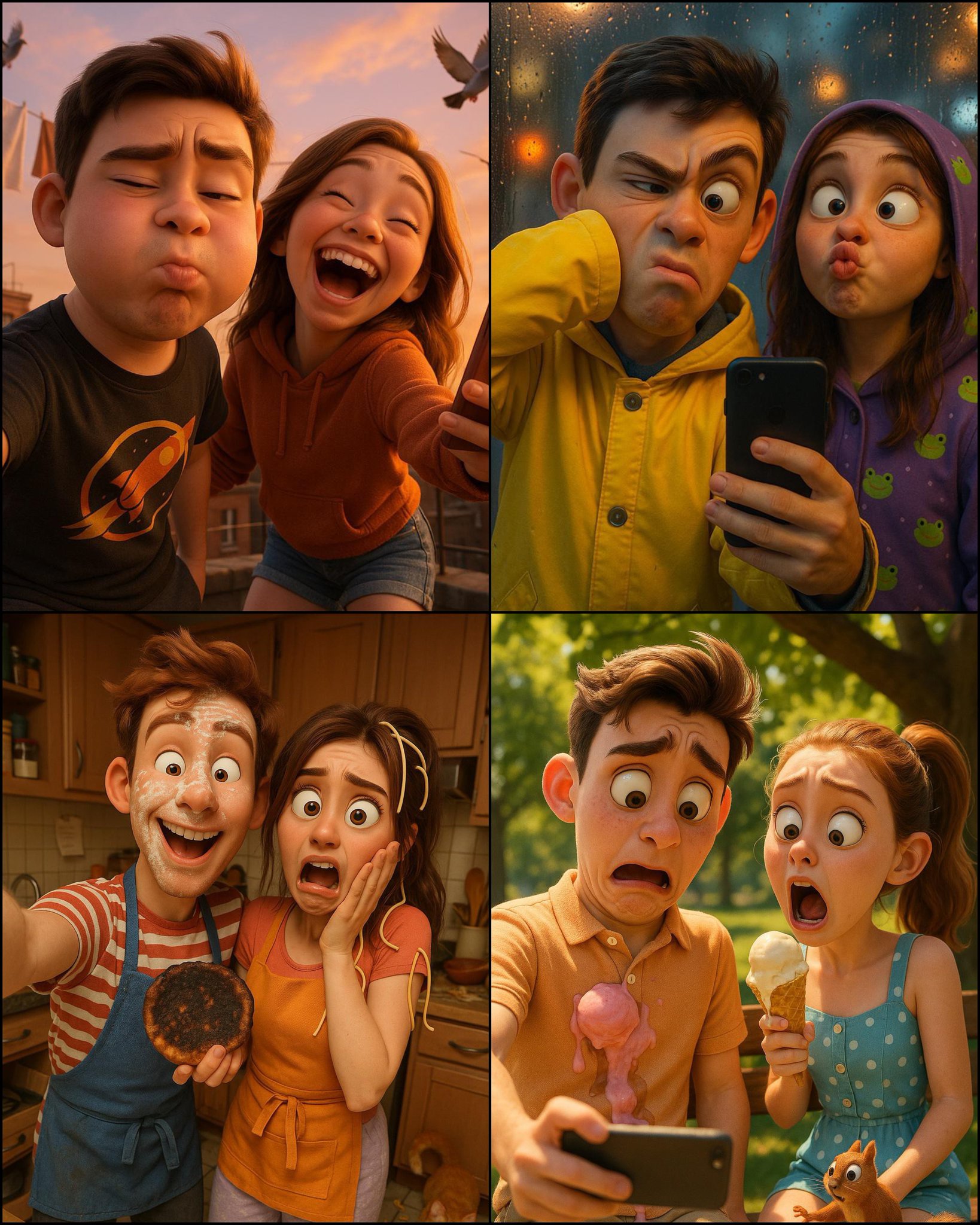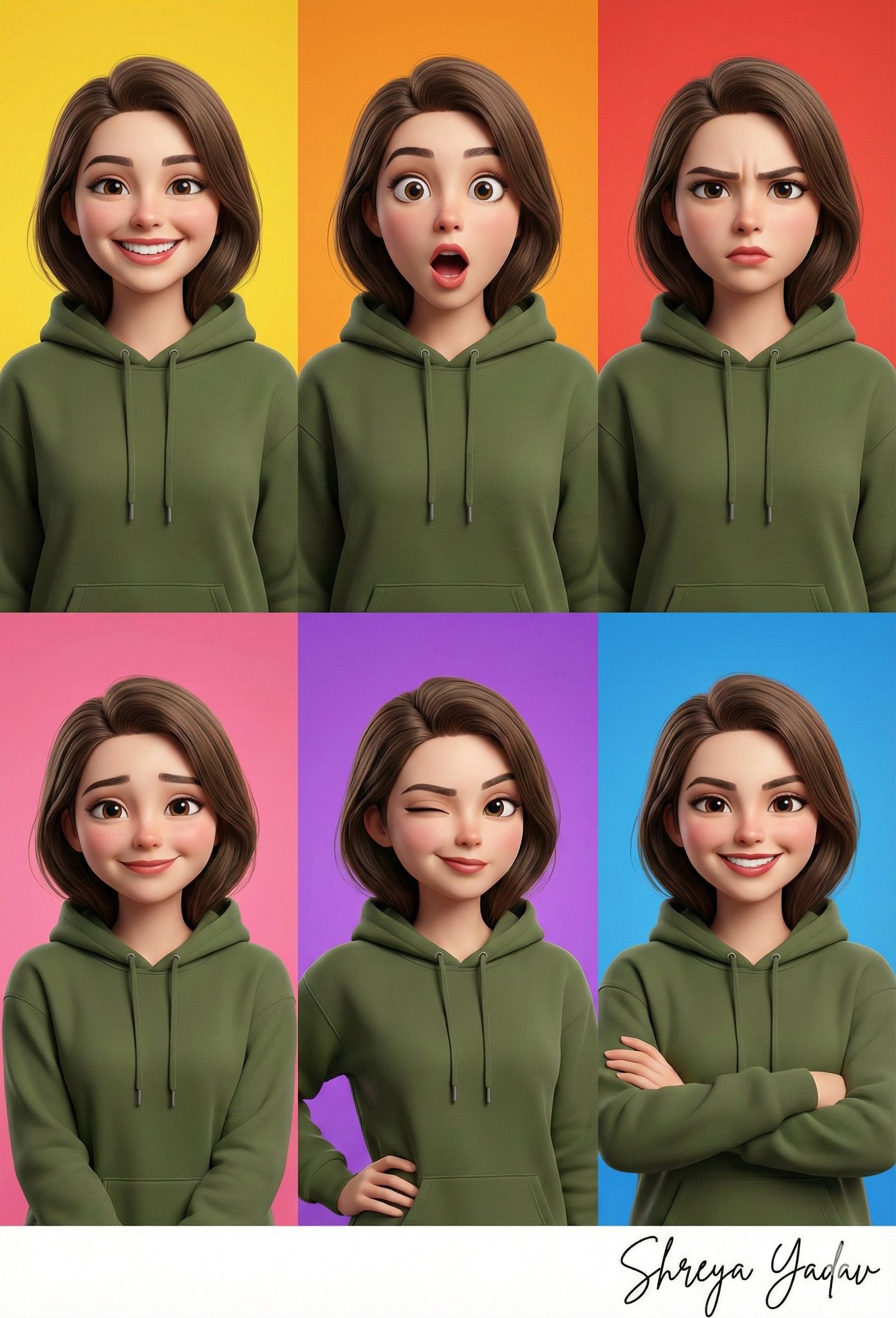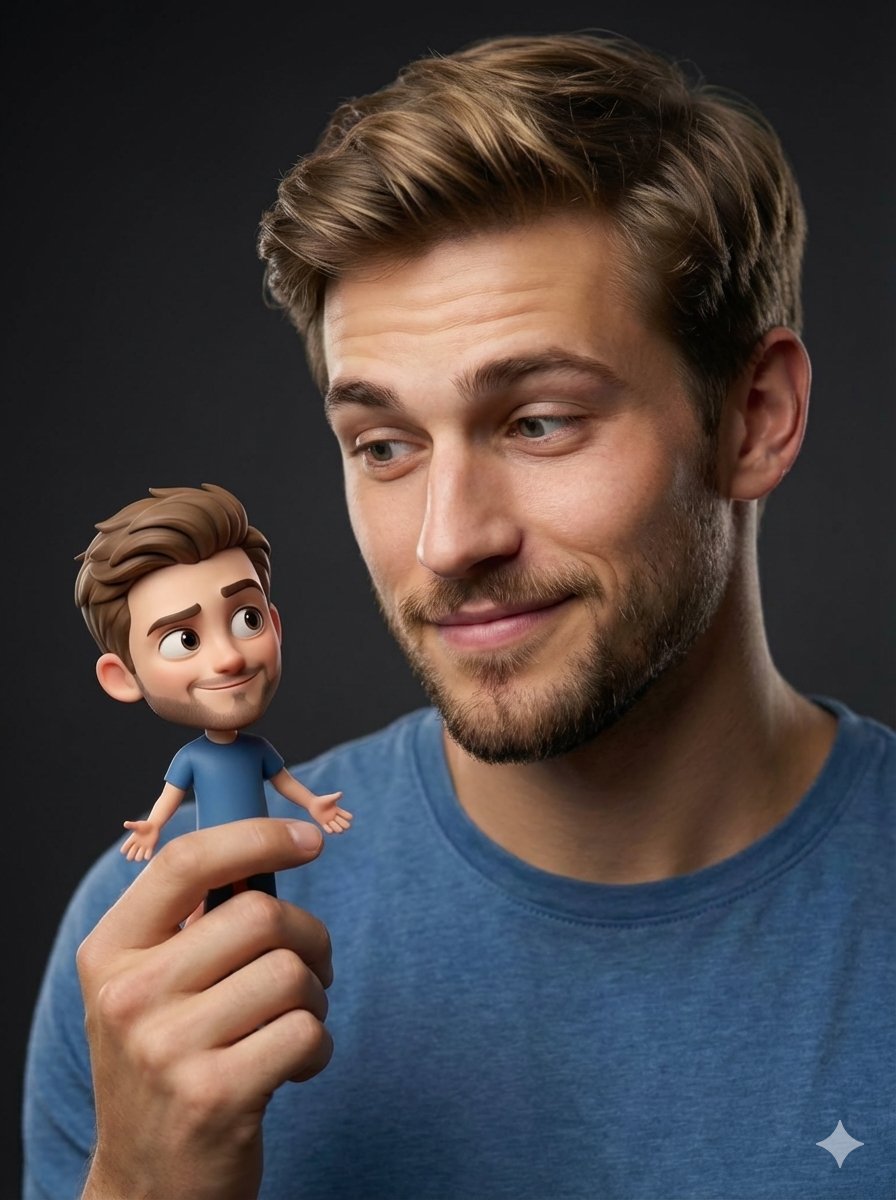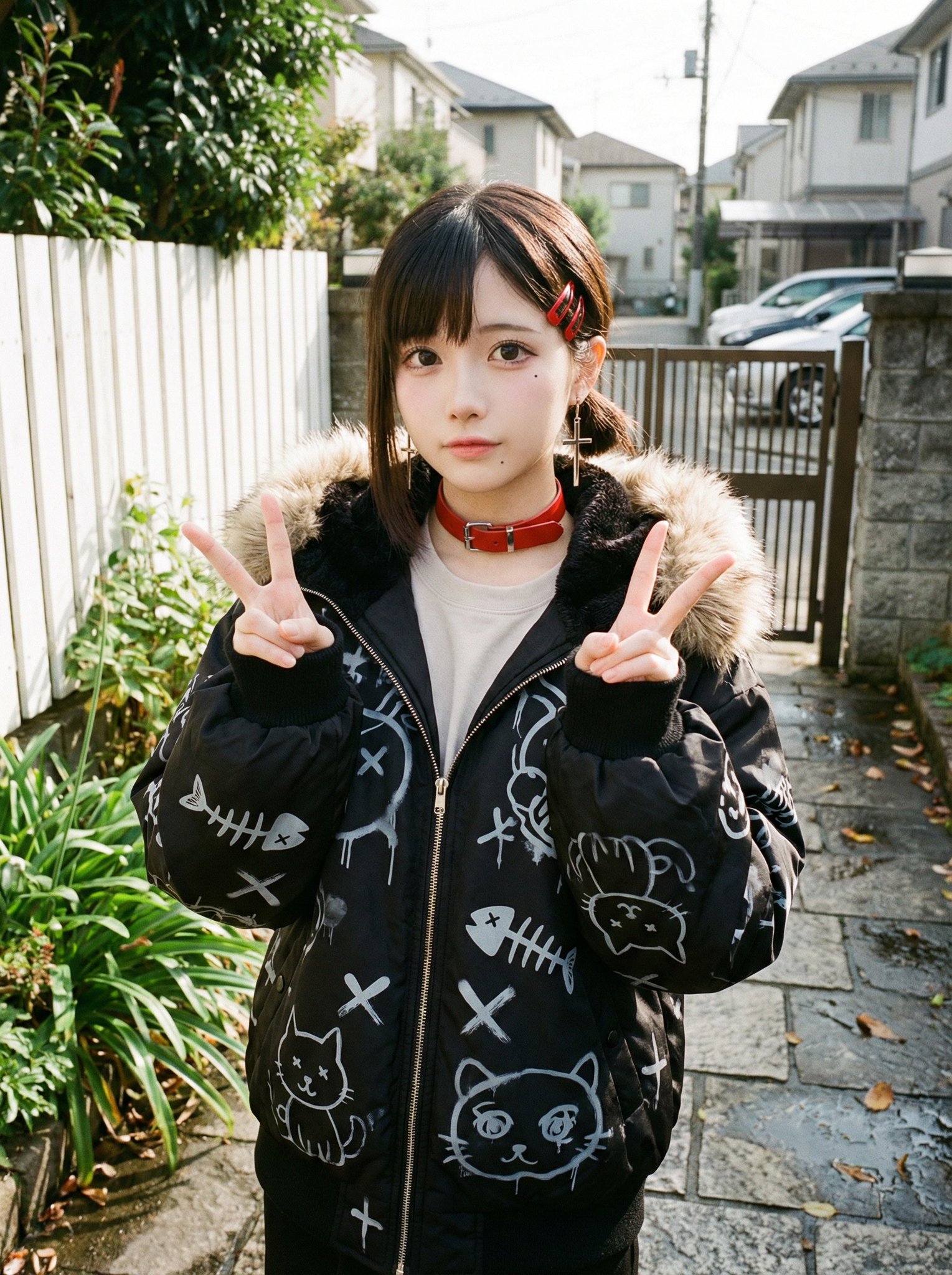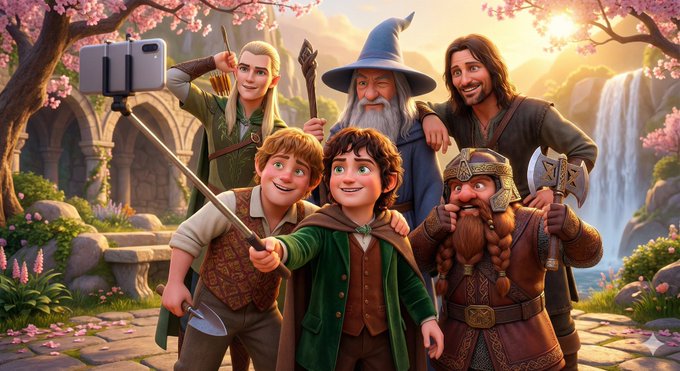
Pixar-Style 3D Animated Scene
prompt
A vibrant Pixar-style 3D animated scene depicting a joyful group selfie moment featuring <group of characters> in a <culturally representative environment>.
At the center, <main character> confidently holds a selfie stick topped with an iPhone, wearing an expression that clearly reflects their <distinctive personality trait> and exudes <leadership or core presence>.
To the left, <character A> adopts a pose or action reflective of their <distinct personality trait>, showcasing an expressive face that vividly captures their <personality description>.
On the right side, <character B> strikes a playful/humorous/cute pose, holding a characteristic item (<character B’s representative object>), with an exaggerated, lively facial expression highlighting their <distinctive personality trait>.
Additional characters (optional):

Nearby, <character C> performs an action or posture aligned with their personality, bearing an expressive facial expression that encapsulates their unique personality traits.
All characters wear bright, cheerful, and adorably rounded outfits styled in a contemporary fusion of traditional and modern attire representative of their cultural or historical backgrounds.
The scene is warmly lit, colorful, and filled with dynamic expressions and lively poses.
The background features a setting emblematic of the characters' cultural identities or personalities—such as cherry blossoms, lakes, mountains, historic architecture, or fantasy-like natural landscapes—rendered in the adorable, cinematic style characteristic of Pixar animations.
The overall composition exudes energy, humor, and heartwarming joy, capturing the essence of each character through their selfie expressions and postures.

—-

Names: [Frodo, Sam, Aragorn, Gandalf, Legolas, Gimli]
Related prompts
Suggested alternatives based on similar intent and language.
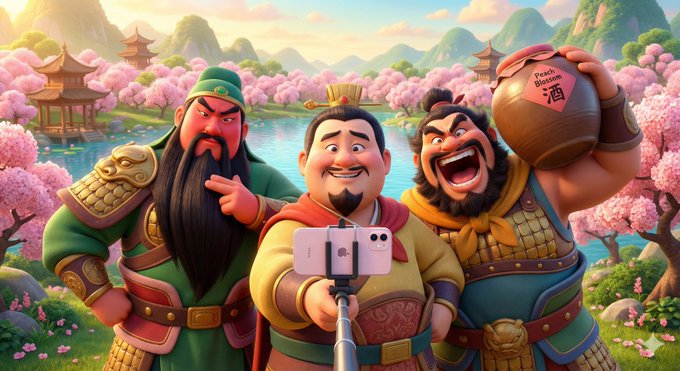
Pixar Style 3D Animation Scene
This prompt is for animators creating a Pixar-style scene, helping them design lively character interactions in a vibrant environment.
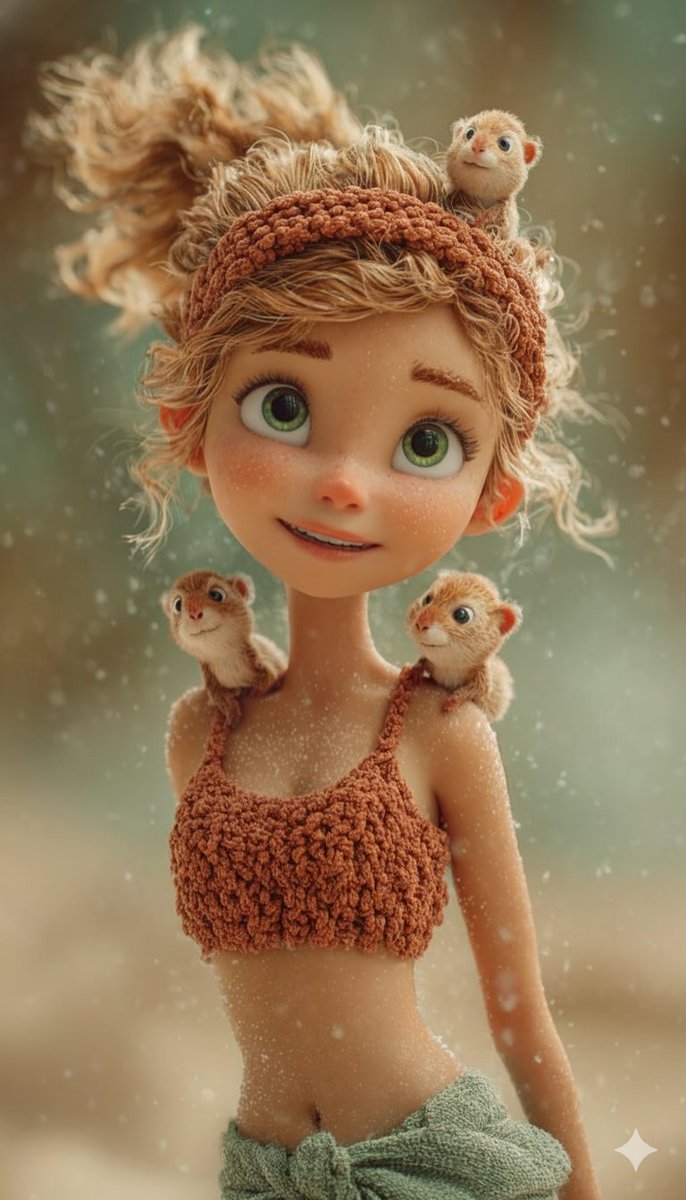
3D Animated Style Portrait
This prompt is for artists creating 3D animated portraits, helping them produce detailed and whimsical character designs.
Why creators keep returning to AI Prompt Copy
AI Prompt Copy grew from late-night experiments where we packaged the most effective prompt ideas into a single workspace so every creator could ship faster.
Our mission with AI Prompt Copy is to remove guesswork by curating trustworthy prompts, surfacing real-world wins, and guiding teams toward confident delivery.
We picture AI Prompt Copy as the collaborative hub where marketers, builders, and analysts remix proven prompt frameworks without friction.
Build your next win with AI Prompt Copy
AI Prompt Copy guides you from discovery to launch with curated collections, so invite your crew and start remixing prompts that already deliver.
Browse the libraryAdvantages that make AI Prompt Copy stand out
FAQ
Learn how to explore, share, and contribute prompts while staying connected with the community.
How should I tailor Pixar-Style 3D Animated Scene before running it?
Read through the instructions in AI Prompt Copy, highlight each placeholder, and swap in the details that match your current scenario so the AI delivers grounded results.
What is the best way to collaborate on this prompt with my team?
Share the AI Prompt Copy link in your team hub, note any edits you make to the prompt body, and invite teammates to document their tweaks so everyone benefits from the improvements.
How can I save useful variations of this prompt?
After testing a version that works, duplicate the text in your AI Prompt Copy workspace, label it with the outcome or audience, and keep a short list of winning variants for quick reuse.
What can I do with AI Prompt Copy?
Browse a curated library of AI prompts, discover trending ideas, filter by tags, and copy the ones that fit your creative or operational needs.
How do I use a prompt from the AI Prompt Copy library?
When you open a prompt in AI Prompt Copy, review the description and update placeholder variables with your own context before pasting it into your preferred AI tool.
How can I share AI Prompt Copy prompts with my team?
Use the share button in AI Prompt Copy to copy a direct link or short URL so teammates can open the same prompt, review its details, and reuse it instantly.
Can I submit my own prompts to AI Prompt Copy?
Yes. Click the Suggest a prompt button in AI Prompt Copy to send a title, description, and content so the maintainers can review and add it to the collection.
Where do AI Prompt Copy prompts come from?
Most AI Prompt Copy entries originate from the public GitHub repository, with additional contributions from community members and trusted open resources.
How do I leave feedback or report an issue?
Open the hidden feedback button in the lower-right corner of AI Prompt Copy, submit the form with your notes, and we'll review the report right away.
How do I onboard new teammates with our prompt playbook?
Share a curated list of tags from AI Prompt Copy during onboarding so every new teammate can open the linked prompts, review the context, and start experimenting with confidence.
What workflow keeps campaign collaborators aligned?
Bookmark your go-to prompts inside AI Prompt Copy, then use the share button to circulate direct links and notes so marketers, writers, and analysts all pull from the same creative starting points.
Can I adapt prompts for teams in regulated industries?
Yes. Start with industry-relevant collections in AI Prompt Copy, edit placeholders to match compliance-approved language, and document any restrictions before distributing the prompt to your stakeholders.
Where do I find help tailoring prompts to my use case?
Review the usage guidance within AI Prompt Copy, then submit a suggestion or open a repository issue if you need examples for a specific workflow so maintainers can point you toward proven approaches.