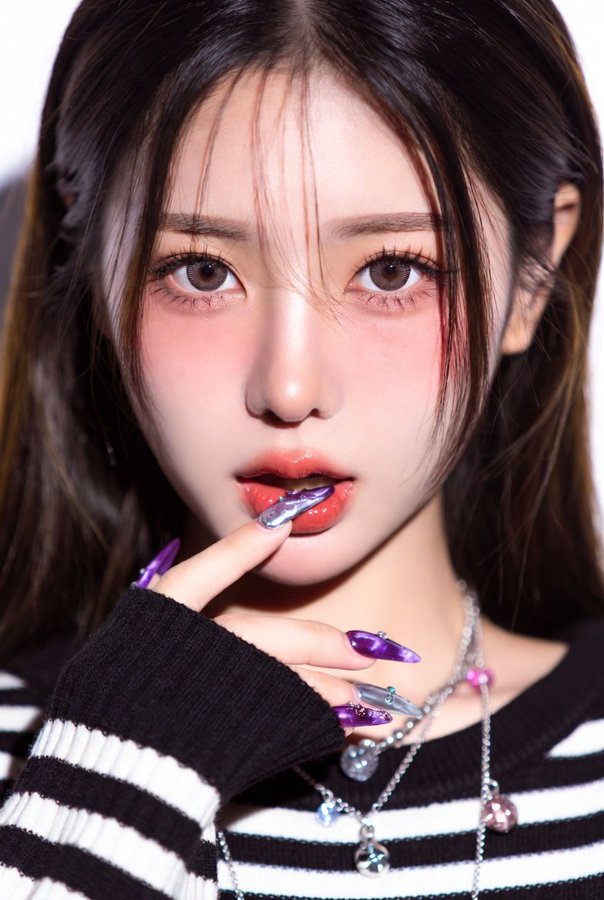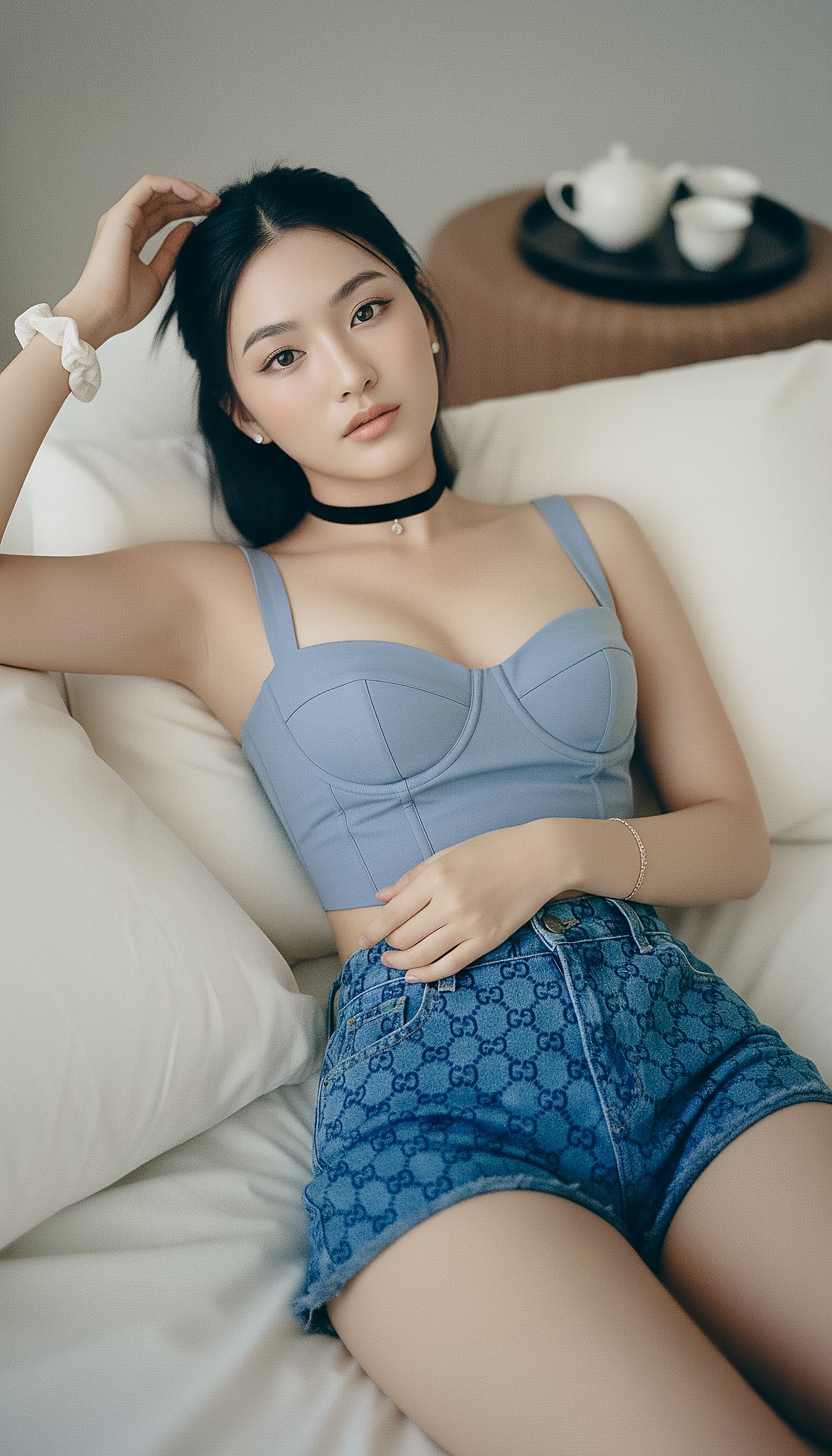
Photorealistic Indoor Reclining Portrait
prompt
{
"photorealistic_indoor_reclining_portrait",
  "style": "Natural editorial portrait; lifelike texture; minimal, tasteful retouching.",
  "output": { "aspect_ratio": "9:16", "resolution_px": [1440, 2560], "color_profile": "sRGB" },

  "subject": {
    "category": "human",
    "gender_presentation": "female",
    "ethnicity": "East Asian",
    "age_bracket": "young_adult",
    "body": {
      "build": "slim with realistic proportions",
      "bust": "fuller bust (natural C–D cup), proportional to frame; gentle natural slope, supportive shaping—no extreme push-up",
      "skin_tone": "light neutral with natural variation"
    },
    "pose": {
      "orientation": "reclining on back, relaxed",
      "right_arm": "raised above head, fingers lightly touching hairline",
      "left_arm": "bent across torso, hand resting on midriff",
      "head": "slightly tilted toward camera left"
    },
    "face": {
      "shape": "oval with mild asymmetry and natural cheek volume",
      "expression": "soft and open",
      "gaze": "direct to camera"
    },
    "eyes": {
      "description": "natural-size, lively but realistic",
      "color": "neutral gray-blue (low saturation)",
      "size_ratio": { "iris_fraction_of_visible_eye": 0.29, "pupil_fraction_of_iris": 0.27 },
      "details": {
        "limbal_ring_strength": 0.08,
        "sclera_brightness_Lstar": 78,
        "sclera_texture": "fine veins and faint tear meniscus on lower lid",
        "catchlights": "two soft rectangular window reflections about 10% of iris width",
        "specular_quality": "satin (no glassy glare)",
        "iris_texture": "visible stromal fibers and subtle color noise"
      }
    },
    "makeup": "sheer base preserving pores; soft peach blush; brown mascara/liner; taupe eyeshadow; hydrated nude lips",
    "hair": { "length": "long", "style": "half-up with bun, slight wave; a few flyaways visible", "color": "natural black" },
    "wardrobe": {
      "outfit": "blue top with Gucci shorts",
      "top": "powder-blue cropped bustier with sweetheart neckline and structured cups; off-shoulder or slim straps; tasteful cleavage; opaque lined fabric; subtle corset seams; cropped length reveals a sliver of midriff",
      "bottom": "Gucci blue GG-monogram denim shorts (small-scale jacquard, navy/indigo on blue; correct 'GG' orientation; no extra text)",
      "accessories": {
        "jewelry": "thin black velvet choker with tiny pendant, small stud earrings, simple rings",
        "wrists": "white fabric scrunchie on right; delicate bracelets on left"
      }
    }
  },
     "environment": {
    "location": "bedroom",
    "set": "plush bed with slightly wrinkled off-white linens and pillows",
    "background_props": "upper right: dark round tray with small white ceramic tea set on textured brown surface"
  },

  "lighting": {
    "scheme": "window key + sheet bounce",
    "source": "large window through sheer curtains (or 120 cm softbox with double diffusion)",
    "quality": "very soft with defined direction",
    "direction": "45° from camera right and slightly top; white bedding as fill about 1.5 stops under key",
    "temperature": "5200K",
    "effect": "gentle modeling with soft nose/lip shadow; crisp but soft eye catchlights; no bloom"
  },

  "camera": {
    "sensor": "full-frame",
    "lens": { "focal_length_mm": 85 },
    "distance_m": 1.8,
    "exposure": {
      "aperture_f": 3.2,
      "iso": 200,
      "shutter_s": 0.005,
      "metering": "spot on cheekbone; ETTR then -0.3 EV to protect highlights on fabric"
    },
    "focus": {
      "target": "near eye",
      "depth_of_field": "moderate (eyes and bust plane in focus; bedding softly blurred)"
    },
    "framing": {
      "orientation": "vertical",
      "angle": "overhead with slight tilt toward face; avoid wide-angle distortion",
      "composition": "9:16 crop framed head to upper hips so bustier and Gucci shorts are visible without foreshortening"
    }
  },

  "color_grade": {
    "look": "true-to-life neutrals with blue accent",
    "contrast": "medium-low",
    "palette": "powder/indigo blues, ivory, soft brown",
    "notes": "retain skin undertones; avoid cyan cast; ensure Gucci blue reads clean without oversaturation"
  },

  "postprocess": {
    "skin": "retain pores and micro-shine; remove only transient blemishes; keep faint under-eye texture",
    "eyes": "no iris enlargement; subtle iris clarity and micro-contrast; limbal ring kept weak",
    "sharpen": "moderate on eyes/brows/hair strands and denim weave/monogram",
    "grain": "fine film grain at 1.5–2%",
    "effects": "disable beauty filters, frequency-separation blur, glow/bloom; no HDR skin"
  },

  "realism_cues": [
    "flyaway hairs around hairline",
    "subtle nasolabial and philtrum depth",
    "natural knuckle/tendon texture on left hand",
    "visible denim weave and aligned monogram on shorts",
    "fabric creases and bedding wrinkles"
  ],

  "negative_prompt": [
    "doll, BJD, porcelain skin, neotenous proportions, plastic/waxy texture",
    "oversized/anime/doe eyes, iris enlargement, glassy eyes",
    "bright cyan/ice-blue contacts, heavy limbal ring, unnaturally white sclera",
    "poreless skin, beauty filter, airbrushed, skin smoothing",
    "bloom/Orton glow, excessive skin luster",
    "CGI, 3D render, illustration, toon shading, LoRA: doll/BJD",
    "wide-angle facial distortion, extreme symmetry filter",
    "random text overlays, misspelled logos, watermarks",
    "see-through fabrics, wardrobe malfunction, underboob/sideboob, explicit NSFW",
    "distorted anatomy, extra fingers"
  ],

}Related prompts
Suggested alternatives based on similar intent and language.
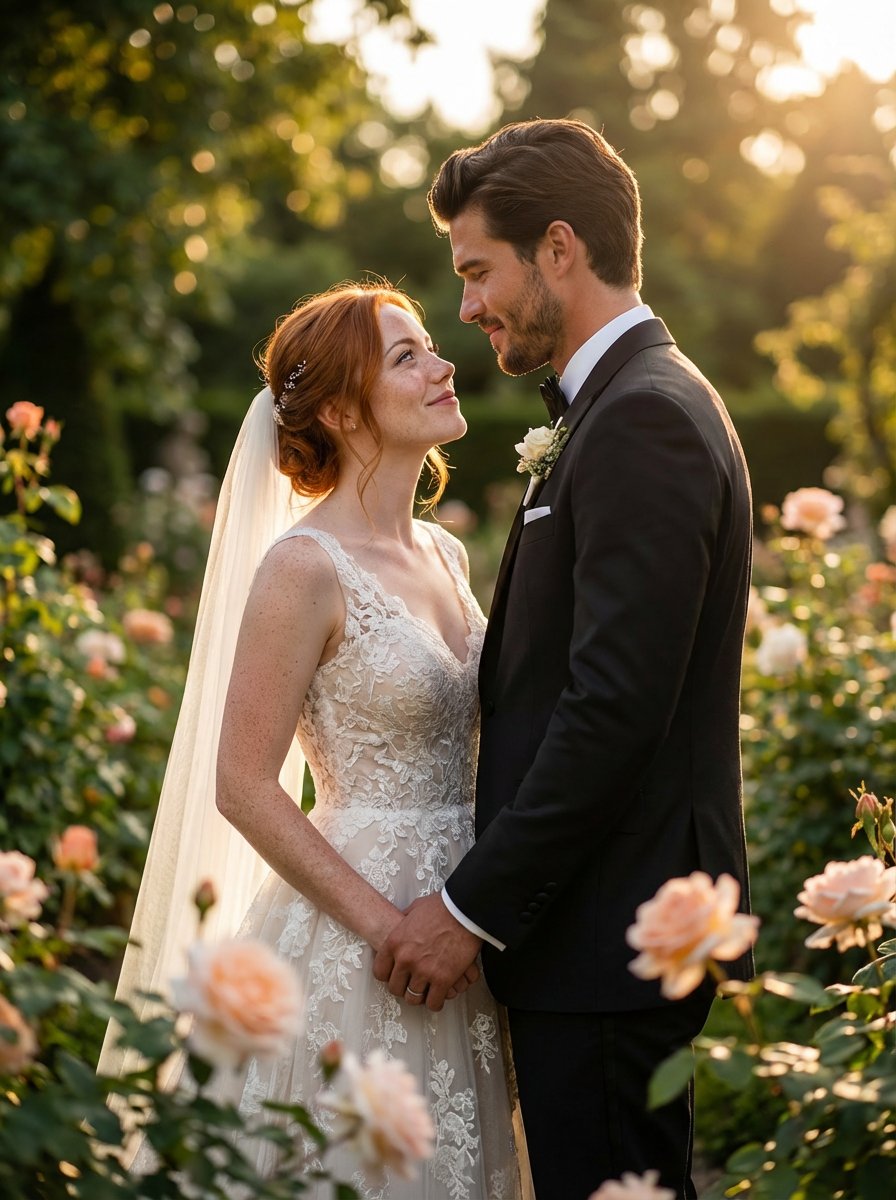
Wedding Photos in the Garden
This prompt is for photographers creating ultra-realistic wedding images in a garden setting, helping produce elegant, high-quality portraits of couples.
Why creators keep returning to AI Prompt Copy
AI Prompt Copy grew from late-night experiments where we packaged the most effective prompt ideas into a single workspace so every creator could ship faster.
Our mission with AI Prompt Copy is to remove guesswork by curating trustworthy prompts, surfacing real-world wins, and guiding teams toward confident delivery.
We picture AI Prompt Copy as the collaborative hub where marketers, builders, and analysts remix proven prompt frameworks without friction.
Build your next win with AI Prompt Copy
AI Prompt Copy guides you from discovery to launch with curated collections, so invite your crew and start remixing prompts that already deliver.
Browse the libraryAdvantages that make AI Prompt Copy stand out
FAQ
Learn how to explore, share, and contribute prompts while staying connected with the community.
How should I tailor Photorealistic Indoor Reclining Portrait before running it?
Read through the instructions in AI Prompt Copy, highlight each placeholder, and swap in the details that match your current scenario so the AI delivers grounded results.
What is the best way to collaborate on this prompt with my team?
Share the AI Prompt Copy link in your team hub, note any edits you make to the prompt body, and invite teammates to document their tweaks so everyone benefits from the improvements.
How can I save useful variations of this prompt?
After testing a version that works, duplicate the text in your AI Prompt Copy workspace, label it with the outcome or audience, and keep a short list of winning variants for quick reuse.
What can I do with AI Prompt Copy?
Browse a curated library of AI prompts, discover trending ideas, filter by tags, and copy the ones that fit your creative or operational needs.
How do I use a prompt from the AI Prompt Copy library?
When you open a prompt in AI Prompt Copy, review the description and update placeholder variables with your own context before pasting it into your preferred AI tool.
How can I share AI Prompt Copy prompts with my team?
Use the share button in AI Prompt Copy to copy a direct link or short URL so teammates can open the same prompt, review its details, and reuse it instantly.
Can I submit my own prompts to AI Prompt Copy?
Yes. Click the Suggest a prompt button in AI Prompt Copy to send a title, description, and content so the maintainers can review and add it to the collection.
Where do AI Prompt Copy prompts come from?
Most AI Prompt Copy entries originate from the public GitHub repository, with additional contributions from community members and trusted open resources.
How do I leave feedback or report an issue?
Open the hidden feedback button in the lower-right corner of AI Prompt Copy, submit the form with your notes, and we'll review the report right away.
How do I onboard new teammates with our prompt playbook?
Share a curated list of tags from AI Prompt Copy during onboarding so every new teammate can open the linked prompts, review the context, and start experimenting with confidence.
What workflow keeps campaign collaborators aligned?
Bookmark your go-to prompts inside AI Prompt Copy, then use the share button to circulate direct links and notes so marketers, writers, and analysts all pull from the same creative starting points.
Can I adapt prompts for teams in regulated industries?
Yes. Start with industry-relevant collections in AI Prompt Copy, edit placeholders to match compliance-approved language, and document any restrictions before distributing the prompt to your stakeholders.
Where do I find help tailoring prompts to my use case?
Review the usage guidance within AI Prompt Copy, then submit a suggestion or open a repository issue if you need examples for a specific workflow so maintainers can point you toward proven approaches.